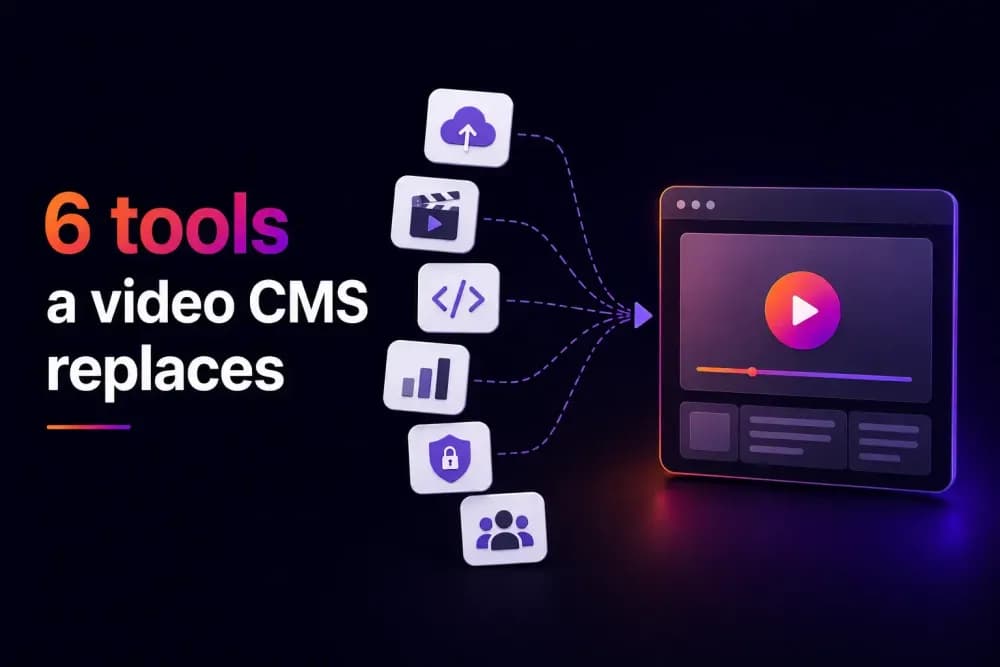
A video CMS built into a full video hosting platform typically replaces up to six separate tools a team ends up paying for otherwise: a CDN, security and access control, analytics, monetisation, SEO and embedding, and basic video organisation. This article covers what each tool does on its own, and what a combined platform replaces it with.
Why do teams end up paying for six separate video tools?
Video usually starts simple: upload a file, share a link, done. As a team's video hosting needs grow, the gaps show up one at a time. Playback gets slow under real traffic, so a CDN gets added. Sensitive content needs gating, so an access-control tool gets bolted on. Someone asks for engagement data, so an analytics tool joins the stack. Each addition solves one problem in isolation, and none of them talk to each other.
A video CMS built into a hosting platform is designed to cover all six from the start. A video CMS handling all six from day one is the difference between managing one relationship and managing six vendor relationships, six logins, and six separate bills for what is, functionally, one job.
A marketing team publishing a few videos a month rarely runs into this problem. A team publishing weekly across multiple product lines usually pays for it directly, in a monthly bill for hosting, another for the CDN, another for the analytics tool, and another for the security plugin. Each comes with its own login, support contact, and renewal date to track. The six tools below are the ones that show up most often.
1. A CDN for video delivery
Video playback speed depends heavily on delivery infrastructure, the network moving the file to a viewer. Without a CDN, video loads slowly for viewers far from the storage location, and performance degrades under real traffic. Teams publishing at scale often add a CDN as a separate service once this becomes a visible problem, usually after a customer or employee complains about buffering.
Cinema8's built-in video CDN handles this directly, so delivery performance isn't dependent on a separate service being connected and configured correctly. A team doesn't need to research CDN providers, negotiate a separate contract, or troubleshoot two vendors when playback issues appear.
2. Security and access control
Basic file sharing rarely includes real access control. It often just includes a link that works for anyone who has it, forwarded on with no way to track or revoke it. Teams handling internal, licensed, or sensitive content need password protection, domain restrictions, and access that expires or can be revoked at any point. This typically means a separate access-control layer bolted onto whatever is hosting the video, often a browser extension or a third-party DRM service.
Cinema8 includes password protection, domain restrictions, and tokenised access as part of the platform itself, backed by ISO 27001-certified infrastructure for information security management. These controls apply to every video by default, with no separate setup required to activate them.
3. Analytics and engagement tracking
A view count says almost nothing about whether a video worked. Teams that need to know where viewers drop off, what they click, and how far they watch typically add a separate analytics or heatmap tool once basic view counts stop being useful for reporting.
Cinema8's video analytics track engagement directly, including heatmaps showing where viewers click, pause, drop off, or replay. This data sits alongside the video itself, so there's no export-and-cross-reference step between a hosting platform and a separate analytics tool when using the built-in tools.
4. Monetisation and ad-serving
Turning video into revenue, through advertising, subscriptions, or product sales, usually requires tools built specifically for that job. This can include an ad-serving platform for VAST/VPAID formats, a separate paywall tool for subscriptions, or a shoppable video plugin for in-player checkout. Each of these is typically sold and billed as its own product.
Cinema8 supports VAST/VPAID advertising, subscription access, pay-per-view, and shoppable video with in-player checkout, all from the same platform used to host the video in the first place. A business can test one monetisation model, then add another, without integrating a new vendor each time.
5. SEO and embedding tools
Getting video to rank and load fast on a website is its own discipline: structured metadata, lazy loading so video doesn't slow page speed, and embeds that only work within approved domains, so copying the code alone doesn't grant access. Teams often add separate SEO or embed-optimisation tools to handle this once video starts showing up as a page-speed problem in performance audits.
Cinema8 includes video SEO tools, lazy loading, and domain-restricted embedding, along with AI-generated titles, tags, and summaries, built into the same platform hosting the video.
6. Video organisation and content management
This is the part usually described as a separate video CMS. It covers folders, playlists, channels, and a simple way to find and publish video, replacing the need to dig through a shared drive. On its own, a standalone video CMS typically handles just this one job well. That narrow scope is why it often ends up as one tool among several in a growing stack.
Cinema8's own video CMS covers this same ground. It includes folders, playlists, channels, and branded player customisation, sitting on top of the CDN, security, analytics, monetisation, and SEO infrastructure already covered, as part of the same platform.
What should you check before consolidating your video tools?
The real cost of running six separate video tools is mostly time, keeping them working together, and closing the gaps that appear whenever one tool doesn't sync properly with another. A team evaluating consolidation should check whether the video CMS itself covers all six areas, since some platforms cover two or three well and leave the rest as afterthoughts.
Start your 14-day free trial on Cinema8's video hosting platform and CMS to see how CDN, security, analytics, monetisation, SEO, and content management work together in one place.