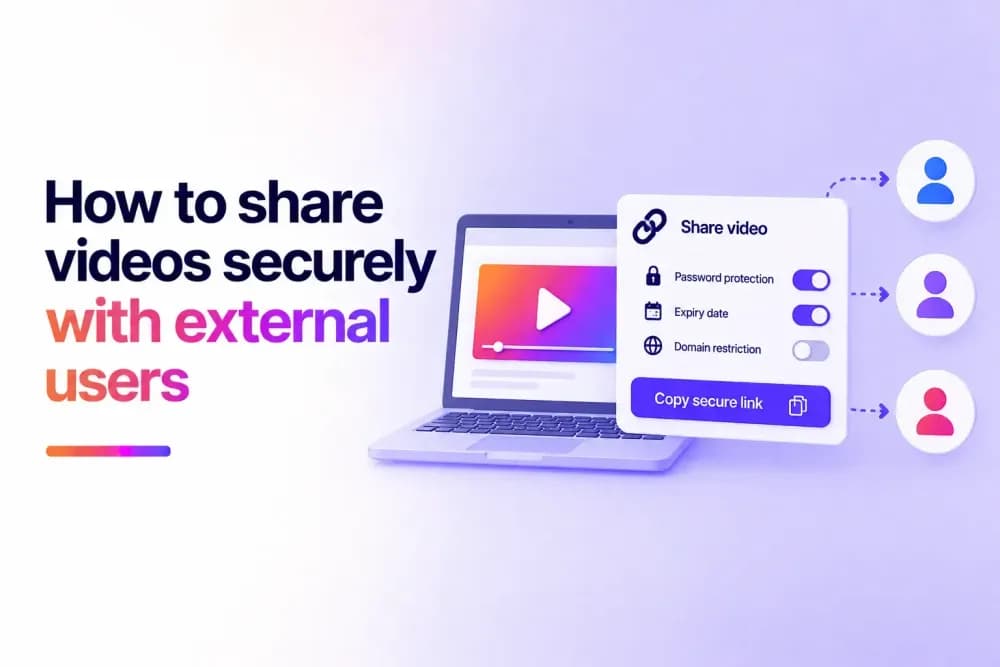
Secure video sharing lets businesses send videos to clients, partners, contractors, prospects, and other external users while retaining control over access. With Cinema8, you can protect videos, create personalised links, set access periods, and track viewing activity. This guide explains how to choose and configure the right sharing method for different external audiences.
How can you securely share a video with someone outside your organisation?
Securely sharing a video with an external user starts with defining who should receive access and the conditions that should apply. With Cinema8's video hosting platform, businesses can host the video centrally and give external viewers controlled access without sending the underlying video file. The sharing method can then reflect the recipient, content sensitivity, and intended viewing period.
A typical secure video sharing workflow involves:
- Uploading the video to Cinema8.
- Choosing the appropriate access method.
- Configuring the required restrictions.
- Creating the link or viewing route.
- Sending access to the external user.
- Monitoring or withdrawing access when required.
The video remains within the hosting environment throughout this process, allowing its access settings to continue governing playback after it has been shared.
Why isn't sending a normal video link always secure?
A standard shareable link may be suitable when the content does not require restricted access. However, possession of the URL can be enough to reach the video if no additional controls have been applied.
This becomes more important when a video is sent outside the organisation. A recipient may forward the URL to another person or retain access after the original reason for sharing has ended.
For business content that requires tighter control, the viewing route needs additional protection. Cinema8 can apply access requirements to hosted videos so that receiving a URL does not automatically provide unrestricted access.
Which Cinema8 sharing method should you use for external users?
The right sharing method for external users depends on who will receive the video and how much control the business needs over their access.
For a trusted client or small external group, password protection can add a straightforward access requirement. Viewers need the password before they can watch the private video.
When access belongs to a particular person, a personalised video link can associate the viewing route with an email address or identifier. This is useful for customer-specific resources, sales demonstrations, presentations, and other content sent to named recipients.
For temporary access, the link can be configured with a validity period. This suits content that should only remain available during a project, review, campaign, or other defined period.
Videos delivered through a client or partner portal may need controls around the playback environment. Domain restrictions can limit embedded playback to approved websites.
Higher-risk content may require several controls or stronger authentication. The sharing method can therefore become more restrictive as the sensitivity of the video increases.
How do you create a secure video link in Cinema8?
Cinema8 personalised links allow businesses to create viewer-specific URLs with optional access periods and viewing limits.
To create one:
- Open the video in Cinema8 Creative Studio.
- Select Share in the top-right corner.
- Open the Personalised Link tab.
- Select New.
- Add a label for internal reference.
- Add the viewer's email address if you want to associate the link with a particular recipient.
- Set Valid From and Valid Until dates if access should only be available during a defined period.
- Set a maximum viewing duration if required.
- Create the link and send it to the intended viewer.
Cinema8 also supports custom variables for personalised experiences when the sharing workflow requires additional viewer-specific information. Creating separate links for individual recipients can be useful when several external users need the same video but their access and viewing activity need to be managed separately.
Can you tell whether an external recipient watched the video?
Cinema8 can associate viewing activity with individual recipients when personalised links include a viewer email or identifier. This gives businesses visibility into how named external viewers engage with shared content.
The value of this information depends on the workflow. A sales team might want to know whether a prospect watched a product demonstration before following up. A training provider may need to review progress or completion for an external learner.
Personalised links can support viewer-specific tracking for progress, interactions, and quiz results. Wider Cinema8's analytics can provide further information about engagement with the hosted video. Where viewer identification is required, it should be configured before the link is distributed so subsequent activity can be associated with the intended recipient.
Can you remove access after sending a video?
Sharing a hosted video gives businesses continued control over the viewing route after it has been sent. Cinema8 links can be configured to stop providing access after a defined period, while revocable links allow access to be withdrawn when circumstances change. The underlying video can remain in the Cinema8 library for other authorised viewers.
This is useful when a project finishes, a sales opportunity closes, a review period ends, or an external contact should no longer be able to view the content. It also means businesses do not have to delete, move, or re-upload the original video simply because one recipient's access needs to end.
Should you send a video file or share a secure video link?
Sending a video file gives the recipient a separate copy of the content. Once downloaded, that copy is outside the access settings applied to the original hosted video and can therefore be shared by the recipient.
A secure video link provides access to the hosted version. Playback can remain subject to the controls configured in the hosting platform, and the business does not need to distribute the source file.
This makes hosted sharing useful when continued control over access or viewer activity is important. Sending the file may still be appropriate when the external user genuinely needs their own copy for editing, archiving, offline use, or another purpose.
No online sharing method can prevent every possible form of copying, including screen recording. Secure sharing controls help businesses manage authorised access and reduce unnecessary exposure of the hosted content.
What should you check before sharing a video externally?
Before sharing a video, test the viewing experience from the recipient's perspective. This can catch configuration problems before access reaches someone outside the organisation.
Check that:
- The correct video and viewing link are being sent.
- Any password or authentication requirement works as expected.
- The intended recipient can access the content.
- The configured validity period is correct.
- Playback works in the intended website or portal where restrictions apply.
- The viewer does not receive access to anything else that should remain restricted.
Testing is particularly important when several controls are being used together. A configuration that works for an internal administrator may behave differently for an external viewer without the same account, permissions, or network access.
Share videos securely with Cinema8
External video sharing should give intended viewers a way to access content while allowing the business to retain appropriate control over the hosted video. Cinema8 supports secure sharing for client communications, sales content, external training, partner resources, confidential presentations, and other business workflows. Teams can manage the video centrally while adapting access to different external audiences.
Start your free trial or book a demo to share business videos securely with external users.