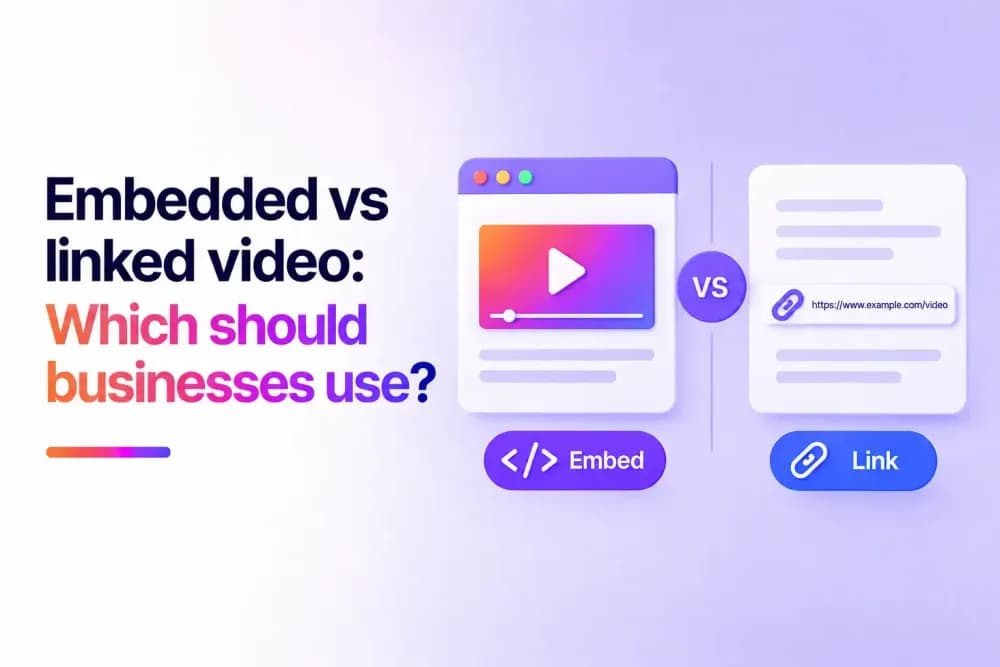
Embedded video plays directly within the webpage a viewer is visiting, while linked video sends them to another location to watch. Businesses can use either method depending on the viewing experience, distribution channel, access requirements, and purpose of the content. This article compares embedded and linked video and explains where each approach fits.
What is the difference between embedded and linked video?
The main difference between embedded and linked video is where viewers access the content. An embedded video appears within the current webpage or digital environment, allowing playback to take place there. A linked video gives viewers a URL that opens a separate location where they can watch the content.
Both methods can distribute videos stored on a video hosting platform. Embedding integrates the player into an existing page, while linking provides a direct route to a separate viewing destination.
This distinction affects how the video fits into a website, campaign, training environment, or wider distribution strategy. Businesses can choose the method according to where they want viewing to take place and how audiences will reach the content.
The table below summarises the main differences between embedded and linked video.
| Embedded video | Linked video | |
|---|---|---|
| Viewing location | Within the current page. | At another URL. |
| Website integration | Player appears within page content. | Page contains a clickable link. |
| Sharing | Usually tied to the page containing the embed. | URL can be shared directly. |
| Page resources | Player resources may load with the page. | No player needs to load on the original page. |
| Surrounding content | Business controls the content around the player. | Depends on the destination page. |
| Common uses | Landing pages, product pages, training portals, and knowledge bases. | Emails, messages, documents, direct sharing, and dedicated viewing pages. |
How do embeds or links affect viewing experiences?
An embedded video allows viewers to start playback without navigating away from the page they are visiting. Other page elements remain available around the player while they watch. A linked video introduces a navigation step. The viewer selects the link and opens another destination, which may be a dedicated watch page, another webpage, or another supported viewing environment.
This changes the path a viewer takes through the content. Embedding keeps playback within an existing page journey, while linking creates a separate destination with its own layout, navigation, and purpose.
When should a business embed a video?
Embedding is useful when the video needs to function as part of a webpage or digital experience. Its placement can connect playback with information or actions available in the same environment.
Embedding can suit content where:
- The video explains or demonstrates something discussed on the page.
- Viewers need access to other page elements while watching.
- Playback forms part of a wider workflow or sequence.
- The position of the video within the content is important.
- The business needs to control the webpage surrounding the player.
Video placement can also reflect the role of the content. A central demonstration may require prominent positioning, while supporting video can appear alongside the information it explains.
When should a business link to a video?
Linking works well when a video needs a destination that can be accessed independently from another webpage. The URL can be copied, distributed, bookmarked, or opened directly without requiring viewers to first visit a page containing an embed.
This makes links useful when the same video needs to move between different channels or recipients. A business can distribute one viewing destination without recreating the video within every place where it is promoted.
Links can also be practical for temporary or targeted distribution, where creating or updating a webpage solely to contain an embedded player would add unnecessary work.
Does website performance affect whether you should embed or link a video?
Website performance can influence the choice when a page contains several videos or already loads substantial media and interactive content.
Embedding requires the page to accommodate the video player and any resources associated with it. Linking leaves playback to the destination page, reducing the amount of video-related functionality required on the original page.
Businesses managing video-heavy webpages can therefore consider how many players need to appear at once and whether every video needs to be immediately available within the page. A mixture of embeds and links may be appropriate when only selected videos need prominent on-page playback.
How do access requirements affect the choice between embedding and linking?
Access requirements can influence whether a business embeds a video or shares it through a link. An embedded video may need to play only within approved websites, portals, or other controlled environments. A direct video link may need controls that remain effective when the URL is shared between recipients.
Video hosting platforms can support different controls for these situations. Domain restrictions can help control where embedded content plays, while features such as password protection, expiring links, or viewer authentication can support direct distribution.
Businesses should consider whether access needs to be controlled around the viewing environment, the recipient, the shared URL, or a combination of these factors.
How can businesses use embedded and linked video in marketing?
Marketing teams can choose the distribution method according to the role video plays within a campaign. When video supports an on-page conversion, embedding can place playback alongside forms, product information, pricing, or other campaign elements.
A dedicated video destination can work differently. Campaigns can direct viewers to a page built specifically around the video, with its own messaging and next action. That destination can then be distributed through email, social media, sales outreach, or other channels.
The same campaign may use both approaches at different touchpoints. A product video could appear within a landing page while a separate link gives sales teams a direct destination to share with prospects.
How can businesses use embedded and linked video for training?
The structure of a training programme can determine how employees access its videos. Formal learning often combines video with written material, assessments, progress tracking, or other resources within a learning environment.
Embedding can place the video at the relevant stage of that workflow. Employees encounter the content in sequence with the materials and activities connected to it. Links can support less structured learning. An employee might receive a recording through a message, open a reference video from documentation, or bookmark a useful resource for later.
Businesses can therefore choose the distribution method according to whether the video belongs to a structured learning journey or needs to be accessed independently.
Can businesses use embedded videos and links together?
Businesses can use embeds and links as different distribution routes for the same video.
A campaign might embed a product demonstration on its landing page while distributing a direct viewing link through sales outreach. Internal teams could embed formal training within a learning platform while sharing supplementary videos through workplace communications.
Using both methods allows the distribution route to reflect how each audience encounters the content. Businesses can decide where playback belongs within an existing experience and where a standalone destination is more useful.
Building a flexible video distribution strategy
Embedded videos and direct links can serve different roles across a business's video library. Using the same hosting platform for both gives teams flexibility to publish videos across websites, campaigns, training environments, and direct distribution channels as their needs change.
Cinema8 provides the hosting and distribution tools businesses need to manage video from one platform. Book a demo or explore Cinema8's plans to get started.