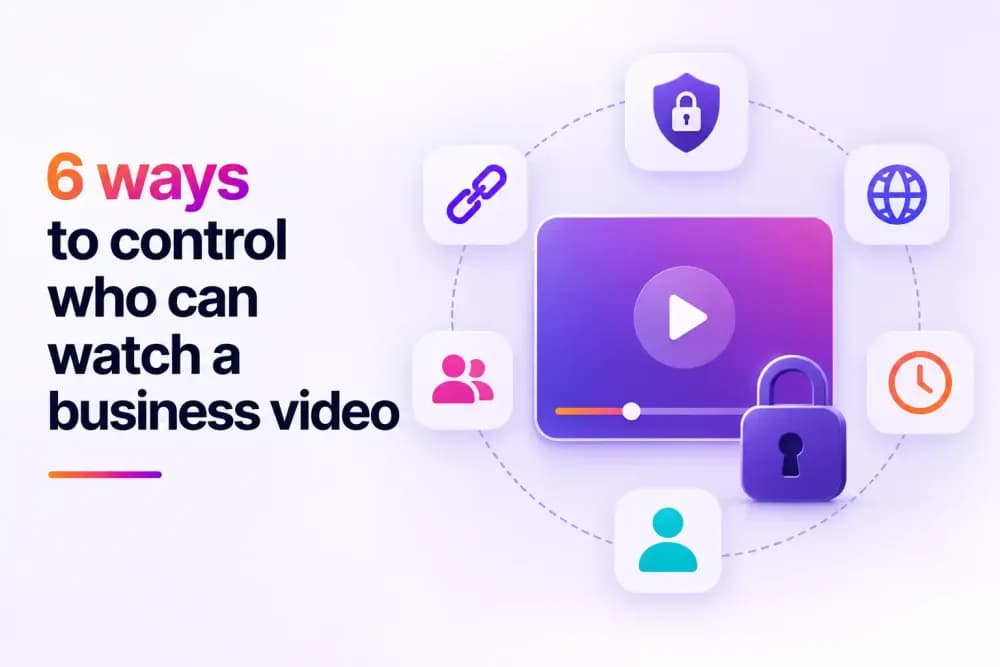
A shared link alone doesn't control who can watch a business video, since anyone who has it can pass it on. Real control comes from combining specific access methods, password protection, domain restriction, expiring links, and more. This article covers six ways to restrict who can watch a video, with video hosting security tools, and how to combine them.
Why aren't private links enough to control who watches a business video?
A private or unlisted link feels secure, but it isn't real control over who can watch the video. Anyone who receives the link can forward it, and the video plays for whoever opens it next, with no way to tell who's watching. This works fine for a casual, low-stakes video; an internal update shared with a small team, for example. It falls apart the moment a business needs to restrict access to a specific customer, department, or paying subscriber, since the link itself carries no memory of who it was originally sent to.
The six methods below each solve this differently, and most businesses end up using more than one, since a single video's needs, a paid course module, a confidential board recording, a public product demo, rarely match another video's needs on the same account.
1. Password protection
Password protection is the simplest method. A viewer needs a password to play the video, on top of having the link. This works well for a single gated video shared with a defined audience, a webinar recording, for example. It doesn't scale well if every video needs its own separate password to manage, since a growing library means a growing list of passwords to track, share, and eventually change.
Passwords also have a well-known weak point: they get shared. A password sent in an email can be forwarded just as easily as the video link itself, so this method works best when the audience is small and trusted, or when it's combined with a second method that doesn't rely on something a viewer simply knows.
Cinema8's secure video hosting platform supports password protection on individual videos or whole folders, so a single password can cover a batch of related content.
2. Domain-restricted embedding
Domain restriction ties a video's embed code to specific approved websites, so it plays on your site but breaks if the embed code is copied elsewhere. This protects content that's meant to live on one website or platform, without needing a password at all. It's especially useful for paywalled or subscription content, where a business doesn't want a video playable anywhere except behind its own paywall. A viewer trying to embed a stolen copy of the video on another site simply gets a broken player instead.
This method has a specific limitation worth knowing: it protects the embed, not the underlying video file. Someone who downloads the video directly is not stopped by a domain restriction, since that protection only applies to the embed code. It's strongest when paired with a method that also limits access to the video file itself.
3. Private and expiring links
A private, tokenised link grants access for a limited time, then stops working. This suits time-sensitive content, a limited-time offer or an event recording, where access naturally shouldn't last forever. Once the expiry passes, the link stops resolving to the video entirely, so there's no need to manually revoke access or track down who still has a copy of the link.
This method suits content where the risk is time. A sales demo sent to a prospect doesn't need to know who specifically is watching, it just shouldn't still be playable six months later once the deal has closed or moved on. An expiring link handles that automatically, without requiring a password or account for a viewer who may only watch the video once.
4. Viewer-level permissions
Viewer-level permissions restrict a video to specific, named individuals or groups. This is a step up from password protection, since access is tied to a checked account or identity. A password can be typed in by anyone who's seen it written down somewhere, but a permission is tied to the specific person it was granted to.
Cinema8 applies this through its own viewer-level permission settings, tying a video to specific people rather than a shared credential.
5. SSO-gated access
Single sign-on ties video access to a business's existing identity provider, so a viewer authenticates with the same login they already use for other company systems. This is the strongest of the six methods, since access is tied to a verified identity confirmed by the business's own login system, instead of a password or link that could be copied and passed along.
SSO also solves the offboarding problem the other methods don't. When someone leaves a company, disabling their account with the identity provider cuts off video access immediately, without a business needing to remember which passwords or links that person had access to.
6. A video portal with sign-in requirements
A video portal combines several of these methods at once, organising video into channels with permission settings, and requiring sign-in for some or all content. This suits a business managing many videos across departments with ongoing access needs, since setting up six separate password-protected videos becomes unmanageable well before a business reaches sixty.
A portal also removes a common failure point with the other five methods: forgetting to apply protection consistently. A business managing individual passwords or domain rules video by video will eventually publish one without remembering to lock it down. A portal applies default access rules at the channel level, so a new video inherits protection automatically, without needing anyone to remember to set it up.
Cinema8's own portal follows this model, combining channel-level permissions with sign-in requirements across an entire library.
Which video access method does your business need?
Controlling who can watch a video comes down to matching the method to the actual risk, since a public product demo and a confidential board recording don't need the same level of protection. Most businesses don't need all six at once. A single gated video usually needs password protection or an expiring link. A business publishing regularly across a website needs domain restriction. A business managing video across teams, with a real need to know who's watching, needs viewer-level permissions, SSO, or a portal.
The deciding factor is usually what the business needs to know about the viewer. Password protection and expiring links block access without confirming identity. Viewer-level permissions, SSO, and a portal all confirm exactly who's watching, which is what compliance and training completion tracking both require, proof of who accessed content, on top of the fact that access was restricted.
Cinema8 combines all six under one account, backed by ISO 27001-certified infrastructure, so a business can start with one method and add more as its needs grow. Explore Cinema8's security features to see how these methods work together.