

Expiring links for videos
Expiring links for videos let you control exactly when shared content can be accessed and how long it remains available. Cinema8 lets teams create personalised video links with defined validity periods and optional viewing limits, making them ideal for sales proposals, client reviews, confidential content and other videos that should only be available temporarily.
Trusted by leading brands around the world


















Sensitive or time-limited videos should not remain accessible through the same link indefinitely. Cinema8’s video hosting platform lets teams create expiring links with defined Valid From and Valid Until dates, controlling when individual viewers can access shared content. Optional maximum viewing durations provide additional video security controls, making expiring links useful for confidential presentations, client reviews, sales content and other resources intended for temporary access.
How to create expiring links for videos with Cinema8
Create expiring video links with defined access periods and viewing limits, giving individual viewers temporary access to sensitive, confidential, or time-limited content.
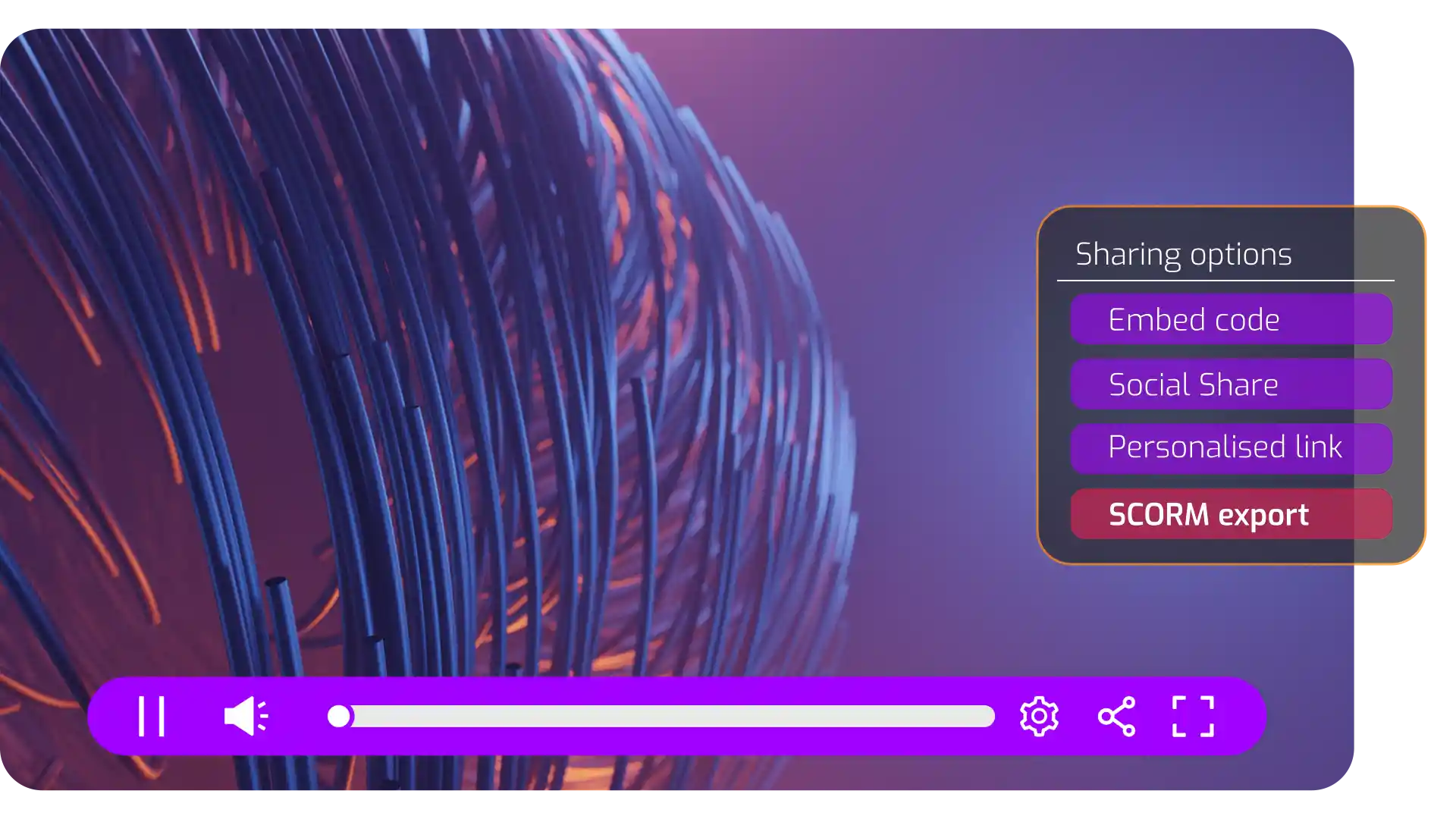
Open your video in Cinema8, go to Share > Personalised Link, and create a new personalised link for the viewer you want to give access.
Set Valid From and Valid Until dates to control exactly when the video link works, with an optional maximum viewing duration for additional access control.
Generate and share the expiring link with your intended viewer. Associate it with their details when needed to identify and track individual viewing activity.
Why use Cinema8 for expiring video links?
Not every video should remain accessible indefinitely after it has been shared. Cinema8 gives teams precise control over temporary video access with expiring links that can be limited by Valid From and Valid Until dates, with optional maximum viewing durations. This makes it easier to share confidential, commercial or time-sensitive content with specific viewers while reducing the risk of an old link continuing to provide access after it is needed.
How Cinema8 improves control over shared videos

Set exact dates for when individual video links remain accessible.
Limit how long viewers can watch sensitive or time-limited content.
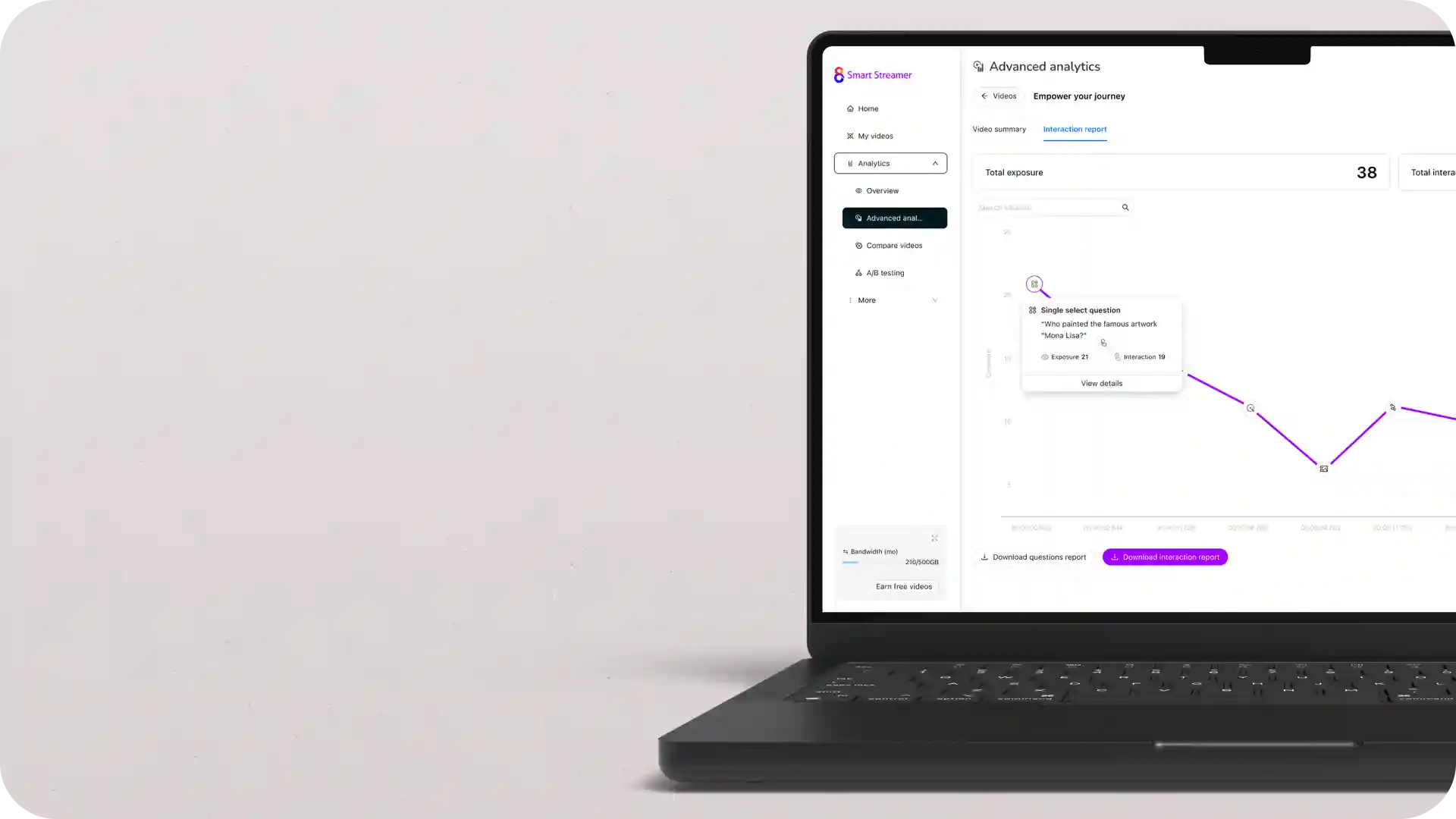
Track individual viewing activity through personalised video links.
Share sales presentations, proposals and commercial videos with prospects using expiring links that remain available during a defined decision period. Set Valid Until dates so access ends when the opportunity or offer expires.
Give clients temporary access to video drafts, campaign previews or sensitive project content while work is under review. Expiring links help control the access window while individual viewer tracking confirms how shared content is being watched.
Provide contractors, partners or temporary team members with video resources for a defined training period. Set when access starts and ends, with optional viewing-duration limits for content that should not remain continuously available.

Learn why organisations use Cinema8 to share sensitive and time-limited video content.
During travel restrictions, Cinema8 proved valuable as a tool. Its platform offered straightforward yet complete tools, allowing us to give virtual demonstrations of our solutions in a secure and efficient way.
Jay Yalung
Art Director, Marketing and E-Commerce / Leica Geosystems
Cinema8 software engaged and motivated students with 360-degree videos at the Tate Gallery, featuring past student projects. Staff support was responsive and helpful with training. A valuable tool for educational institutions.
Chi-Ming Tan
Unit Lead Lecturer LCCA / London College of Contemporary Arts
Cinema8 has been instrumental in compiling all of the videos for a research project on employment for the blind or visually impaired, by offering an easy-to-use web-based platform for building Interactive Videos.
Sarah Moody
Communications Coordinator / Mississippi State University
Cinema8 was chosen for its ease of use and ability to create interactive videos through an intuitive interface. The team received great support and reasonable pricing. leading to a renewal of their partnership. Cinema8's support helped them meet project deadlines.
Michel Sohel
Media Consultant / Eastern Michigan University
Starter
$12
per month billed annually
Everything in Free, plus:
- Lead gen forms with CRM/email integration
- 360 degree interactive video support
- Unlimited screen recording
- Customisable video player
- 1TB bandwidth
Recommended
Pro
$24
per month billed annually
Everything in Starter, plus:
- Sticky hotspots for moving objects
- AI chaptering + SEO metadata
- AI-powered speech search
- Video heatmaps + advanced reports
- 2TB bandwidth
Pro Plus
$84
per month billed annually
Everything in Pro, plus:
- FTP upload for video libraries
- Webhook-based event notifications
- Domain restriction
- Priority + dedicated support
- Unlimited seats