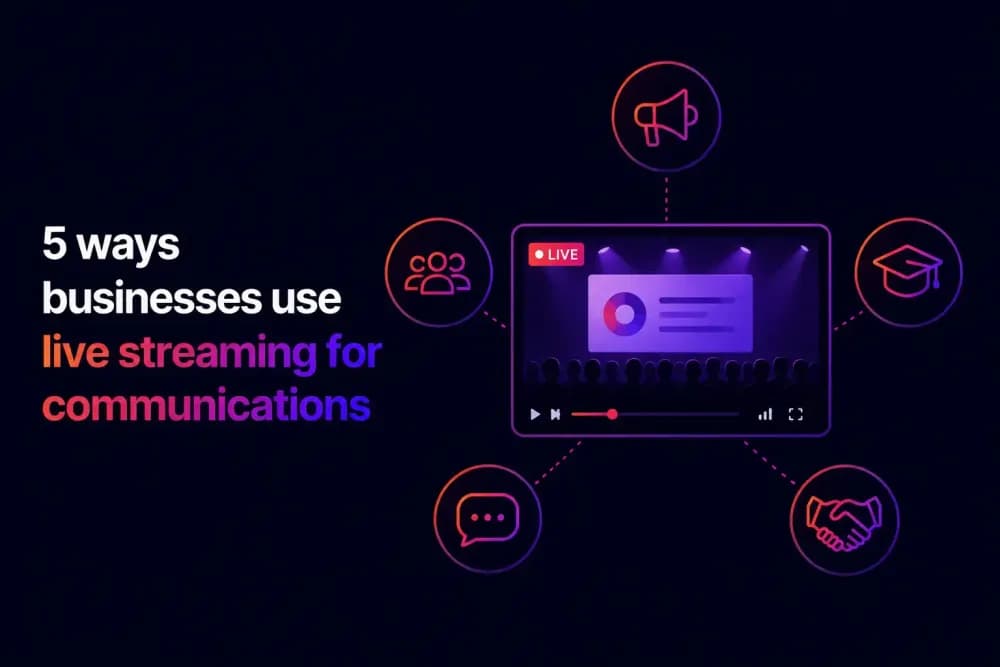
Live streaming serves a different purpose in business than it does in consumer broadcasting. Where public platforms optimise for reach and entertainment, the ways businesses use live streaming centre on controlled delivery, structured engagement, and measurable outcomes. This guide covers five of the most effective applications across internal and external communications, and what each one requires to work well in practice.
How do businesses use live streaming for communications?
Business live streaming sits at the intersection of two distinct communication needs. Internal broadcasts reach employees and external broadcasts reach customers, prospects, partners, and investors.
The two categories share the same live streaming format but very little else. An internal town hall is restricted to employees, designed for alignment, and measured by how effectively it reaches people who could not attend the live session. An external product launch is open to a defined external audience, designed for conversion, and measured by the leads and pipeline it generates. Understanding which category a broadcast falls into shapes every decision that follows, from access controls and platform configuration through to how the recording is distributed after the session ends. The five sections below cover the most effective ways businesses use live streaming and different live streaming features across both.
1. Company-wide announcements and town halls
Live streaming gives leadership teams a direct line to the entire workforce at the same moment, without the message being filtered through management layers or arriving in different forms across different parts of the organisation. This is most valuable for announcements that require alignment: strategic shifts, restructuring, performance updates, or change management moments where the leadership team's tone and presence carry as much weight as the content itself.
A live product launch broadcast creates urgency and shared experience that land differently from a pre-recorded video or a written announcement. The live format signals that something is happening now, which changes how an audience engages with the content compared to watching a recording at their own pace.
What makes this use case work strategically is giving employees a structured way to respond without disrupting the broadcast. Cinema8's video hosting platform includes live streaming tools with live chat. This allows open dialogue throughout the session, while Q&A widgets let employees submit questions that a moderator can surface selectively. That combination gives leadership control over what gets addressed while still creating genuine two-way communication. Private stream settings and SSO ensure the broadcast stays restricted to employees, regardless of where they are accessing it from.
2. Customer and prospect webinars
The webinar has evolved from a content delivery format into a commercial tool. The most effective webinar programmes are built around the broadcast generating pipeline during the session.
The strategic shift is in how the live format is used to create commercial moments within the broadcast itself. A product demonstration that runs to its natural conclusion without giving the viewer a direct route to act on their interest generates awareness. The same demonstration with a CTA overlay appearing at the moment a key feature is revealed, or an in-stream lead generation form timed to appear after a case study is presented, converts engaged viewers into pipeline without requiring them to leave the stream or remember to follow up later.
The intent data generated during a webinar is what makes it a sales tool. A viewer who submitted questions, clicked a CTA, or completed a lead form during the broadcast has demonstrated interest at a specific level of depth that post-event email follow-up alone cannot establish. With Cinema8, lead data from in-stream forms connects to CRM platforms automatically, so pipeline from the broadcast enters the sales workflow without manual export steps.
3. Partner and investor communications
One of the more demanding ways businesses use live streaming is for partner and investor communications, where the audience is small, the content is sensitive, and the consequences of a security or access failure are disproportionate to the broadcast itself. A quarterly investor briefing or a partner programme update reaching an unintended audience creates reputational and potentially regulatory consequences.
The access control requirements for this use case go further than most business broadcasts. Cinema8 supports expiring access links that prevent viewing after a defined period, unlisted stream settings that keep the broadcast invisible to anyone outside the invited audience, and domain restrictions that limit where the player can be embedded. These controls need to be configured correctly before the session begins. Cinema8's ISO 27001 certified infrastructure provides the security baseline that organisations with formal procurement requirements need.
The interactive layer for this use case is also distinct from other broadcast types. A live poll during an investor briefing captures sentiment in real time without requiring a separate survey tool. A Q&A widget allows analysts or partners to submit questions in a structured format that the presenter addresses selectively, which gives the broadcast team control over what gets discussed in a session where message discipline matters.
4. Live product launches and demos
The live format creates a shared organisational moment that a written update or a recorded message cannot match. Employees in different offices, time zones, and working patterns experience the same broadcast simultaneously, which reinforces the sense that the message is being delivered to the organisation as a whole rather than distributed to individuals.
The commercial objective of a product launch is conversion, which means the interactive layer needs to be planned as carefully as the production itself. CTA overlays that appear at the moment a product feature is revealed give viewers a direct route to act while their engagement is at its highest point. A viewer who clicks through to a trial signup or a demo booking during a live reveal is acting on immediate intent that diminishes quickly after the session ends.
Live product demos present a specific engagement opportunity that is easy to miss. The audience can see the product in action but cannot interact with it. Polls and Q&A widgets running alongside the demo give viewers a structured channel to signal interest and ask questions in real time, generating intent data that the sales team can act on immediately after the session. Cinema8's video analytics captures interaction data at the individual viewer level throughout the broadcast, so a viewer who submitted three questions during a product demo is identifiable as a materially warmer lead than one who attended and watched without interacting.
5. Employee training and onboarding at scale
Live streaming infrastructure changes the economics of instructor-led training by removing the geographic and scheduling constraints that limit how many learners a single session can reach. A trainer delivering a live session to 400 learners across multiple sites simultaneously is not a fundamentally different experience from one delivered in a room of 20, but the operational cost per learner is dramatically lower and the reach incomparably greater.
The strategic value of live training at scale is in the data the session generates and how that data integrates with the organisation's learning infrastructure. Cinema8's SCORM and xAPI support means a live session that produces a recording, completion records, and quiz response data feeds into the LMS automatically, creating a complete learning record without manual reporting at any stage. For compliance training or certification programmes, that data trail is as important as the training itself.
The on-demand recording of a live training session extends its value to learners who could not attend and to those who want to return to specific sections of the content. With recordings stored directly in Cinema8's video library alongside the rest of the organisation's learning content, the recording integrates into the existing learning workflow without a separate distribution step.
What makes live streaming work as a business communications tool?
Live streaming for business works as a communications tool when the broadcast is designed around what the audience needs to do during and after the session. Structured interaction, controlled access, and a clear post-broadcast workflow are what separate a live streaming programme that generates measurable outcomes from one that simply delivers a video signal.
The five ways businesses use live streaming covered in this guide span different audiences and objectives, but share that common thread. The live format adds immediacy, shared experience, and the ability to capture audience response in the moment that other formats struggle to replicate. Book a demo to see how Cinema8 handles live streaming across internal and external communications use cases.