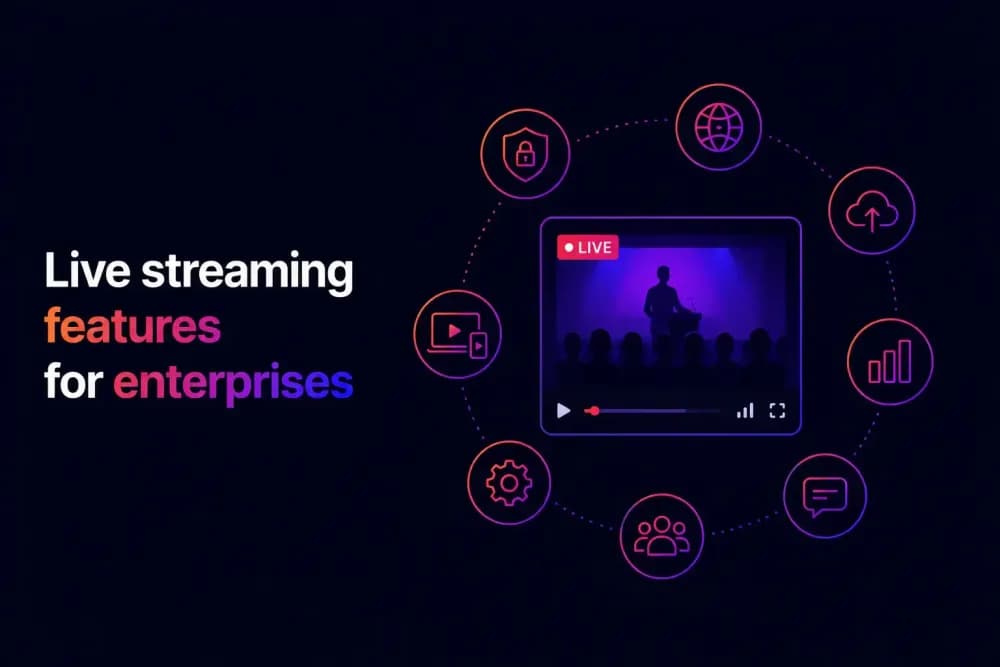
Enterprise live streaming at scale places specific operational demands on a platform: reliable delivery under high concurrency, structured data capture, and tight integration with the workflows that act on broadcast output. This guide covers the eight live streaming features that matter most for large-scale, business-critical broadcasts, what each one enables operationally, and what to look for when evaluating platforms.
What live streaming features do enterprises need?
Enterprise live streaming requirements are more specific than they appear at the platform selection stage. A platform can support live broadcasting and still lack the live streaming features that make a broadcast operationally useful for a large organisation, such as access controls, interactivity, recording workflows, and analytics depth. Understanding how enterprise live streaming works and the infrastructure decisions that affect broadcast quality gives useful context for evaluating the features below, each of which creates a meaningful difference in broadcast reliability, audience experience, and post-event value.
The eight features below cover the live streaming capabilities that enterprise teams should look for.
1. In-player interactive overlays
Interactive overlays are live streaming elements that run inside the player alongside the broadcast, including polls, quizzes, and Q&A widgets. They allow facilitators to collect structured audience responses in real time without routing viewers to a separate tool or breaking the viewing experience.
For training sessions, poll and quiz features give facilitators a way to check understanding during the broadcast and create a data trail of audience engagement. For marketing events and product launches, Q&A widgets and CTA overlays give viewers a direct route to take action without leaving the stream. Some platforms also make the data from these interactions available for review after the broadcast alongside the standard viewing metrics.
The distinction worth noting is that interactive overlays sit inside the player itself. They are not a chat window or a separate engagement tool running beside the broadcast. This means the interaction data is captured within the same analytics environment as the viewing data, rather than requiring a manual reconciliation of data from two separate systems.
Cinema8's video hosting platform and live streaming features include polls, quizzes, Q&A widgets, and CTA overlays as native in-player elements for live broadcasts. Interaction data from each of these is captured automatically in the same video analytics dashboard as standard viewing metrics, so there is no separate reporting layer to manage.
2. In-stream lead generation forms
Lead generation forms are a live streaming feature that allow marketing and sales teams to capture contact details and intent signals during the broadcast, at the moment viewer engagement is highest. This is materially different from directing viewers to a landing page after the event, where a significant proportion of interested viewers do not follow through.
An in-stream lead form can be timed to appear at a specific point in the broadcast, such as immediately after a product demonstration or at the point where a speaker references a downloadable resource. The form appears inside the player, the viewer submits without leaving the stream, and the data passes directly to a CRM through an integration rather than sitting in a separate export queue.
For demand generation teams running webinars or virtual product events, this capability changes the operational relationship between live streaming and pipeline. The broadcast itself becomes a lead capture mechanism in addition to a content delivery channel. Cinema8 supports in-stream lead generation forms, so lead data from live sessions moves into marketing workflows automatically.
3. Branded and customisable player
A branded player means the live broadcast plays inside a player that carries the organisation's visual identity. This covers colour schemes, logo placement, player controls, and the overall frame around the video content.
For enterprise communications teams, branded broadcasts reinforce the organisation's visual identity at every touchpoint, including internal town halls, partner events, and customer-facing product launches. A player that carries a third-party platform's branding creates a disconnect between the content and the organisation delivering it, which is particularly visible when the broadcast is embedded inside a company's own website or intranet.
Customisable player controls also matter operationally. The ability to restrict or enable specific controls, such as playback speed, quality selection, and volume, gives broadcast managers precise control over the viewing experience without requiring custom development. Cinema8 provides a fully customisable player with logo placement, colour controls, and configurable player settings for live broadcasts.
4. Access controls and privacy settings
Privacy and access controls are live streaming features that determine who can reach a live broadcast and under what conditions. For enterprise broadcasts, the settings that matter most are the ability to set streams as public, private, or unlisted, domain restrictions that limit where the player can be embedded, and expiring links that prevent access after a defined period.
These controls serve different needs across broadcast types. Internal town halls and executive briefings need to be restricted to employees only. Client-only sessions need to be invisible to anyone outside the invited audience. Paid subscriber events need access tied to purchase or registration status. A platform that provides only basic on or off visibility settings forces workarounds that add operational complexity and introduce access risk at scale.
Cinema8 gives broadcast managers control over who can access a live stream through public, private, and unlisted settings, with domain restrictions available at the player level for additional access control.
5. Live stream recording and on-demand conversion
Recording a live stream and making it available as on-demand content extends the value of every broadcast after the session has concluded. For enterprise live streaming at scale, a platform that supports recording directly within the broadcast workflow removes the need for separate capture tools, inconsistent file naming, and delays in making content available to viewers who could not attend the live session.
The on-demand asset created from the recording should be available in the same video library as the rest of the organisation's video content, with the same access controls, analytics, and embedding options. This means the recording does not require a separate upload, re-encoding, or redistribution workflow after the live event ends.
For training teams, having the recording available in the same platform means every live instructor-led session produces an on-demand asset that learners can access afterwards without an additional processing step. For marketing teams, it means a webinar recording is ready for redistribution with the same lead capture and CTA overlays that were active during the live session still in place. Cinema8 allows teams to record live broadcasts directly within the platform, with recordings stored in the same video library as the rest of the organisation's video content.
6. Real-time and post-stream analytics
Real-time analytics during a live broadcast show how the audience is engaging as the session runs: how many viewers are active, how engagement is trending over time, and how interactive elements are performing as they appear. Post-stream analytics extend this view to include full session data for each viewer once the broadcast ends.
The operational value of real-time data is that it allows broadcast managers to make adjustments during the session. If viewer numbers drop sharply at a specific point, a facilitator can respond. If an interactive element is generating significantly higher engagement than expected, the team knows to build similar moments into future broadcasts.
Post-stream analytics at the viewer level show when individual viewers joined and left, what quality level they received, which interactive elements they engaged with, and how their engagement compared to the rest of the audience. This data is what allows marketing teams to score leads generated during the broadcast, and training teams to identify which learners completed the session and which did not.
Cinema8 gives you real-time and post-stream analytics to understand how your audience engages with your live content. Monitor total viewers and average watch time as the broadcast runs, then review full engagement data once it ends.
7. Live chat
Live chat gives viewers a direct, open communication channel with the broadcast team during the session, allowing the broadcast team to respond to comments, share links, and maintain a running dialogue with the audience throughout the session.
For internal broadcasts such as town halls and executive briefings, live chat gives employees a way to respond in real time without interrupting the presenter, which is particularly useful for large audiences where raising questions verbally is not practical. For external events such as product launches and customer webinars, it creates a sense of participation that keeps viewers engaged throughout the broadcast.
For large broadcasts, a team member monitoring the chat throughout the session can surface themes, flag high-priority questions for the presenter, and respond to individual viewers in real time. This makes live chat as much an operational tool for the broadcast team as it is an engagement feature for the audience. Cinema8 provides live chat capabilities within its live streaming tools.
8. Multistream destinations and simulcasting
Simulcasting is the ability to broadcast a live stream to multiple destinations simultaneously from a single source. A product launch, town hall, or training session can reach audiences across different platforms and environments at the same time, without requiring separate broadcast setups for each destination.
The operational value is that audience reach multiplies without multiplying production effort. A single encoding source feeds multiple outputs simultaneously, whether that is the organisation's own website, a partner platform, or a private audience portal. The platform manages distribution across destinations, which removes the need to build and maintain separate ingest and delivery configurations for each one.
Cinema8 supports multistream destinations, scaling from three simultaneous destinations to custom destination configurations for enterprise deployments. Broadcasts can be directed to a custom RTMP destination alongside the Cinema8 player, giving teams flexibility in how and where their live content reaches its audience.
What makes a live streaming platform reliable for enterprise use?
The eight live streaming features covered in this guide each serve a distinct operational purpose for businesses, but their value compounds when they work together. A platform that supports interactive overlays but lacks reliable recording creates gaps in the post-event workflow. Strong analytics without the right integrations means data sits inside the platform rather than feeding the systems that act on it. Enterprise broadcast reliability comes from platforms where these capabilities connect across the full workflow.
Cinema8 is a secure video hosting platform that brings these live streaming features together in one place, from interactive in-player elements and lead generation forms through to live broadcast recording, viewer-level analytics, and multistream delivery. Book a demo to see how Cinema8 handles enterprise live streaming at scale.