Screen recorder for webinars
Cinema8’s web-based screen recorder makes it easy to capture your webinars in clear, professional quality. Record slides, demos or live presentations directly from your screen and save them instantly to your Cinema8 library. Once captured, you can enhance your webinar with chapters, CTAs or interactive elements before sharing it on-demand with teams, clients or wider audiences.
Trusted by leading brands around the world


















Cinema8’s screen recorder lets you capture any webinar directly from your screen without needing extra software or plug-ins. Record slides, browser-based sessions or software walkthroughs in high quality, then save the file straight to your Cinema8 workspace. From there, you can trim the recording, add chapters, insert CTAs or build interactive elements before sharing the on-demand version securely with your audience. It’s an efficient way to turn live sessions into lasting, reusable content.
How to record webinars with Cinema8’s screen recorder
Capture your webinar, save it to Cinema8 and prepare it for on-demand viewing in a few simple steps.
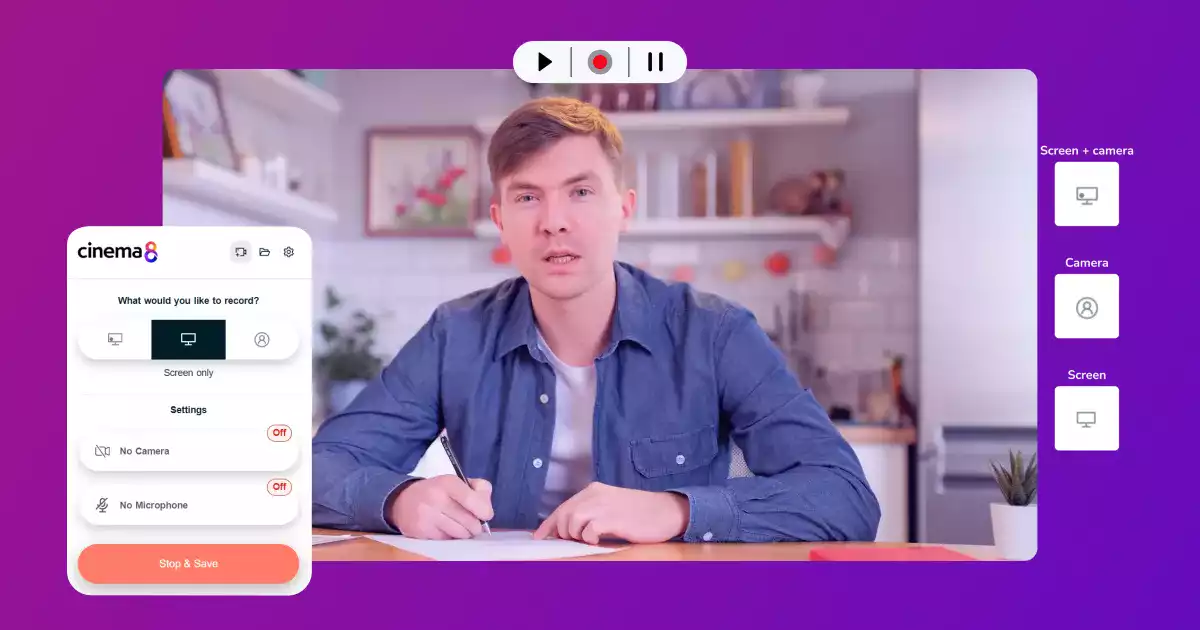
Open Cinema8’s screen recording tools in the platform or use the Chrome extension and choose whether to include microphone input for complete session capture.
Start the recording as your webinar begins. Cinema8 captures your entire screen, ensuring everything shown during the session is preserved accurately.
Save your recording directly to your Cinema8 library so you can edit the video, add interactive elements or publish it later for on-demand viewing.
Why use Cinema8 to record your webinars?
Cinema8’s screen recorder gives you a simple way to preserve your webinar content without complicated software or downloads. Every slide, demo and screen-based moment is captured clearly and saved straight to your workspace, making it easy to edit, enhance or repurpose the recording. Whether you want to share it on-demand, build training materials or maintain a searchable knowledge base, Cinema8 helps you get more from every session.
How Cinema8 improves your webinar recording workflow

Capture clear, reliable recordings without extra software
Save sessions directly to your library for fast editing
Turn webinar recordings into reusable, interactive content
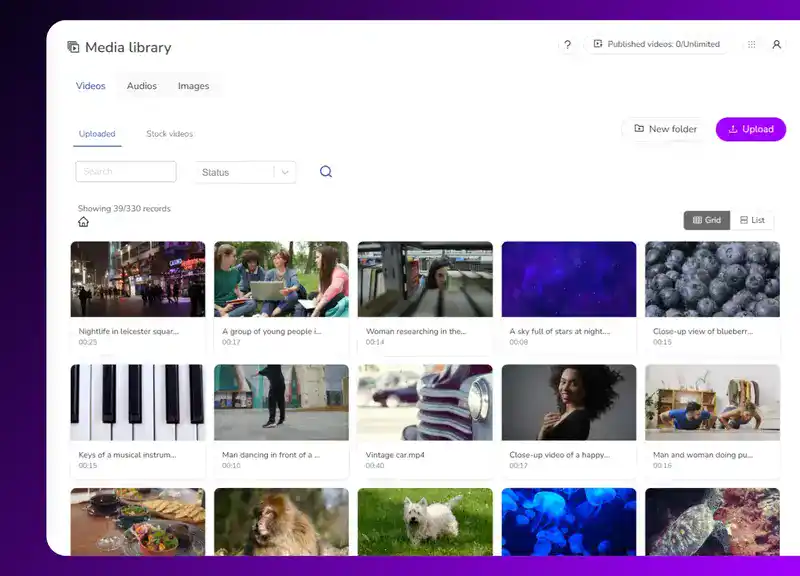
Record your live webinars and store them in Cinema8 to create a permanent, searchable content library. Teams can revisit past webinars, share them with new audiences or repurpose key moments without needing to host the webinar multiple times.
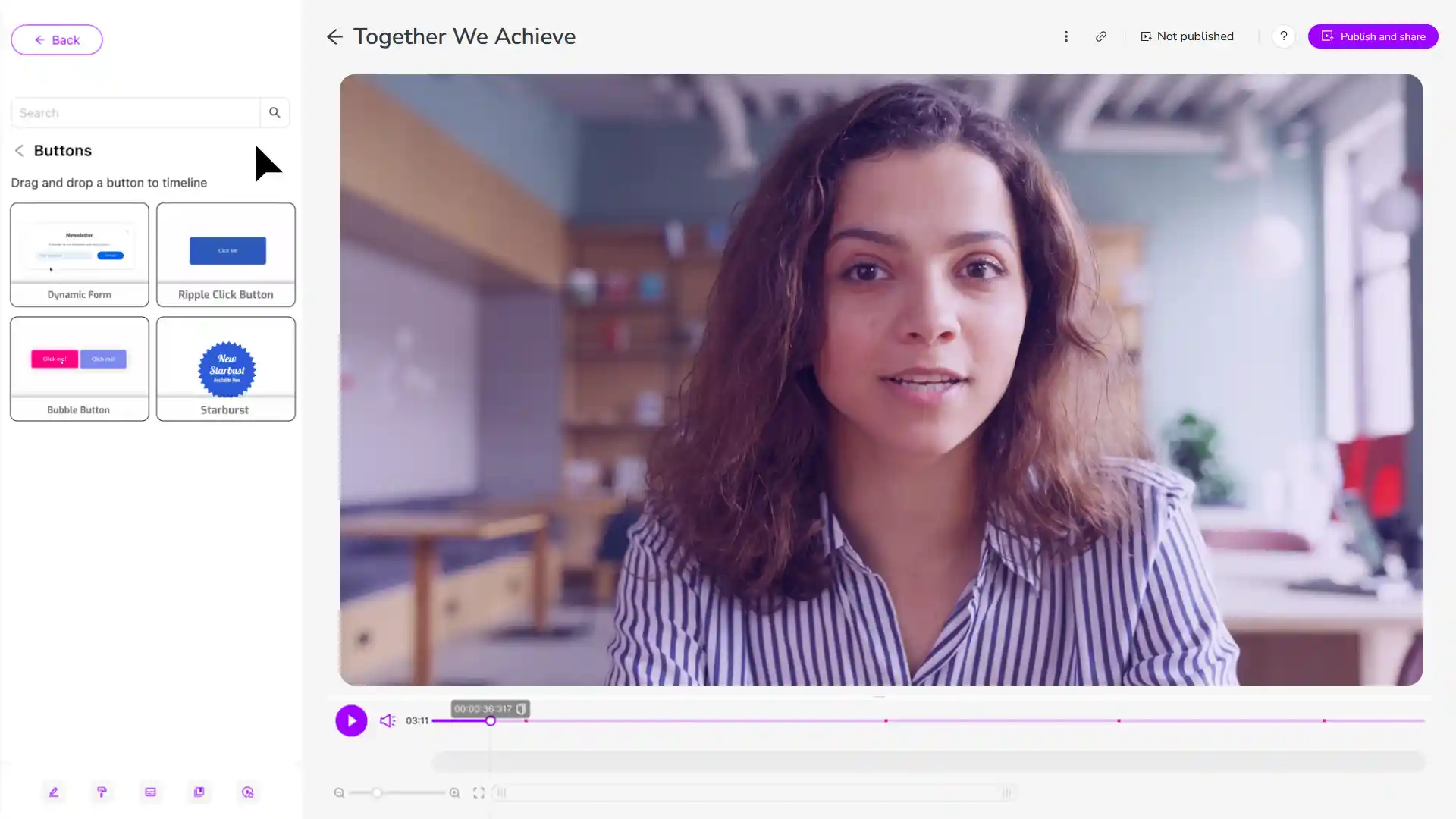
Capture your webinar, then add chapters, prompts or interactive elements to guide learners through the material at their own pace. This helps training teams repurpose webinars into valuable, long-lasting resources that fit into learning pathways.
Use Cinema8’s screen recorder to create reliable recordings for colleagues or clients who missed the live session. Publish securely, apply access controls and let viewers watch on demand without losing important information from the original webinar.
Learn why teams use Cinema8’s platform and how you can benefit too.
During travel restrictions, Cinema8 proved valuable as a tool. Its platform offered straightforward yet complete tools, allowing us to give virtual demonstrations of our solutions in a secure and efficient way.
Jay Yalung
Art Director, Marketing and E-Commerce / Leica Geosystems
Cinema8 software engaged and motivated students with 360-degree videos at the Tate Gallery, featuring past student projects. Staff support was responsive and helpful with training. A valuable tool for educational institutions.
Chi-Ming Tan
Unit Lead Lecturer LCCA / London College of Contemporary Arts
Cinema8 has been instrumental in compiling all of the videos for a research project on employment for the blind or visually impaired, by offering an easy-to-use web-based platform for building Interactive Videos.
Sarah Moody
Communications Coordinator / Mississippi State University
Cinema8 was chosen for its ease of use and ability to create interactive videos through an intuitive interface. The team received great support and reasonable pricing. leading to a renewal of their partnership. Cinema8's support helped them meet project deadlines.
Michel Sohel
Media Consultant / Eastern Michigan University
Starter
$12
per month billed annually
Everything in Free, plus:
- Lead gen forms with CRM/email integration
- 360 degree interactive video support
- Unlimited screen recording
- Customisable video player
- 1TB bandwidth
Recommended
Pro
$24
per month billed annually
Everything in Starter, plus:
- Sticky hotspots for moving objects
- AI chaptering + SEO metadata
- AI-powered speech search
- Video heatmaps + advanced reports
- 2TB bandwidth
Pro Plus
$84
per month billed annually
Everything in Pro, plus:
- FTP upload for video libraries
- Webhook-based event notifications
- Domain restriction
- Priority + dedicated support
- Unlimited seats