Record screen without installing software
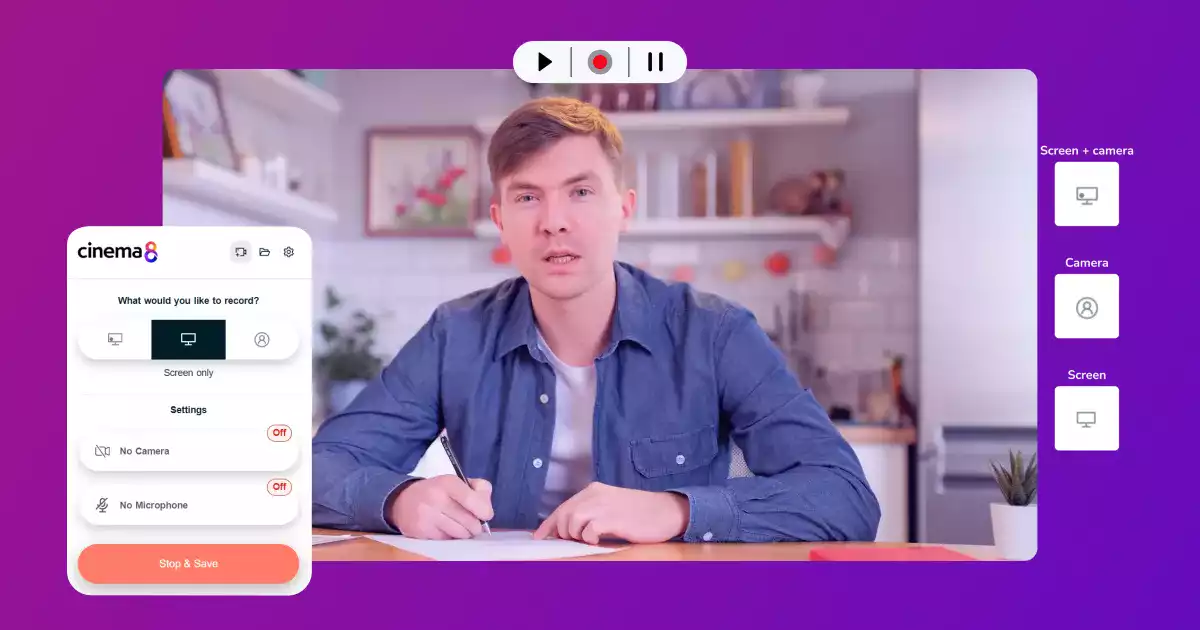
Cinema8 lets you record your screen instantly without installing any desktop software. You can capture your browser, applications, or full desktop directly from your web browser, with optional webcam and microphone input. If preferred, you can also use the Cinema8 Chrome extension for faster access, while still enjoying the same lightweight, installation-free workflow. Your recordings save automatically to your library for quick sharing.
Trusted by leading brands around the world


















Cinema8’s screen recorder lets you capture your screen directly from your browser without installing any desktop software. You can record your full screen, a selected application, or a browser tab, with optional webcam and microphone input to add clarity to your explanation. For even faster access, the Cinema8 Chrome extension provides a lightweight launch option while keeping the workflow installation-free. All recordings are saved securely to your Cinema8 library for easy sharing.
How to record your screen without installing software
Capture your screen directly from your browser, with optional webcam and audio included.
Open Cinema8’s browser-based recorder or use the Chrome extension and choose what you want to capture. Enable webcam or microphone input if needed.
Start recording your walkthrough, demo, or explanation. Cinema8 runs entirely in the browser, so there is no desktop software to install, and the process stays lightweight and fast.
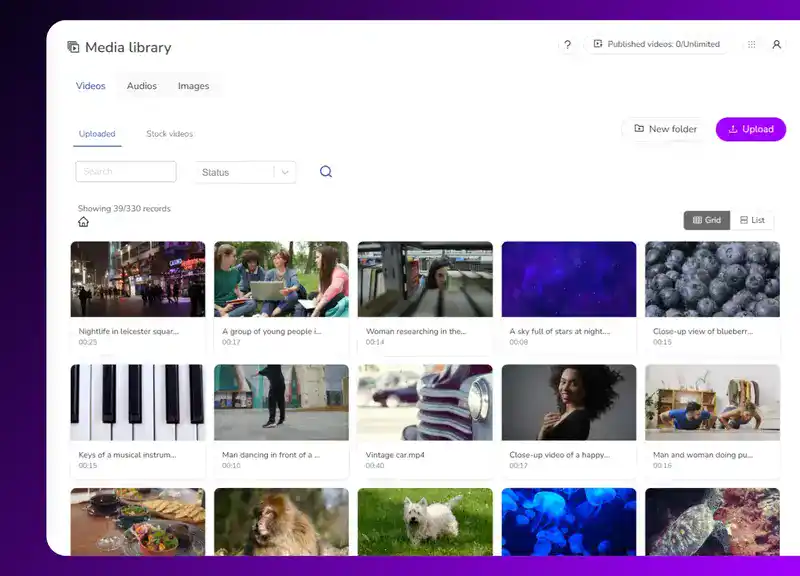
Save your recording to your Cinema8 library for immediate sharing. After sharing, you can use analytics to check your video's performance.
Why use Cinema8 to record your screen without software?
Cinema8 makes screen recording fast and accessible by running entirely in the browser, removing the need to install bulky desktop tools. You can capture your screen, webcam, and audio in just a few clicks, then save and share the recording instantly. The optional Chrome extension offers even quicker access for frequent users, while keeping the workflow lightweight, clean, and device-friendly.
How Cinema8 improves browser-based screen recording

Capture your screen instantly without installing desktop tools
Record screen, webcam, and audio together in one session
Save and share recordings immediately through your library
HR and operations teams can capture quick policy explanations directly from the browser, avoiding long setup times or installation requests across departments. Cinema8 lets teams record screens on shared devices or locked-down corporate laptops, making it easier to create and distribute clear compliance guidance fast.
Distributed teams often need to share know-how quickly without relying on heavy desktop tools. With Cinema8’s browser-based recorder, team members can demonstrate processes, highlight issues, or explain workflows instantly, as well as save the content to a secure video library, helping remote colleagues understand tasks without delays or installation barriers.
Support agents and internal teams can record bugs, errors, or unexpected behaviour straight from the browser. This helps technical teams see the exact issue without interpreting screenshots or text descriptions, speeding up diagnostics and reducing back-and-forth communication.
See why teams choose Cinema8 for simple, installation-free screen recording.
During travel restrictions, Cinema8 proved valuable as a tool. Its platform offered straightforward yet complete tools, allowing us to give virtual demonstrations of our solutions in a secure and efficient way.
Jay Yalung
Art Director, Marketing and E-Commerce / Leica Geosystems
Cinema8 software engaged and motivated students with 360-degree videos at the Tate Gallery, featuring past student projects. Staff support was responsive and helpful with training. A valuable tool for educational institutions.
Chi-Ming Tan
Unit Lead Lecturer LCCA / London College of Contemporary Arts
Cinema8 has been instrumental in compiling all of the videos for a research project on employment for the blind or visually impaired, by offering an easy-to-use web-based platform for building Interactive Videos.
Sarah Moody
Communications Coordinator / Mississippi State University
Cinema8 was chosen for its ease of use and ability to create interactive videos through an intuitive interface. The team received great support and reasonable pricing. leading to a renewal of their partnership. Cinema8's support helped them meet project deadlines.
Michel Sohel
Media Consultant / Eastern Michigan University
Starter
$12
per month billed annually
Everything in Free, plus:
- Lead gen forms with CRM/email integration
- 360 degree interactive video support
- Unlimited screen recording
- Customisable video player
- 1TB bandwidth
Recommended
Pro
$24
per month billed annually
Everything in Starter, plus:
- Sticky hotspots for moving objects
- AI chaptering + SEO metadata
- AI-powered speech search
- Video heatmaps + advanced reports
- 2TB bandwidth
Pro Plus
$84
per month billed annually
Everything in Pro, plus:
- FTP upload for video libraries
- Webhook-based event notifications
- Domain restriction
- Priority + dedicated support
- Unlimited seats