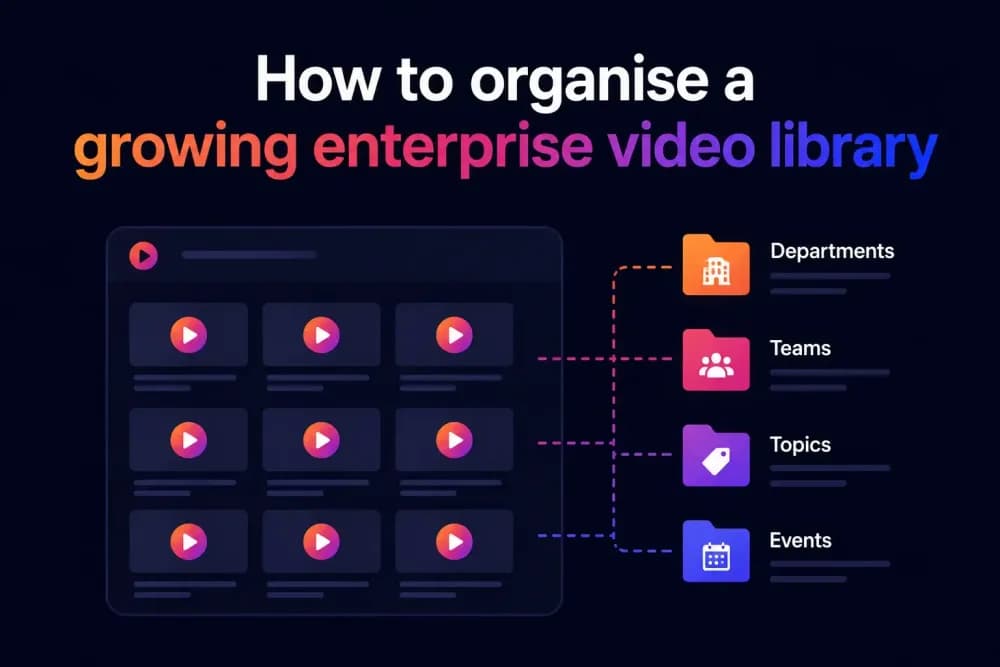
Organising a growing enterprise video library means building a folder structure, tagging system, and access control framework that holds together as the library scales. Most teams hit real problems not when they have 10 videos, but when they have 500 and nobody can find the right version. This guide covers the practical decisions that prevent a video library from becoming a liability.
Why do enterprise video libraries break down as they grow?
A video library that worked fine with 50 assets will often fall apart when it reaches several hundred. The problem is often a governance issue: who named the files, who can access what, and which version is the current one. Without a video hosting platform that enforces metadata and access controls at the point of upload, search within the library stops being reliable as the asset count grows. A marketing director looking for the Q3 product demo might find four files with near-identical names and no indication of which was approved for external use.
The breakdown tends to follow a predictable sequence. Someone uploads a video without applying metadata because the field is optional. Someone else re-uploads the same video because they could not find the original. A third person shares a link to what they think is the current version, but it was replaced three months ago. A library with no enforced structure produces exactly this sequence, regardless of how careful the team is. Cinema8, the secure video hosting platform, addresses several of these problems through structured library management with AI-assisted tagging, folder-level access controls, and viewer-level permissions, allowing you to follow the best practices for video library management.
What are the most common failure modes in an enterprise video library?
The failure modes that cause enterprise video libraries to degrade are specific enough that each one requires a different fix. Understanding them separately is more useful than treating disorganisation as a single problem. The top issues include:
- Inconsistent naming conventions. Files named "final", "final_v2", and "FINAL_USE_THIS" are a symptom of a team that never agreed on a naming standard. Once a library scales past a few dozen videos, inconsistent naming makes search results unreliable and manual browsing impractical.
- No metadata applied at upload. Title, tags, description, and audience segment should be set when a video is uploaded. Libraries where metadata is optional tend to have metadata on only about 20% of files.
- Access not tied to roles. When everyone in the organisation can access every video, sensitive training content, unreleased product demos, and compliance videos sit alongside public marketing content with no separation.
- No version control. Distributing an old version of a product video to customers because it was shared via a permanent embed link is a real operational risk. Libraries without version control create exactly this situation.
- Duplicate content with no audit trail. Re-uploads happen when the original cannot be found. This creates multiple copies with separate view counts, making analytics meaningless.
How to build a folder structure that survives an enterprise video library
The folder structure is the backbone of any growing enterprise video library. Get it wrong and it becomes harder to navigate with each new addition. Get it right and content becomes findable in seconds regardless of how many assets the library holds.
The two most common structural models in enterprise video management are function-based hierarchies and audience-based hierarchies. A function-based structure organises videos by the team or process that produced them: marketing, sales enablement, HR and onboarding, product, and external communications. An audience-based structure organises videos by who the content is for: prospects, customers, internal staff, and partners.
Neither model is universally better. The right choice depends on how content is accessed most often. If your Head of Content regularly needs to find all videos related to a product launch regardless of audience, a function-based structure makes more sense. If your IT team is managing access permissions and needs to segment by viewer type rather than producer, an audience-based structure reduces their overhead. Some enterprise teams use a hybrid approach with a top-level audience split and sub-folders organised by function or topic.
What matters more than the model is consistency. A folder structure applied inconsistently gives the impression of organisation without the practical benefit. Document the model, brief every team that uploads video, and enforce it through upload workflows rather than good intentions.
What do tagging and metadata do for a large video library?
Video tags and metadata are how search works inside a video library. Without them, search depends on filename matching, which fails as soon as naming conventions drift. With a consistent metadata framework, a team member can find all externally approved product demo videos for the EMEA region in a single query, regardless of what the files are named.
The metadata fields worth standardising for enterprise video libraries are: title, description, primary topic or category, audience segment, approval status, language, content type (demo, training, webinar, testimonial), and expiry or review date. Not all platforms support all of these fields natively, but the ones that do allow library search to function as a proper content management tool rather than a file browser.
Tags serve a different purpose from structured metadata fields. Where metadata fields are controlled and categorical, tags are flexible and allow cross-cutting classification. A video might be tagged with a product name, a campaign, a region, and a use case simultaneously, making it discoverable from multiple search angles. The risk with tags is the same as with naming conventions: if different team members apply them differently, the benefit disappears. A controlled tag vocabulary maintained by the content owner resolves this.
Cinema8 includes AI tagging and AI-generated titles, descriptions, and summaries, which reduce the manual effort of applying metadata at upload. For libraries with several hundred existing videos, this is operationally significant because retroactive metadata work is time-consuming enough that most teams deprioritise it.
How to set access controls that match your content sensitivity
Not all video content carries the same sensitivity, and access controls should reflect that. A well-governed enterprise video library applies permissions at the folder or video level. This is different from simply requiring a login to access the library. Role-based access means a sales team member can access external-facing demo content but cannot access unreleased product roadmap videos or HR documentation.
The access control mechanisms worth understanding for enterprise library management are the following:
- Domain restrictions limit where an embedded video can play. A video embedded on your internal intranet can be restricted to your company domain, preventing it from being accessed if someone copies the embed code and places it elsewhere.
- Private and expiring links allow time-limited sharing of specific videos without embedding them publicly. Useful for sharing pre-release content with partners or sending customer support videos with a defined shelf life.
- Viewer-level permissions allow specific individuals or groups to access specific videos, with the access logged against their identity. This is important for compliance-sensitive content where you need an audit trail.
- Single Sign-On (SSO) connects the video platform to your existing identity management system. Team members authenticate through your organisation's directory, which means access permissions update automatically when someone joins or leaves the team.
- IP restrictions add a network-level gate, allowing access only from specified IP ranges. Relevant for organisations that restrict internal content to company networks or approved VPN connections.
Platforms that only support a login gate rather than role-based permissions require organisations to build workarounds, typically involving separate password sharing or manual link distribution, both of which create security and version control risks at scale.
How to maintain consistent metadata across a library that different teams contribute to
Centralised metadata governance is one of the harder operational challenges in enterprise video management. When marketing, HR, product, and sales enablement teams all upload video content independently, inconsistency is the default outcome unless there is a clear standard and a mechanism to enforce it.
The practical approach most enterprise teams use is a combination of upload templates, a metadata style guide, and a nominated library owner per department. Upload templates set required fields at the point of upload, making it harder to skip metadata than to complete it. A style guide defines tag vocabulary, naming conventions, and content type classifications so that different teams apply the same labels to the same types of content. A library owner per department reviews new uploads and corrects metadata before content enters the main library.
For teams managing video libraries at scale, AI-generated metadata tools reduce the dependency on manual input. Cinema8's AI features generate titles, descriptions, summaries, and chapter detection automatically, which is particularly useful when video content is being migrated from older storage systems that have little or no metadata applied. The generated metadata still requires human review, but it provides a starting point rather than a blank field.
How to handle video version control and keep distribution links current
Version control in a video library is a distinct challenge from version control in document management. When a video is updated or replaced, existing embed codes on external pages, internal wikis, and email campaigns may still point to the old version. Without a version management workflow, outdated content continues to be distributed through links that pre-date the update.
There are two approaches to this problem. The first is to use a persistent video URL or embed that is reassigned to the new version when an update is made, so all existing embeds automatically serve the current file. The second is to maintain an internal registry of where each video has been distributed, so that updates trigger a structured link replacement process. The first approach is more reliable at scale because it does not depend on a distribution registry being maintained accurately.
Expiry dates on video links and access-restricted content also help here. If a product demo video is restricted to a six-month expiry, it cannot be accessed via an old link after that period, which prevents outdated content from circulating regardless of whether the link was ever updated.
Cinema8 scales from free-plan individuals to enterprise teams with SSO, domain restrictions, and unlimited seats, which means the access control and version management capabilities above are available across team sizes and content volumes.
What should a video library governance policy include?
A governance policy is a short, practical reference that answers the questions team members ask when they are unsure how to handle a new situation. Without one, decisions get made inconsistently and the library degrades over time.
A working video library governance policy for enterprise teams should cover these areas.
- Who is authorised to upload content to the library, and under what conditions.
- The naming convention for files and folders, with examples.
- Required metadata fields at upload and the controlled tag vocabulary.
- Access control rules by content type, including who approves access for restricted categories.
- The version control process, including how to handle updates to already-distributed videos.
- The review and expiry cycle for each content category, so outdated content is flagged and removed or archived on a predictable schedule.
- Who owns the library at a platform level and who to contact when something breaks.
This document does not need to be long. A single internal page or a two-page reference that every team member uploading video has read is more effective than a comprehensive framework that nobody consults.
What should you do when your current video platform can't support the structure you need?
When your current video platform can't support the structure you need, you should identify the specific gap before switching platforms. Teams that migrate to a new video hosting provider without diagnosing the root problem often replicate the same issues on the new platform, because governance habits and metadata practices carry over regardless of where the files live.
That said, there are genuine platform-level limitations that constrain library organisation at scale. A platform with no role-based access control forces workarounds that create security risk. A platform with no metadata fields beyond title and description makes semantic search impossible. A platform that does not support SSO creates an access management burden that grows with every new team member.
When evaluating alternatives, the questions worth asking are: does the platform support structured metadata with controlled vocabularies, does it offer role-based permissions at the video or folder level, does it integrate with your existing identity management system, and does it provide analytics at the viewer level rather than just aggregate view counts. Viewer-level analytics matter for governance because they show who accessed which content and when, which is an audit requirement in some regulated industries.
Cinema8 provides viewer-level analytics including per-viewer engagement data, access logs, and retention tracking, which means library governance and performance measurement operate within the same platform rather than requiring separate tools.
Is your video library hard to navigate because of the platform or the process?
Most enterprise teams find that a video library becomes hard to navigate because of both the platform and the process. A library that has become difficult to manage usually reflects a combination of platform limitations and process gaps: naming conventions that were never agreed, metadata that was optional at upload, and access permissions set at the platform level rather than the folder or video level.
The practical first step is a content audit. Establish how many videos are in the library, how many have accurate and complete metadata, what access controls are currently applied, and how many files are duplicates or outdated. That audit output gives you two things: a baseline, and a scoped list of remediation work rather than an open-ended problem.
Fixing the process without fixing the platform only gets teams so far. If the platform cannot enforce required metadata at upload, a governance policy becomes a request rather than a control. That structural enforcement is what separates a library that stays organised from one that requires constant manual intervention to remain usable.
What does a well-governed video library look like in practice?
The difference between an enterprise video library that scales and one that becomes unmanageable comes down to enforcement. Folder structures, naming conventions, metadata standards, and access controls only hold when the platform makes them the default. The teams that get this right tend to make these decisions once, early, and systematically, rather than retrofitting structure onto a library that has already grown beyond what manual organisation can handle.
Cinema8's video hosting platform allows for a structured upload workflow and SSO-connected permissions that remove the two most common points of failure before they take hold. Start your free 14-day trial today.