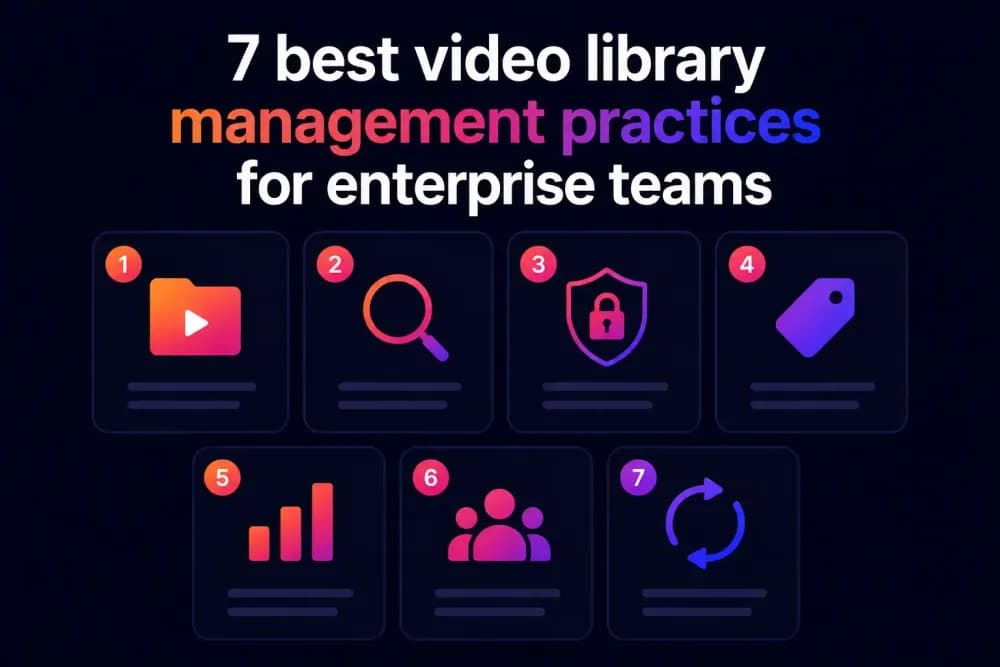
Good video library management comes down to a small number of decisions made consistently: how assets are named, tagged, versioned, and retired. Enterprise teams that get this right spend less time searching for content and less time fixing problems caused by outdated or mis-labelled files. This guide covers seven practices that make a measurable difference as a video library grows.
What makes video library management effective for enterprise teams?
Effective video library management comes down to enforcement. A library with thousands of assets stays navigable when the platform requires metadata at upload, applies access controls at the folder level, and keeps distributed links pointing to current content. A library with a few hundred videos becomes unnavigable when those controls are absent and contributors make individual decisions about naming, tagging, and versioning without a shared standard.
Video hosting platforms built for enterprise video library management enforce many of these practices at the structural level, which matters because practices that depend solely on individual discipline tend to erode as teams grow and turnover increases. Cinema8's secure video hosting platform, supports structured upload workflows, AI-assisted metadata generation, and viewer-level access controls that keep these practices in place without requiring manual enforcement at every step.
What are the best video library management practices?
Effective video library management for enterprise teams requires a combination of structural decisions, enforced workflows, and regular maintenance cycles. The seven practices below address the most common points of failure in libraries that have scaled past the point where informal organisation still works.
1. Set a mandatory naming convention before the library grows
A naming convention applied from the start is significantly easier to maintain than one retrofitted onto an existing library. The convention should specify file format, date format, content type, audience, and version number in a consistent order. For example: [Content-type]_[Topic]_[Audience]_[YYYY-MM]_[v1].
The exact format matters less than the fact that every team uploading video uses the same one. A documented convention with two or three worked examples, distributed to every contributor, is enough to prevent the naming drift that makes library search unreliable at scale.
2. Make metadata required at the point of upload
Optional metadata fields are functionally the same as no metadata fields. When contributors can skip title, description, tags, and audience segment at upload, they usually do. The result is a library where search returns results based on filenames rather than content. A team member looking for approved customer-facing content cannot distinguish it from internal draft material without opening each file individually.
Requiring metadata at upload makes content easier to search. Requiring this, through upload templates or platform-enforced fields, is the single highest-return change an enterprise team can make to an existing library management workflow.
3. Build and maintain a controlled tag vocabulary
Freeform tagging produces the same problem as inconsistent naming. If one team member tags a product demo as "product-demo" and another tags the same content type as "demo" and a third uses "product video", the tag system adds no retrieval value.
A controlled vocabulary is a short, agreed list of tags that every contributor uses. It should cover content type, audience segment, product or topic area, campaign, region, and approval status. The list does not need to be exhaustive. Fifty well-chosen tags applied consistently outperform five hundred tags applied inconsistently.
4. Apply folder structure by audience or function, and document the decision
Folder structure becomes a navigation problem when it grows without a plan. A library with top-level folders named after the people who created content, with no reference to audience or function, is navigable only by the people who built it.
The choice between an audience-based hierarchy (prospects, customers, internal staff, partners) and a function-based hierarchy (marketing, HR, product, sales enablement) is less important than documenting which model was chosen and why. Teams that inherit an undocumented structure spend time learning it and tend to create parallel structures that fragment the library.
5. Use persistent video URLs to protect distributed content from version drift
Version drift happens when a video is updated but the links and embeds pointing to the original file are not. A product demo embedded on a landing page, shared in a sales sequence, and referenced in a customer onboarding email can exist in three different versions simultaneously if the underlying URL changes with each update. Persistent video URLs keep the same link active while the underlying file is updated, which means every existing embed automatically serves the current version. This practice requires platform support, which makes it one of the more important criteria when evaluating enterprise video hosting options.
6. Set expiry or review dates on time-sensitive content at upload
When no review cycle exists, time-sensitive content continues to circulate long after it should have been retired. This includes product demos featuring deprecated features, compliance training from superseded frameworks, and campaign videos tied to promotions that have ended.
Setting an expiry or review date at upload, as a required metadata field, creates a scheduled prompt for the library owner to assess whether the content should be updated, archived, or removed. This practice reduces the volume of outdated content in the library over time without requiring a full audit to identify it.
7. Assign a named library owner per department
One person managing an entire enterprise video library becomes a bottleneck as the number of contributing teams grows. Giving each department a nominated library owner, responsible for reviewing new uploads, correcting metadata, and approving access requests, distributes the workload in line with how much content each team produces. A central owner still holds responsibility for the folder structure, tag vocabulary, and access controls. This keeps the library governable without everything running through a single point of contact.
How do enterprise teams maintain video library management at scale?
Keeping video library management practices in place at scale depends on three things: whether the platform enforces them structurally, whether new contributors are briefed on them during onboarding, and whether there is a quarterly review cycle that surfaces drift before it compounds.
Platform enforcement is the most important of the three. A practice that depends on individual contributors remembering to follow a convention will erode as turnover increases. Required metadata fields at upload, a controlled tag selector, and folder-level access controls that update automatically via SSO remove the dependency on individual memory.
When evaluating whether a current video hosting platform supports these practices, the questions worth asking the provider are whether metadata fields can be made mandatory, whether tag input can be restricted to a controlled list, and whether access permissions update automatically when team membership changes.
What are the costs of poor video library management?
Poor video library management has costs that are easy to underestimate because they accumulate across many incremental time losses with no single visible failure to prompt action. A team member who spends ten minutes searching for a video that should take thirty seconds to find loses that time invisibly. Multiply that by the number of search events per week across a marketing, product, and sales enablement team, and the total adds up quickly.
The more visible costs come from distribution failures: a sales team sharing an outdated product demo because they could not locate the current version, or compliance training being accessed via an old link after it was superseded. Both types of cost are preventable, and both stem from the same root cause: a library with no enforced structure and no maintenance cycle.
How do you keep an enterprise video library manageable long term?
Keeping an enterprise video library manageable long term means catching drift before it compounds. A library that was navigable six months ago becomes difficult to search because of accumulated small decisions: a file uploaded without tags, a folder created outside the agreed structure, a link shared to a video that was later updated. When that drift becomes visible, a content audit is the fastest way to establish what needs fixing. Knowing what is in the library, what has accurate metadata, and what is duplicated or outdated turns an open-ended problem into a scoped list of actions.
Cinema8's enforced upload fields and AI-generated metadata ensure that metadata is never skipped at upload, removing the most common source of library degradation at the point where it starts. Start your 14-day free trial and see how Cinema8 keeps your video library organised at scale.