Add sound effects to video
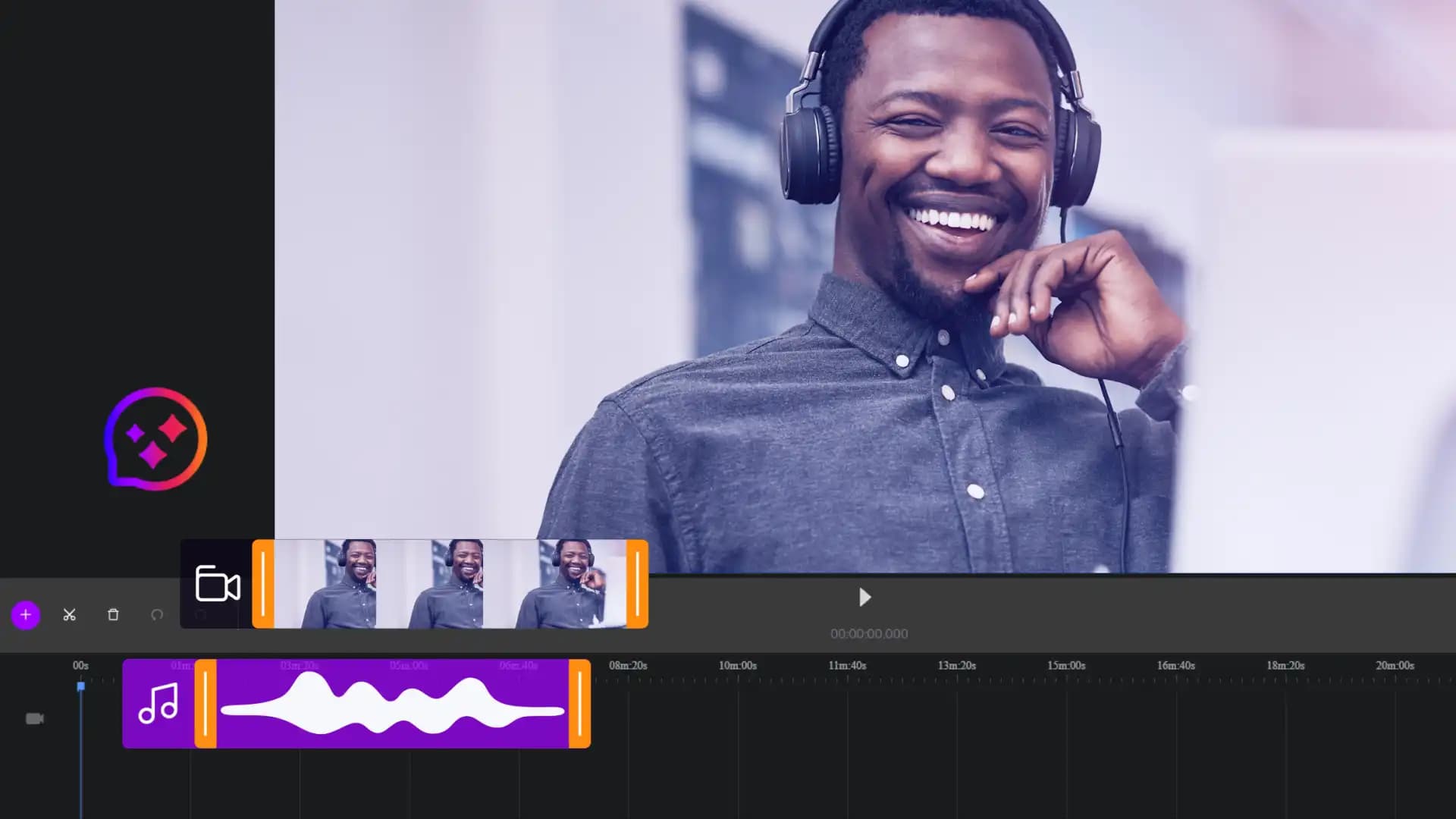
Cinema8's video platform makes it easy to add sound effects to your videos using the built-in editor. You can upload your own audio files or choose from your library, then place, time, and adjust each sound effect directly on the timeline. With simple controls for volume, fade-in, fade-out, and alignment, creators can highlight key moments, guide viewer attention, and produce more polished, engaging videos.
Trusted by leading brands around the world


















Cinema8’s video editor lets you add sound effects to any video by uploading your own audio files or selecting effects from your library. Each sound can be placed precisely on the timeline, adjusted for volume, and refined with fade-in or fade-out to match on-screen actions. Because everything happens inside the browser, creators can enhance clarity, mood, or emphasis without external software. As you update your video, you can preview timing instantly to ensure every effect feels natural.
How to add sound effects using Cinema8
Enhance your video by uploading, placing, and adjusting sound effects directly on the Cinema8 timeline.
Upload your video to Cinema8 and open it in the editor. Add your sound effects by uploading audio files or selecting effects already in your library.
Drag each sound effect onto the timeline and position it to match key moments. Adjust volume levels and apply fade-in or fade-out for smoother transitions.
Preview your edits to ensure timing feels natural, then export your enhanced video. Use Cinema8’s tools to make further edits or update the audio as needed.
Why use Cinema8 to add sound effects to your videos?
Cinema8 gives creators a straightforward way to enhance their videos without relying on additional editing tools. Sound effects can be placed precisely on the timeline, adjusted for volume, and refined with simple controls, helping you strengthen impact and guide attention. Because editing happens in the browser, you can update audio quickly and keep your workflow flexible as your project evolves.
How Cinema8 enhances your video sound design

Place sound effects precisely to match key visual moments
Adjust audio levels and fades for smoother, polished results
Refine timing easily with instant, in-browser preview tools
Add subtle sound effects to emphasise steps, highlight interactions, or support visual transitions in your explainer videos. Cinema8’s editor lets you position music and SFX on the timeline, helping viewers follow what’s happening and improving overall clarity without overwhelming the visuals.

Use sound effects to guide attention during lessons, indicate section changes, or reinforce key actions in training content. With precise placement tools and adjustable volume settings, you can make instructions more noticeable while keeping the experience professional and distraction-free.
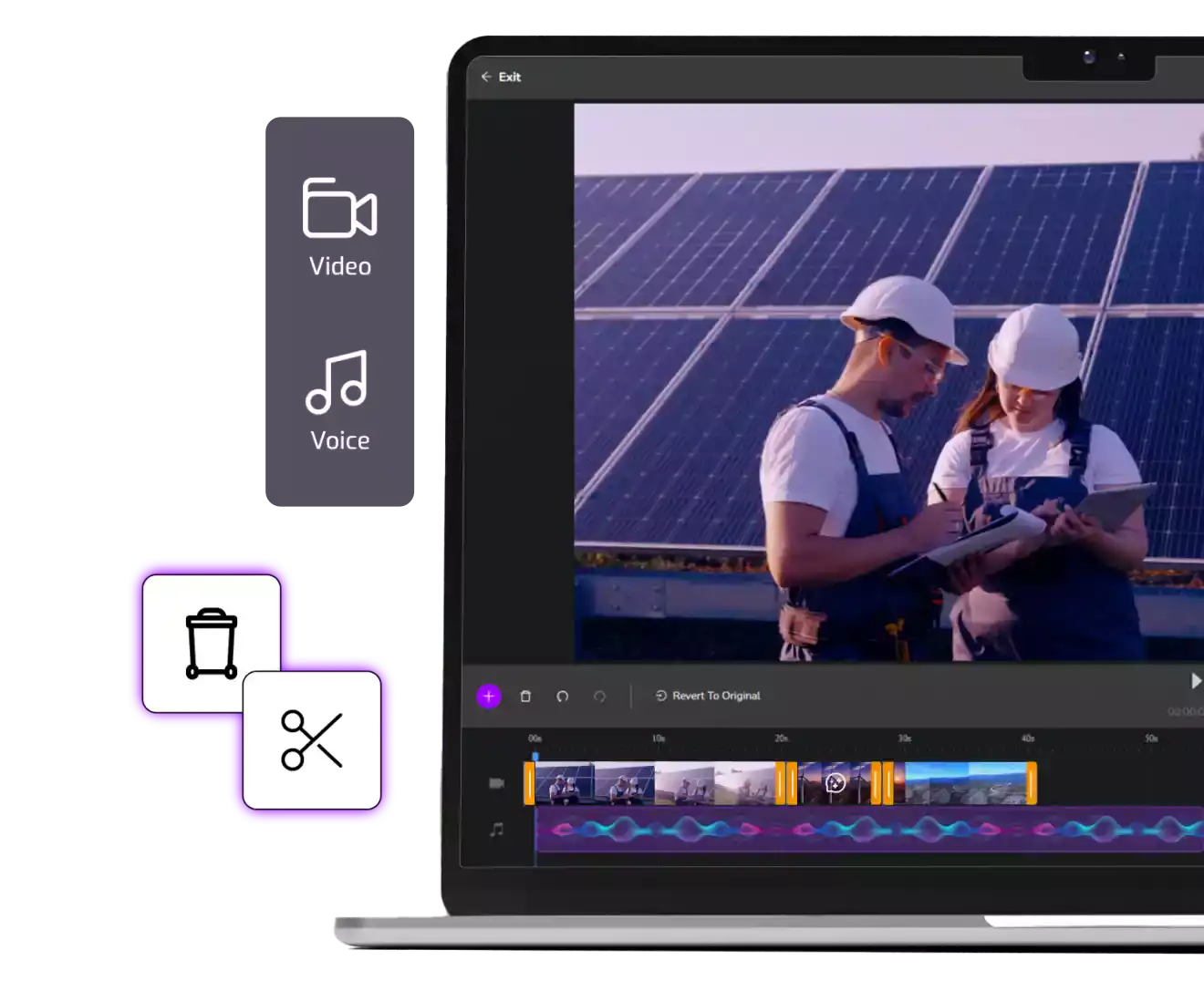
Add sound effects to highlight product features, signal interactions, or make animations feel more dynamic. Cinema8’s timeline editor allows you to sync SFX with exact visual moments, giving your marketing clips a sharper, more polished feel without additional editing software.
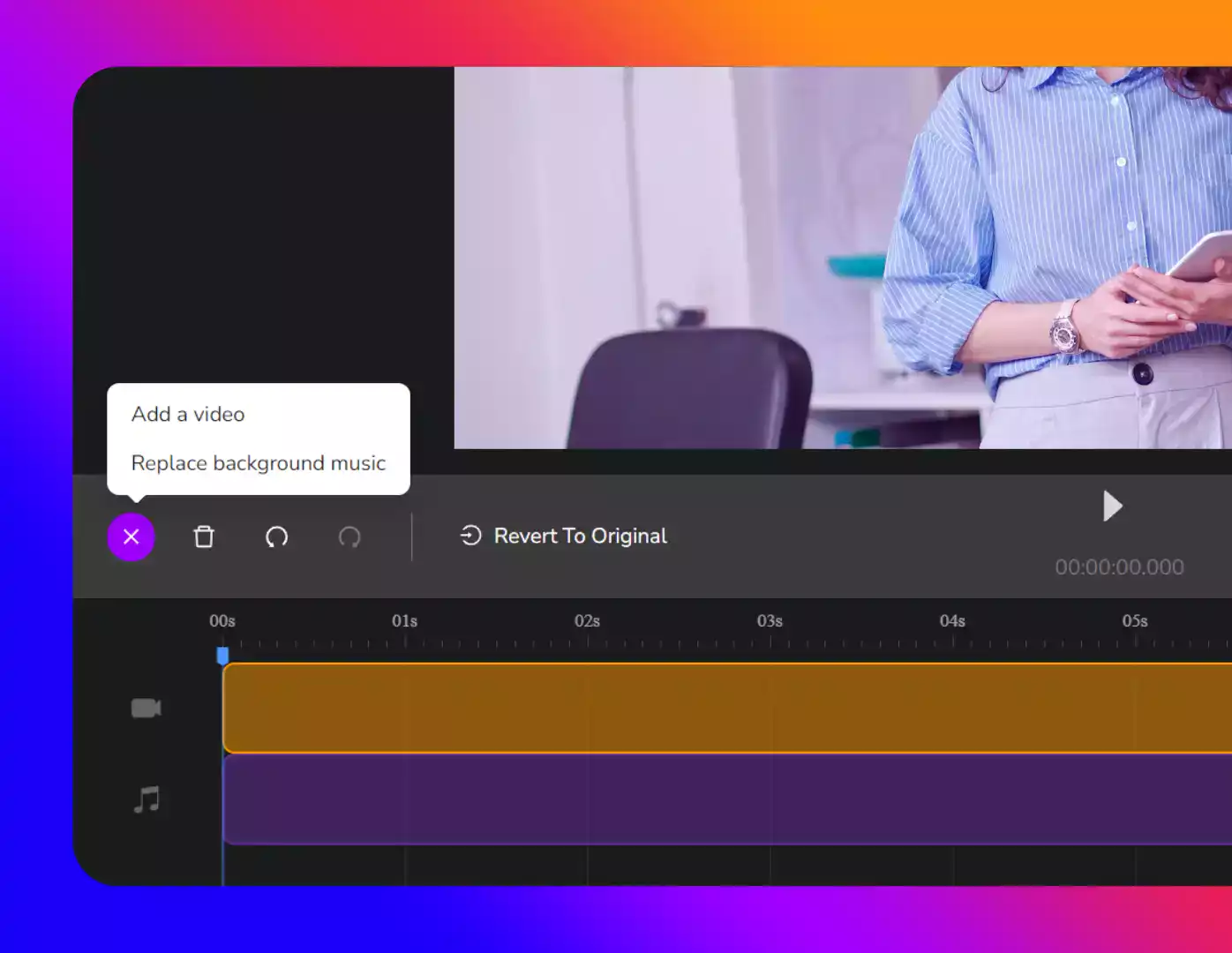
See why creators choose Cinema8 to refine videos with clear, well-timed sound effects.
During travel restrictions, Cinema8 proved valuable as a tool. Its platform offered straightforward yet complete tools, allowing us to give virtual demonstrations of our solutions in a secure and efficient way.
Jay Yalung
Art Director, Marketing and E-Commerce / Leica Geosystems
Cinema8 software engaged and motivated students with 360-degree videos at the Tate Gallery, featuring past student projects. Staff support was responsive and helpful with training. A valuable tool for educational institutions.
Chi-Ming Tan
Unit Lead Lecturer LCCA / London College of Contemporary Arts
Cinema8 has been instrumental in compiling all of the videos for a research project on employment for the blind or visually impaired, by offering an easy-to-use web-based platform for building Interactive Videos.
Sarah Moody
Communications Coordinator / Mississippi State University
Cinema8 was chosen for its ease of use and ability to create interactive videos through an intuitive interface. The team received great support and reasonable pricing. leading to a renewal of their partnership. Cinema8's support helped them meet project deadlines.
Michel Sohel
Media Consultant / Eastern Michigan University
Starter
$12
per month billed annually
Everything in Free, plus:
- Lead gen forms with CRM/email integration
- 360 degree interactive video support
- Unlimited screen recording
- Customisable video player
- 1TB bandwidth
Recommended
Pro
$24
per month billed annually
Everything in Starter, plus:
- Sticky hotspots for moving objects
- AI chaptering + SEO metadata
- AI-powered speech search
- Video heatmaps + advanced reports
- 2TB bandwidth
Pro Plus
$84
per month billed annually
Everything in Pro, plus:
- FTP upload for video libraries
- Webhook-based event notifications
- Domain restriction
- Priority + dedicated support
- Unlimited seats