Adaptive streaming
Cinema8 uses adaptive streaming to deliver smooth, uninterrupted video playback regardless of a viewer’s device or internet connection. Video quality automatically adjusts in real time based on available bandwidth, helping prevent buffering and playback interruptions. This ensures audiences experience consistent viewing whether they’re watching training content, product videos, or customer-facing media from anywhere in the world.
Trusted by leading brands around the world


















Cinema8’s adaptive streaming is built into its video hosting platform to ensure reliable playback across different devices and network conditions. Instead of delivering a single fixed-quality stream, Cinema8 automatically adjusts video quality in real time based on each viewer’s bandwidth and screen capabilities. This reduces buffering, prevents sudden playback stops, and maintains a consistent viewing experience. Adaptive streaming is especially valuable for global audiences, remote teams, and high-traffic content where connection quality can vary widely.
How adaptive streaming works in Cinema8
Deliver smooth playback by automatically adjusting video quality to each viewer’s connection.
Upload your videos to Cinema8 and publish them using the built-in hosting platform. Each video is prepared for adaptive delivery across devices and network conditions.
When viewers press play, Cinema8 detects their bandwidth, device type, and connection stability. The system automatically selects the most appropriate video quality in real time.
As network conditions change, video quality adjusts seamlessly during playback. This prevents buffering and keeps the viewing experience smooth without requiring manual quality selection.
Why use Cinema8 for adaptive streaming?
Cinema8’s adaptive streaming ensures viewers receive smooth, reliable playback regardless of connection speed or device. By adjusting video quality automatically in real time, it reduces buffering and prevents interruptions that can disrupt engagement. This makes adaptive streaming especially valuable for global audiences, remote teams, and high-traffic content where network conditions vary and consistent viewing quality is essential.
How Cinema8 improves video playback with adaptive streaming

Reduce buffering by adjusting quality to connection speed
Deliver consistent playback across devices and networks
Maintain viewer engagement during traffic spikes
Remote employees often access video content from home networks with varying speeds. Adaptive streaming ensures training updates, leadership messages, and internal videos play smoothly by adjusting quality in real time, reducing buffering and frustration for distributed teams.
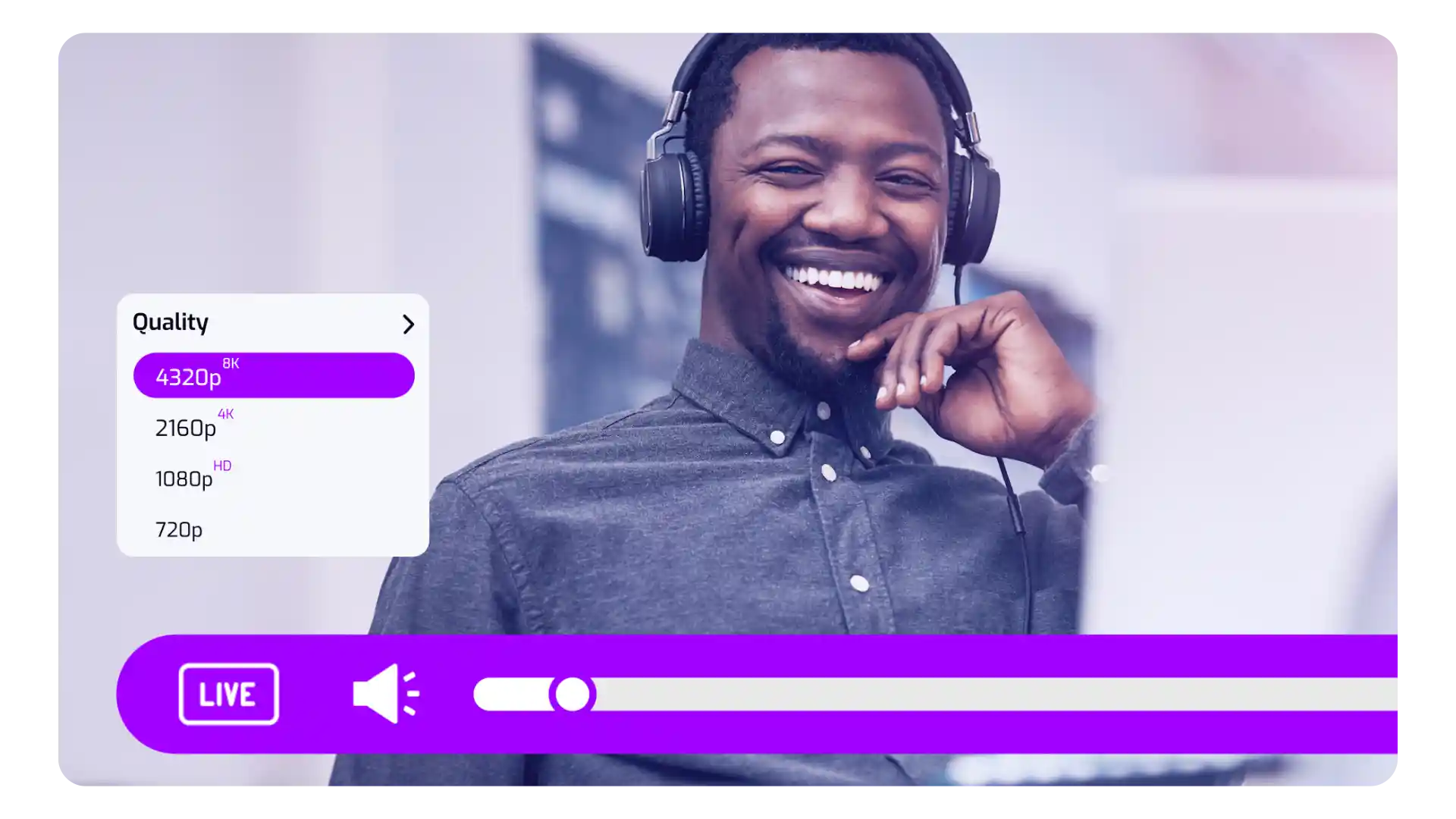
Product launches, company announcements, or public campaigns can generate sudden traffic spikes. Adaptive streaming helps maintain stable playback by dynamically adjusting video quality for each viewer, preventing interruptions even when many users watch simultaneously.
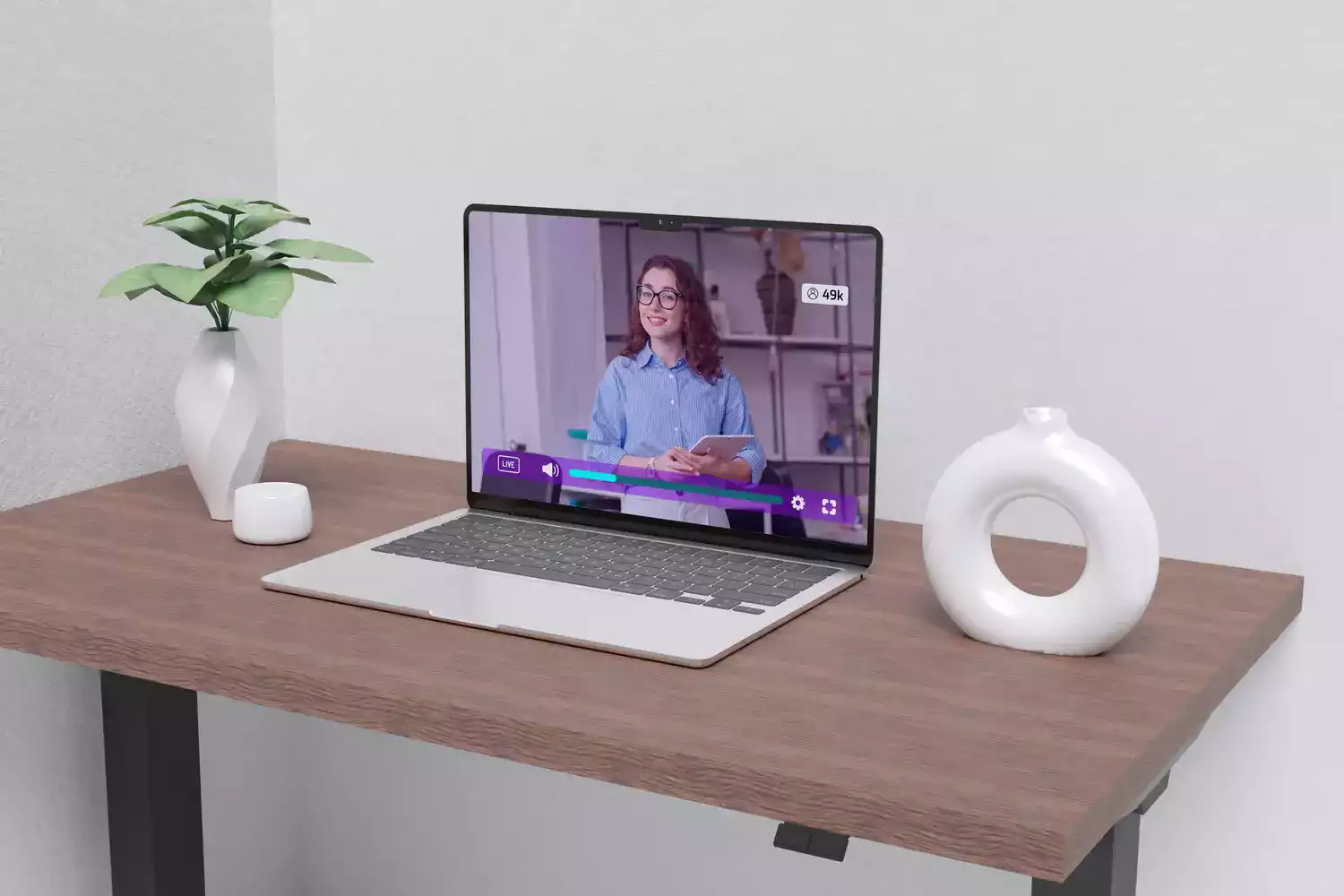
Audiences watching on mobile devices or unstable connections benefit from adaptive streaming that lowers resolution automatically when needed. This ensures videos continue playing smoothly without manual adjustments, improving accessibility and completion rates in bandwidth-limited environments.
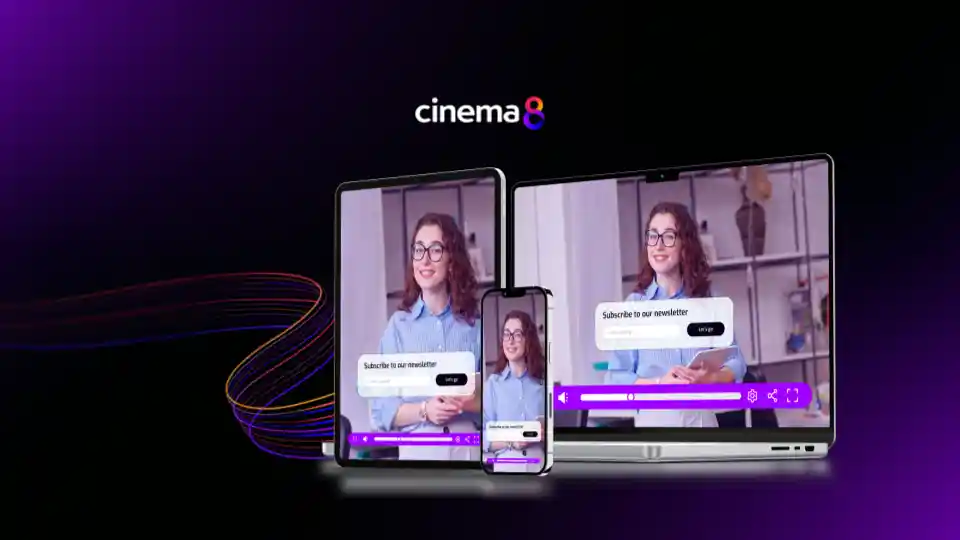
See why teams rely on Cinema8 to deliver smooth video playback with adaptive streaming.
During travel restrictions, Cinema8 proved valuable as a tool. Its platform offered straightforward yet complete tools, allowing us to give virtual demonstrations of our solutions in a secure and efficient way.
Jay Yalung
Art Director, Marketing and E-Commerce / Leica Geosystems
Cinema8 software engaged and motivated students with 360-degree videos at the Tate Gallery, featuring past student projects. Staff support was responsive and helpful with training. A valuable tool for educational institutions.
Chi-Ming Tan
Unit Lead Lecturer LCCA / London College of Contemporary Arts
Cinema8 has been instrumental in compiling all of the videos for a research project on employment for the blind or visually impaired, by offering an easy-to-use web-based platform for building Interactive Videos.
Sarah Moody
Communications Coordinator / Mississippi State University
Cinema8 was chosen for its ease of use and ability to create interactive videos through an intuitive interface. The team received great support and reasonable pricing. leading to a renewal of their partnership. Cinema8's support helped them meet project deadlines.
Michel Sohel
Media Consultant / Eastern Michigan University
Starter
$12
per month billed annually
Everything in Free, plus:
- Lead gen forms with CRM/email integration
- 360 degree interactive video support
- Unlimited screen recording
- Customisable video player
- 1TB bandwidth
Recommended
Pro
$24
per month billed annually
Everything in Starter, plus:
- Sticky hotspots for moving objects
- AI chaptering + SEO metadata
- AI-powered speech search
- Video heatmaps + advanced reports
- 2TB bandwidth
Pro Plus
$84
per month billed annually
Everything in Pro, plus:
- FTP upload for video libraries
- Webhook-based event notifications
- Domain restriction
- Priority + dedicated support
- Unlimited seats