
Video analytics for content lifecycle management
Video analytics for content lifecycle management help teams make evidence-based decisions about what happens to video after publication. Cinema8’s analytics reveal how content performs over time, giving marketing and content teams useful signals for identifying videos worth promoting or repurposing, spotting assets that need updating and deciding when outdated or underperforming content should be retired.
Trusted by leading brands around the world


















A video library changes continuously as campaigns end, products evolve and once-useful content loses relevance. Cinema8’s video analytics help teams evaluate content using real viewing and engagement data, revealing which videos continue to attract attention and which may warrant action. These insights can inform decisions to refresh ageing content, repurpose strong performers, give valuable assets greater visibility or retire videos that no longer serve their intended purpose.
How to manage the video content lifecycle with analytics
Use performance data throughout the life of your video library to understand which assets remain valuable, where content needs attention and when resources can be put to better use.
Review viewing and engagement trends across your video library to identify content that continues to attract audiences, as well as assets whose performance has changed over time.
Use Cinema8’s analytics to determine which videos could benefit from updated information, stronger distribution or repurposing into new campaigns and channels.
Identify outdated or consistently underperforming videos that may be ready for retirement, helping teams maintain a more relevant library and focus resources on content that continues to deliver value.
Why use Cinema8’s video analytics for content lifecycle management?
Content lifecycle decisions are stronger when teams can see how a video’s value changes after publication. Cinema8’s analytics reveal viewing and engagement patterns across the library, helping teams distinguish enduring assets from content that needs attention. Marketing and content teams can use these insights to prioritise successful videos for further distribution, identify opportunities for updates or repurposing and make informed decisions about content that has reached the end of its useful life.
How Cinema8 improves video content lifecycle management

Identify high-performing videos with potential for further distribution or repurposing.
Spot ageing content that may need updating to remain useful.
Use performance data to make informed decisions about retiring outdated videos.
Identify videos that still attract viewers but may contain outdated information, branding or product details. Use Cinema8’s analytics to prioritise valuable evergreen assets for updates instead of replacing content without evidence of continued demand.
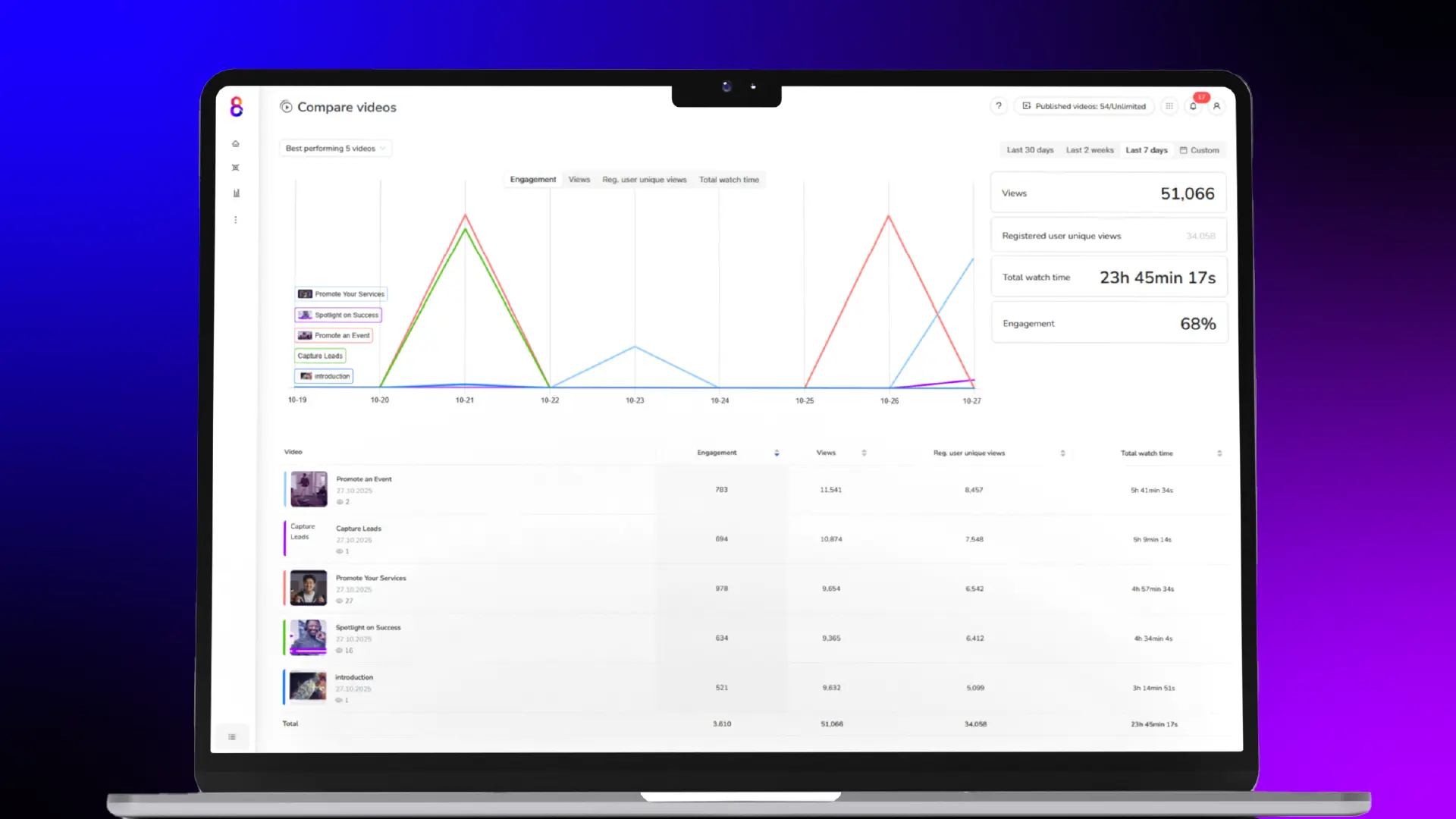
Spot content that continues to generate strong viewing and engagement over time. Use those performance signals to identify videos worth repurposing for new campaigns, channels or audiences and extend the value of successful assets.
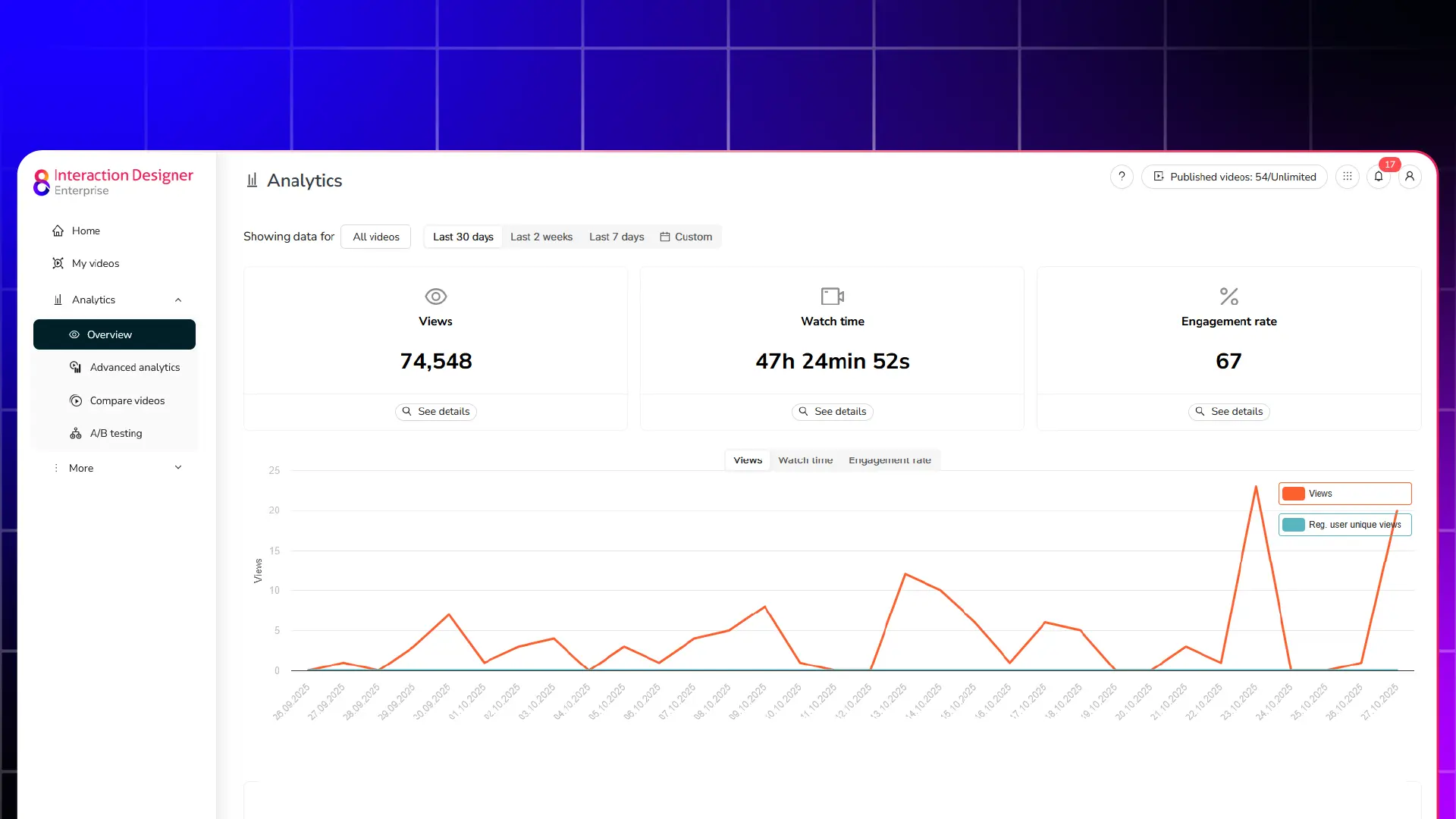
Review declining engagement alongside the age and relevance of individual videos before deciding what to remove. Give content teams clearer evidence for retiring assets that no longer justify space in an active video library.
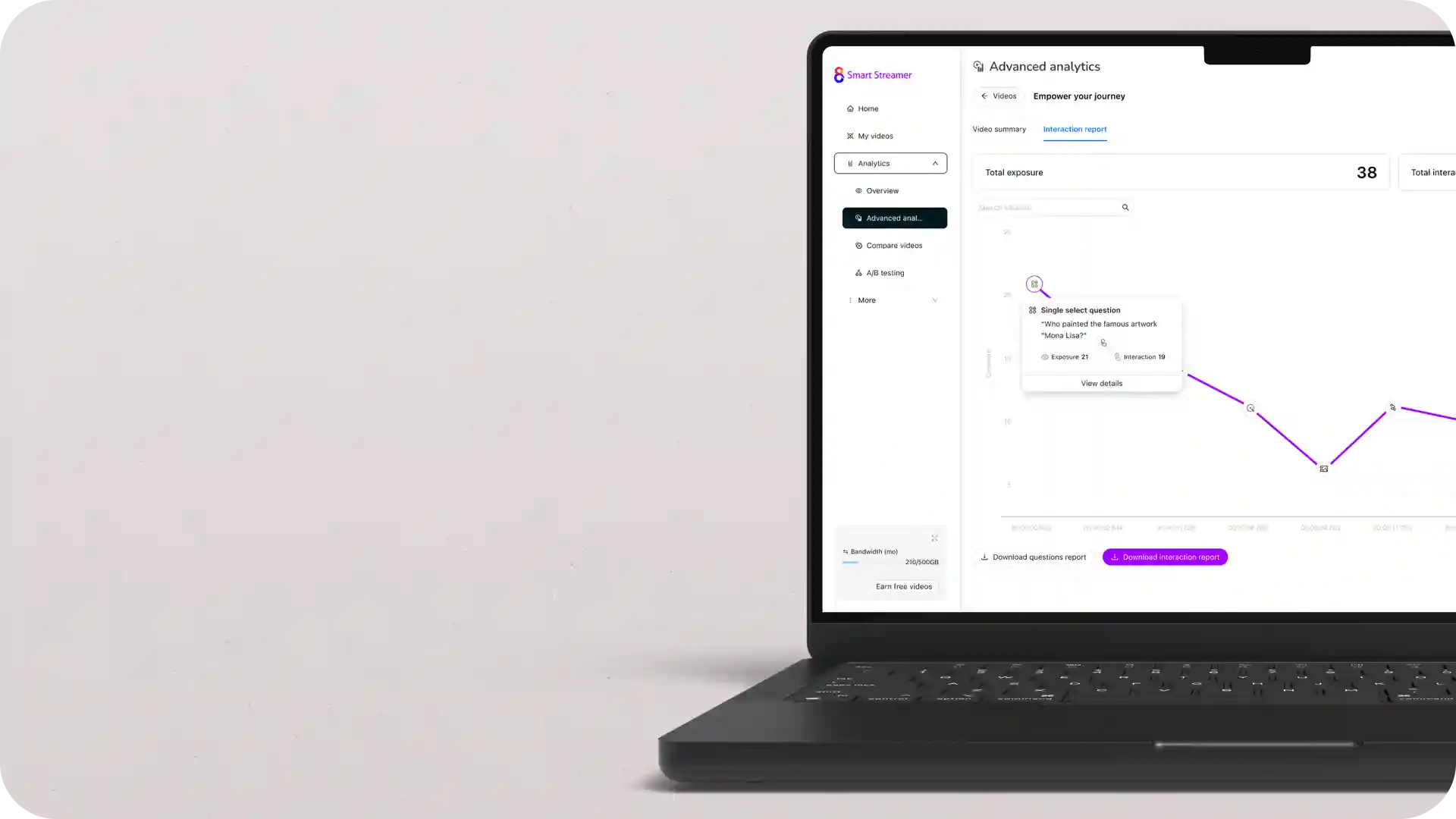
Learn why organisations use Cinema8’s analytics to understand the changing value of their video content.
During travel restrictions, Cinema8 proved valuable as a tool. Its platform offered straightforward yet complete tools, allowing us to give virtual demonstrations of our solutions in a secure and efficient way.
Jay Yalung
Art Director, Marketing and E-Commerce / Leica Geosystems
Cinema8 software engaged and motivated students with 360-degree videos at the Tate Gallery, featuring past student projects. Staff support was responsive and helpful with training. A valuable tool for educational institutions.
Chi-Ming Tan
Unit Lead Lecturer LCCA / London College of Contemporary Arts
Cinema8 has been instrumental in compiling all of the videos for a research project on employment for the blind or visually impaired, by offering an easy-to-use web-based platform for building Interactive Videos.
Sarah Moody
Communications Coordinator / Mississippi State University
Cinema8 was chosen for its ease of use and ability to create interactive videos through an intuitive interface. The team received great support and reasonable pricing. leading to a renewal of their partnership. Cinema8's support helped them meet project deadlines.
Michel Sohel
Media Consultant / Eastern Michigan University
Starter
$12
per month billed annually
Everything in Free, plus:
- Lead gen forms with CRM/email integration
- 360 degree interactive video support
- Unlimited screen recording
- Customisable video player
- 1TB bandwidth
Recommended
Pro
$24
per month billed annually
Everything in Starter, plus:
- Sticky hotspots for moving objects
- AI chaptering + SEO metadata
- AI-powered speech search
- Video heatmaps + advanced reports
- 2TB bandwidth
Pro Plus
$84
per month billed annually
Everything in Pro, plus:
- FTP upload for video libraries
- Webhook-based event notifications
- Domain restriction
- Priority + dedicated support
- Unlimited seats