Screen recorder for coaching videos
Cinema8 helps coaches create personalised coaching videos by recording their screen alongside webcam and audio. You can review documents, presentations, or tools on-screen while explaining insights face to face, giving clients clear, visual guidance they can revisit anytime. This makes coaching more flexible, allowing thoughtful feedback without relying on live calls or complex recording software.
Trusted by leading brands around the world


















Cinema8’s screen recorder gives coaches a simple way to create personalised coaching videos without live sessions. By recording the screen alongside webcam and audio, coaches can review documents, analyse work, or demonstrate techniques while explaining their thinking clearly. Recordings are saved securely, making it easy to share sessions asynchronously and allow clients to rewatch feedback at their own pace. This approach supports more flexible coaching relationships while maintaining clarity, structure, and consistency across sessions.
How to create coaching videos with screen recording
Record personalised coaching sessions by capturing your screen, voice, and webcam together.
Open Cinema8’s screen recorder and choose what you want to review, such as documents, presentations, dashboards, or tools. Enable your webcam and microphone to add face-to-face context.
Record your coaching session by walking through the material on-screen while explaining insights, recommendations, or feedback to create a clear, personalised coaching experience.
Save the recording to your Cinema8 library and share it securely with your client or learner. They can revisit the coaching video anytime to reinforce understanding and progress.
Why use Cinema8 for recording coaching videos?
Cinema8 helps coaches deliver clearer, more thoughtful feedback by combining screen recording with webcam and audio. Instead of relying on written notes or live calls, coaches can visually explain concepts, review work in context, and communicate tone more effectively. This makes coaching sessions easier to understand, revisit, and apply, while giving both coaches and clients greater flexibility in how they engage.
How Cinema8 improves coaching video delivery

Deliver personalised feedback with screen, voice, and webcam
Let clients rewatch coaching sessions at their own pace
Reduce scheduling friction with asynchronous coaching videos
Coaches can record themselves reviewing client documents, designs, or dashboards on screen while explaining strengths, gaps, and next steps. This creates clearer, more actionable feedback than written notes and helps clients understand exactly where to focus their efforts.
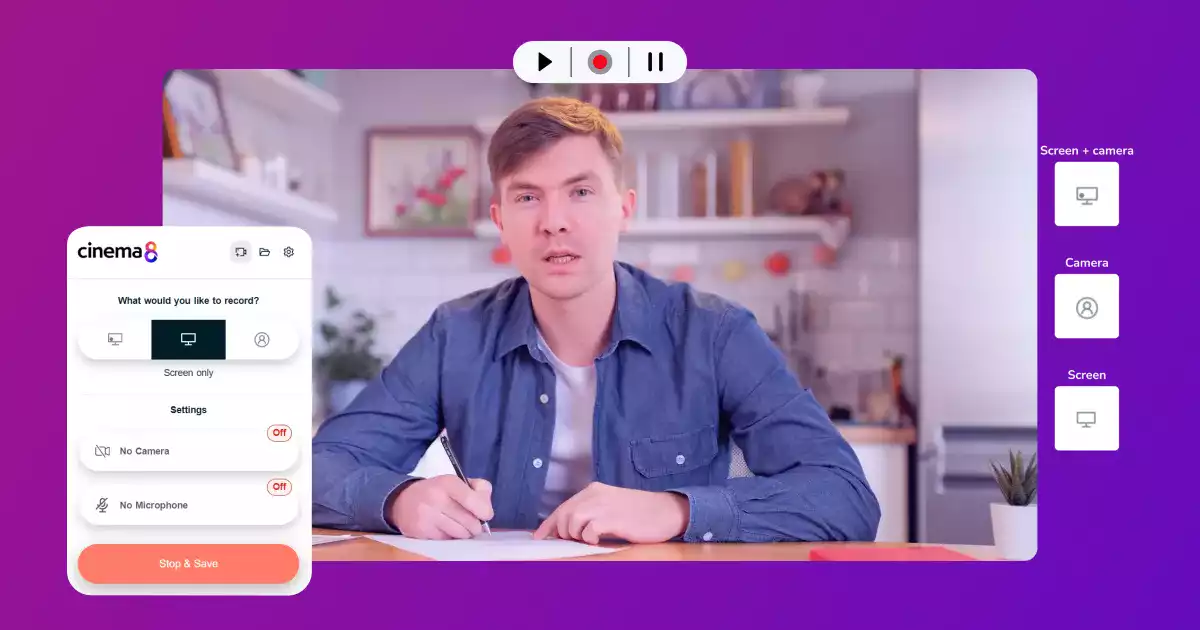
Between live sessions, coaches can send short recorded check-ins to reinforce progress or address new questions. Screen recordings allow coaches to reference specific materials or plans, helping clients stay aligned without waiting for the next scheduled call.
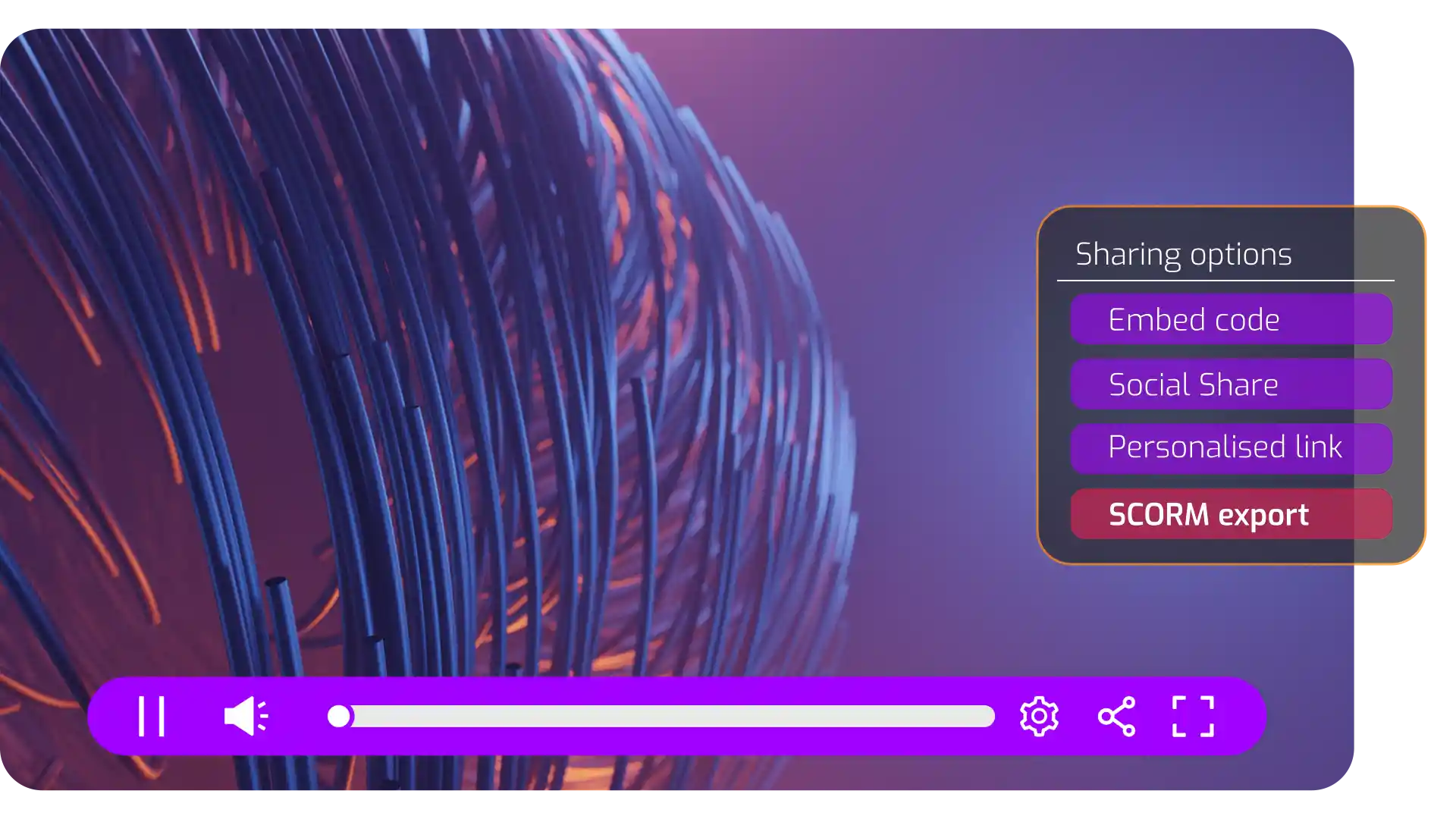
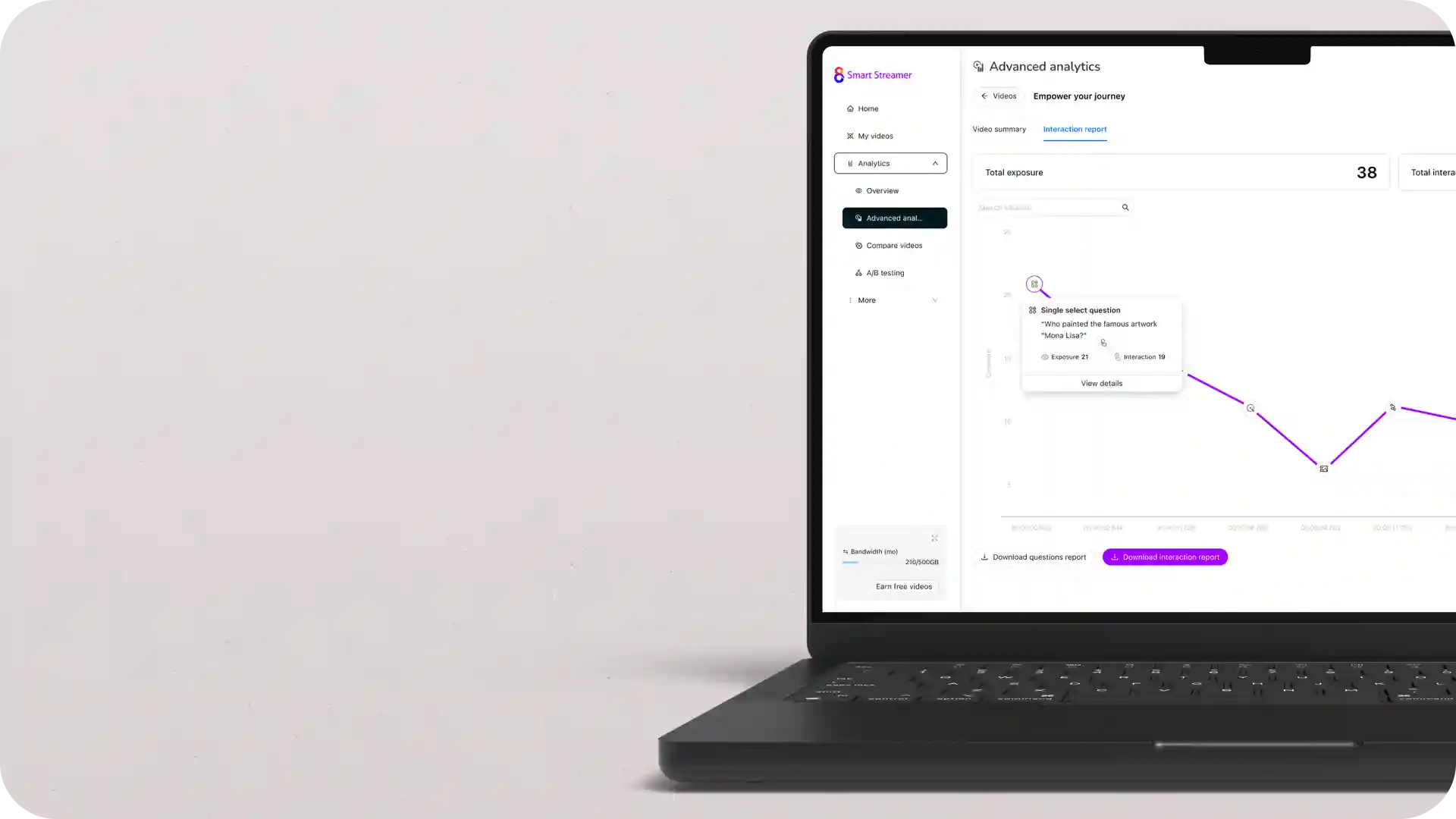
Coaches can record structured progress reviews by walking through goals, metrics, or milestones on screen, and can make personalised adjustments based on client engagement analytics. This approach helps clients clearly see their development over time while receiving thoughtful, personalised guidance they can revisit when needed.
See why coaches use Cinema8 to deliver clearer, more effective video coaching sessions.
During travel restrictions, Cinema8 proved valuable as a tool. Its platform offered straightforward yet complete tools, allowing us to give virtual demonstrations of our solutions in a secure and efficient way.
Jay Yalung
Art Director, Marketing and E-Commerce / Leica Geosystems
Cinema8 software engaged and motivated students with 360-degree videos at the Tate Gallery, featuring past student projects. Staff support was responsive and helpful with training. A valuable tool for educational institutions.
Chi-Ming Tan
Unit Lead Lecturer LCCA / London College of Contemporary Arts
Cinema8 has been instrumental in compiling all of the videos for a research project on employment for the blind or visually impaired, by offering an easy-to-use web-based platform for building Interactive Videos.
Sarah Moody
Communications Coordinator / Mississippi State University
Cinema8 was chosen for its ease of use and ability to create interactive videos through an intuitive interface. The team received great support and reasonable pricing. leading to a renewal of their partnership. Cinema8's support helped them meet project deadlines.
Michel Sohel
Media Consultant / Eastern Michigan University
Starter
$12
per month billed annually
Everything in Free, plus:
- Lead gen forms with CRM/email integration
- 360 degree interactive video support
- Unlimited screen recording
- Customisable video player
- 1TB bandwidth
Recommended
Pro
$24
per month billed annually
Everything in Starter, plus:
- Sticky hotspots for moving objects
- AI chaptering + SEO metadata
- AI-powered speech search
- Video heatmaps + advanced reports
- 2TB bandwidth
Pro Plus
$84
per month billed annually
Everything in Pro, plus:
- FTP upload for video libraries
- Webhook-based event notifications
- Domain restriction
- Priority + dedicated support
- Unlimited seats