
Interactive video for product documentation
Interactive video for product documentation helps teams explain features, workflows and technical processes with structured, step-by-step guidance. Cinema8's video hosting platform enables you to embed clickable buttons, layovers, links and prompts directly within videos, allowing users to follow instructions and explore related content while tracking how they engage with documentation.
Trusted by leading brands around the world


















Cinema8 transforms traditional help articles and technical guides into structured interactive video experiences that improve clarity and usability. Teams can present step-by-step instructions with clickable overlays, links to relevant resources and clear next actions embedded directly within the video, avoiding the need for long, written documentation. This allows users to follow processes more easily while accessing supporting information in context. Additionally, built-in analytics show how users interact with documentation, helping teams identify gaps and refine content for better understanding.
How to create interactive product documentation videos
Turn documentation into structured video guides with embedded steps, links, and measurable engagement insights.
Create or upload a product walkthrough video that explains a specific feature, workflow or process, structuring the content into clear, sequential steps.
Add clickable overlays, links to help articles and in-video prompts that guide users through each step while providing access to supporting resources.
Embed the interactive video within documentation pages or help centres and review analytics to understand how users engage with each step.
Why use Cinema8 for product documentation videos?
Product documentation needs to be clear, structured and easy to follow across different user levels. Cinema8 enables teams to present complex features and workflows through guided video content with embedded steps and supporting resources. Users can follow instructions within a video while accessing relevant links and actions. Engagement analytics provide visibility into how documentation is used, helping teams improve clarity and identify where users need additional support.
How Cinema8 improves product documentation delivery

Explain complex workflows with step-by-step interactive video guidance
Link documentation resources directly within video for easier navigation
Track how users engage with documentation to improve clarity
Embed interactive video guides within help centres to replace or support written documentation. Users can follow step-by-step instructions, access linked resources and complete actions while staying within a structured video experience.
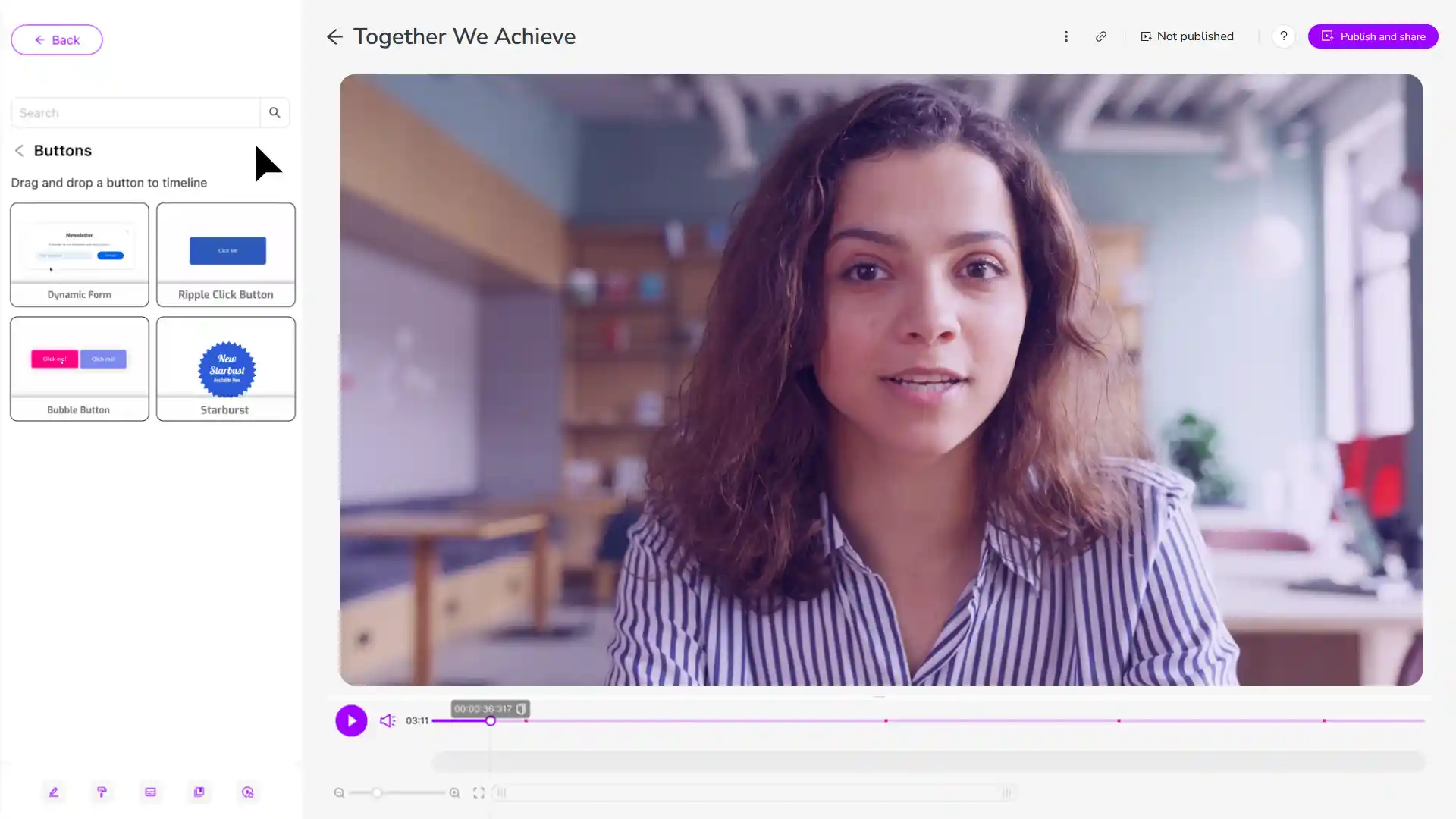
Present complex technical processes, API workflows or configurations through interactive video with embedded steps and reference links. Help developers understand implementation more clearly while accessing supporting documentation within the video.
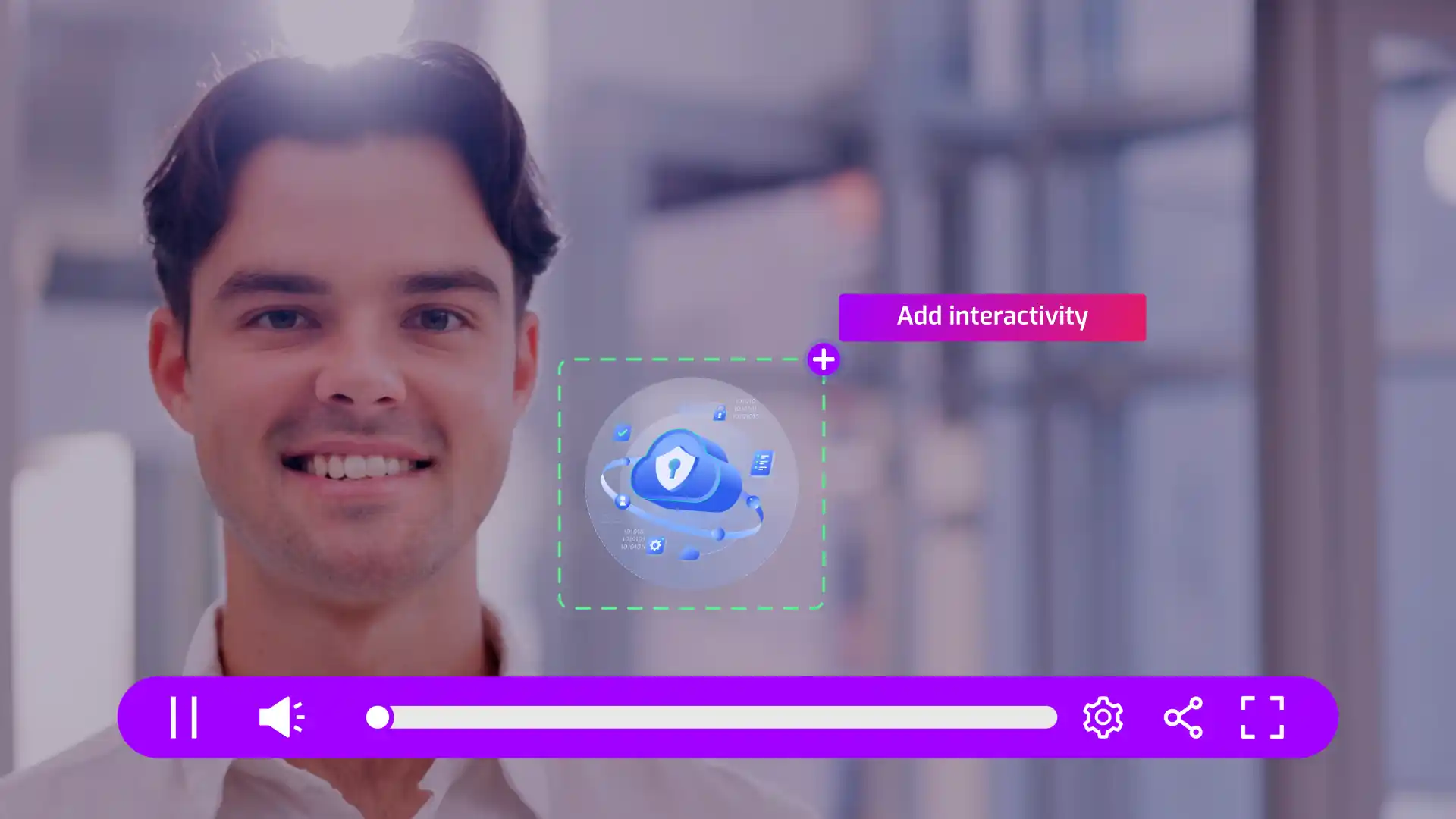
Explain new or advanced product features through interactive video guides that include clickable steps and related documentation links. Help users understand functionality more clearly while tracking which features require further explanation.
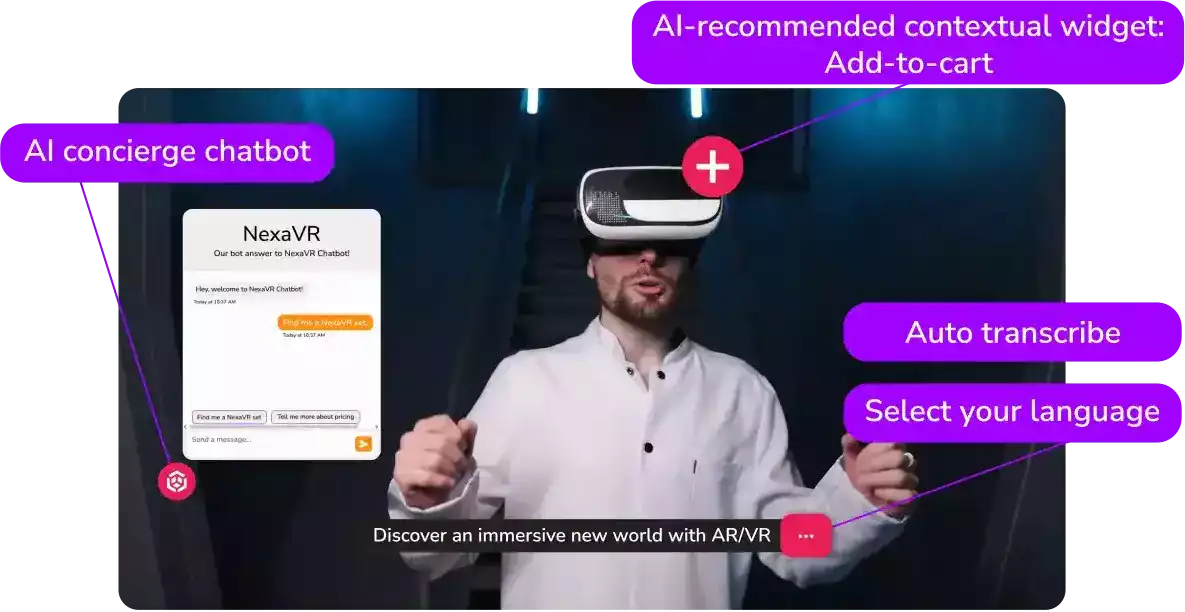
See how teams use Cinema8 to improve product documentation clarity and usability.
During travel restrictions, Cinema8 proved valuable as a tool. Its platform offered straightforward yet complete tools, allowing us to give virtual demonstrations of our solutions in a secure and efficient way.
Jay Yalung
Art Director, Marketing and E-Commerce / Leica Geosystems
Cinema8 software engaged and motivated students with 360-degree videos at the Tate Gallery, featuring past student projects. Staff support was responsive and helpful with training. A valuable tool for educational institutions.
Chi-Ming Tan
Unit Lead Lecturer LCCA / London College of Contemporary Arts
Cinema8 has been instrumental in compiling all of the videos for a research project on employment for the blind or visually impaired, by offering an easy-to-use web-based platform for building Interactive Videos.
Sarah Moody
Communications Coordinator / Mississippi State University
Cinema8 was chosen for its ease of use and ability to create interactive videos through an intuitive interface. The team received great support and reasonable pricing. leading to a renewal of their partnership. Cinema8's support helped them meet project deadlines.
Michel Sohel
Media Consultant / Eastern Michigan University
Starter
$12
per month billed annually
Everything in Free, plus:
- Lead gen forms with CRM/email integration
- 360 degree interactive video support
- Unlimited screen recording
- Customisable video player
- 1TB bandwidth
Recommended
Pro
$24
per month billed annually
Everything in Starter, plus:
- Sticky hotspots for moving objects
- AI chaptering + SEO metadata
- AI-powered speech search
- Video heatmaps + advanced reports
- 2TB bandwidth
Pro Plus
$84
per month billed annually
Everything in Pro, plus:
- FTP upload for video libraries
- Webhook-based event notifications
- Domain restriction
- Priority + dedicated support
- Unlimited seats