
Interactive video for internal approvals
Interactive video for internal approvals gives teams a clearer way to review content, collect feedback and prepare videos for sign-off. Cinema8 keeps comments connected to specific moments in the video, so stakeholders can identify required changes without relying on disconnected emails or meeting notes. Teams can work through feedback, resolve comments and review the finished experience before publication.
Trusted by leading brands around the world


















Internal video approval often involves input from marketing, brand, legal, product or other stakeholders, making precise feedback essential. Cinema8’s interactive video tools keep the review conversation connected to the content itself. Reviewers can leave timestamped comments at the relevant moment, while teams can work through and resolve feedback as revisions are made. Preview tools also help stakeholders check the finished video experience before it is released.
How to manage internal video approvals with Cinema8
Create a structured route from first review to final sign-off while keeping stakeholder feedback attached to the moments it relates to.
Share the video with the relevant internal stakeholders and use access controls to keep review content limited to the people involved.
Ask reviewers to leave timestamped comments directly on the video, making requested changes easier for creative teams to locate and understand.
Work through and resolve feedback, then preview the revised video and its interactive elements before approving it for publication.
Why use Cinema8’s interactive video tools for internal approvals?
Approval delays often come from unclear feedback rather than the video itself. A comment such as “change the product message near the middle” leaves editors interpreting what a reviewer meant. Cinema8 ties feedback to exact points on the timeline, giving reviewers, editors and project owners a shared context for each requested change. Feedback can then be reviewed and resolved within a more organised approval process.
How Cinema8 simplifies internal video approvals

Attach stakeholder feedback to precise moments in each video.
Keep review comments organised as teams work through revisions.
Preview finished videos and interactive elements before publication.
Give campaign stakeholders a shared place to review creative, messaging and presentation. Timestamped comments show editors exactly where changes are requested, helping teams work through feedback before campaign assets are released.
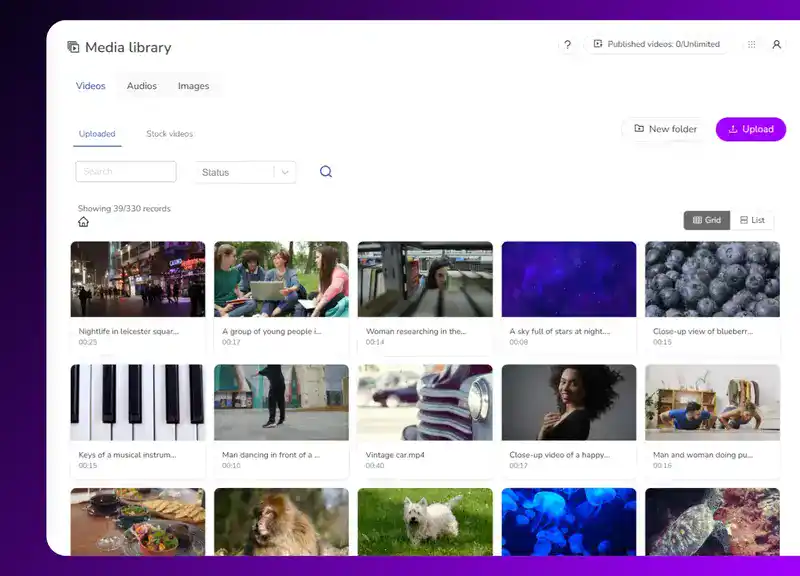
Let product specialists, trainers or other internal experts comment on the exact sections they need corrected or clarified. Their feedback remains connected to the relevant moment instead of becoming separated from the video in email threads.
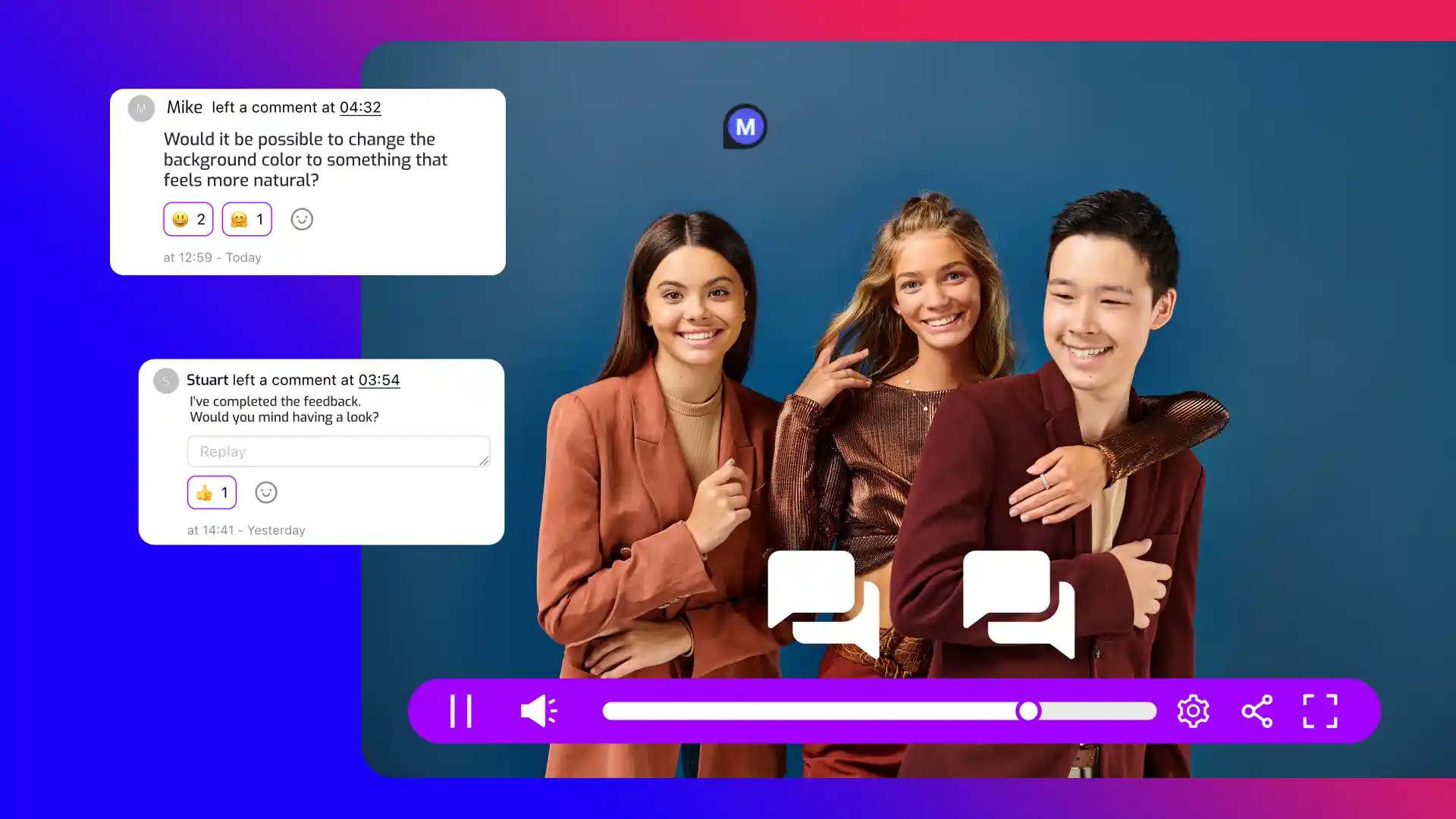
Preview the finished viewer experience before release so internal reviewers can check content and interactive elements in context. Teams can address remaining issues before the approved version reaches customers, employees, or other audiences.
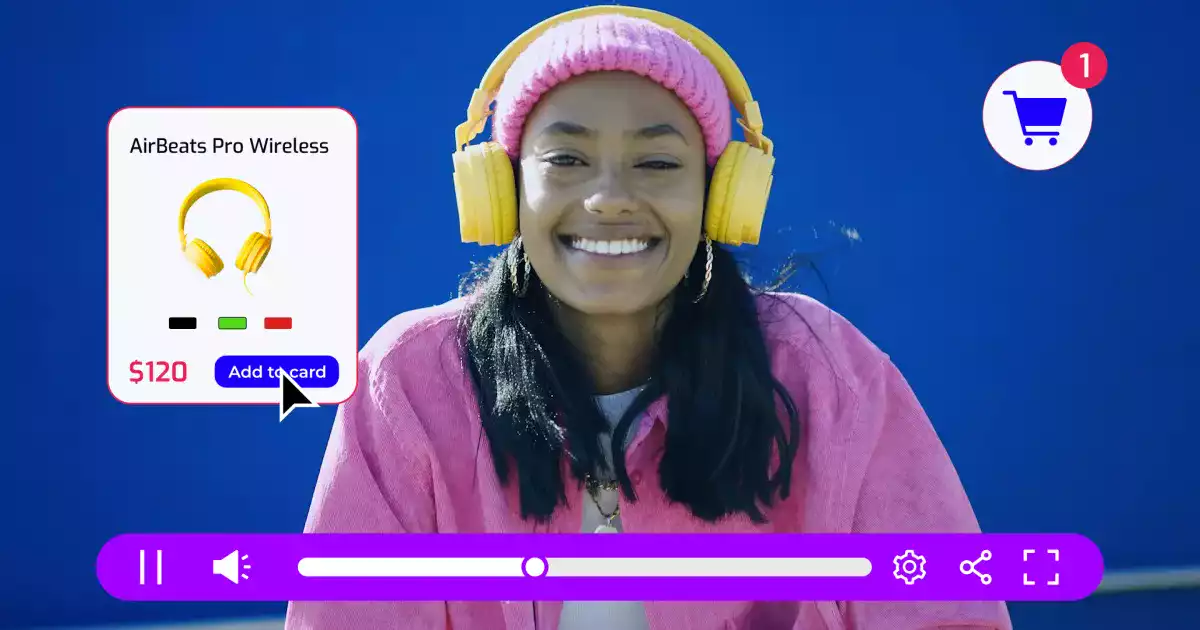
Discover why internal teams use Cinema8's interactive video tools for internal approvals.
During travel restrictions, Cinema8 proved valuable as a tool. Its platform offered straightforward yet complete tools, allowing us to give virtual demonstrations of our solutions in a secure and efficient way.
Jay Yalung
Art Director, Marketing and E-Commerce / Leica Geosystems
Cinema8 software engaged and motivated students with 360-degree videos at the Tate Gallery, featuring past student projects. Staff support was responsive and helpful with training. A valuable tool for educational institutions.
Chi-Ming Tan
Unit Lead Lecturer LCCA / London College of Contemporary Arts
Cinema8 has been instrumental in compiling all of the videos for a research project on employment for the blind or visually impaired, by offering an easy-to-use web-based platform for building Interactive Videos.
Sarah Moody
Communications Coordinator / Mississippi State University
Cinema8 was chosen for its ease of use and ability to create interactive videos through an intuitive interface. The team received great support and reasonable pricing. leading to a renewal of their partnership. Cinema8's support helped them meet project deadlines.
Michel Sohel
Media Consultant / Eastern Michigan University
Starter
$12
per month billed annually
Everything in Free, plus:
- Lead gen forms with CRM/email integration
- 360 degree interactive video support
- Unlimited screen recording
- Customisable video player
- 1TB bandwidth
Recommended
Pro
$24
per month billed annually
Everything in Starter, plus:
- Sticky hotspots for moving objects
- AI chaptering + SEO metadata
- AI-powered speech search
- Video heatmaps + advanced reports
- 2TB bandwidth
Pro Plus
$84
per month billed annually
Everything in Pro, plus:
- FTP upload for video libraries
- Webhook-based event notifications
- Domain restriction
- Priority + dedicated support
- Unlimited seats