

Interactive video for client reporting
Interactive video for client reporting helps agencies and service providers present performance updates through engaging, actionable video experiences. Cinema8's interactive video tools let teams enhance reports with clickable hotspots, embedded documents, CTA buttons and meeting schedulers, helping clients explore results, access supporting information and respond without leaving the video.
Trusted by leading brands around the world


















Cinema8 helps agencies, consultants, and service providers transform traditional client reports into engaging interactive video experiences. The tools give teams the ability to present campaign performance, project updates and strategic recommendations in a format that encourages clients to explore the information at their own pace. Interactive hotspots can provide additional context around key metrics, embedded documents make supporting reports instantly accessible and CTA buttons guide clients towards agreed next steps.
How to create interactive client reports with video
Publish your report, add interactive elements and give clients simple ways to explore results and respond.
Upload your client report, campaign update or project review video to Cinema8's video hosting platform and open the interactive video editor.
Enhance the video with clickable hotspots that explain key metrics, embed supporting documents such as performance reports or proposals, and add CTA buttons that guide clients to recommended next steps.
Publish and share the video so clients can access the latest version from a single location and can start interacting with the content.
Why use Cinema8 for interactive client reporting?
Client reporting is more effective when results are easy to understand and even easier to act on. Cinema8's interactive video tools help agencies, consultants and service providers deliver performance updates that encourage exploration. Clients can open supporting documents, explore additional context through hotspots, book review meetings and follow recommended next steps without switching between emails, PDFs and separate scheduling tools. This creates a more streamlined reporting experience while giving account teams a clearer understanding of how clients engage with every report, making follow-up conversations more timely and relevant.
How Cinema8 improves client reporting and communication

Use clickable hotspots to provide additional context around campaign metrics, project milestones and strategic recommendations without overcrowding the main report
Embed proposals, performance reports, presentations and supporting documents directly within the video, giving clients instant access to the information they need
Add the Calendly Meeting Scheduler widget so clients can book review meetings immediately after watching the report, reducing delays and simplifying follow-up discussions
Marketing agencies can replace slide decks with interactive video reports that explain campaign performance, channel results and upcoming priorities. Use clickable hotspots to provide additional context around individual metrics, allowing clients to explore detailed insights without interrupting the flow of the presentation.
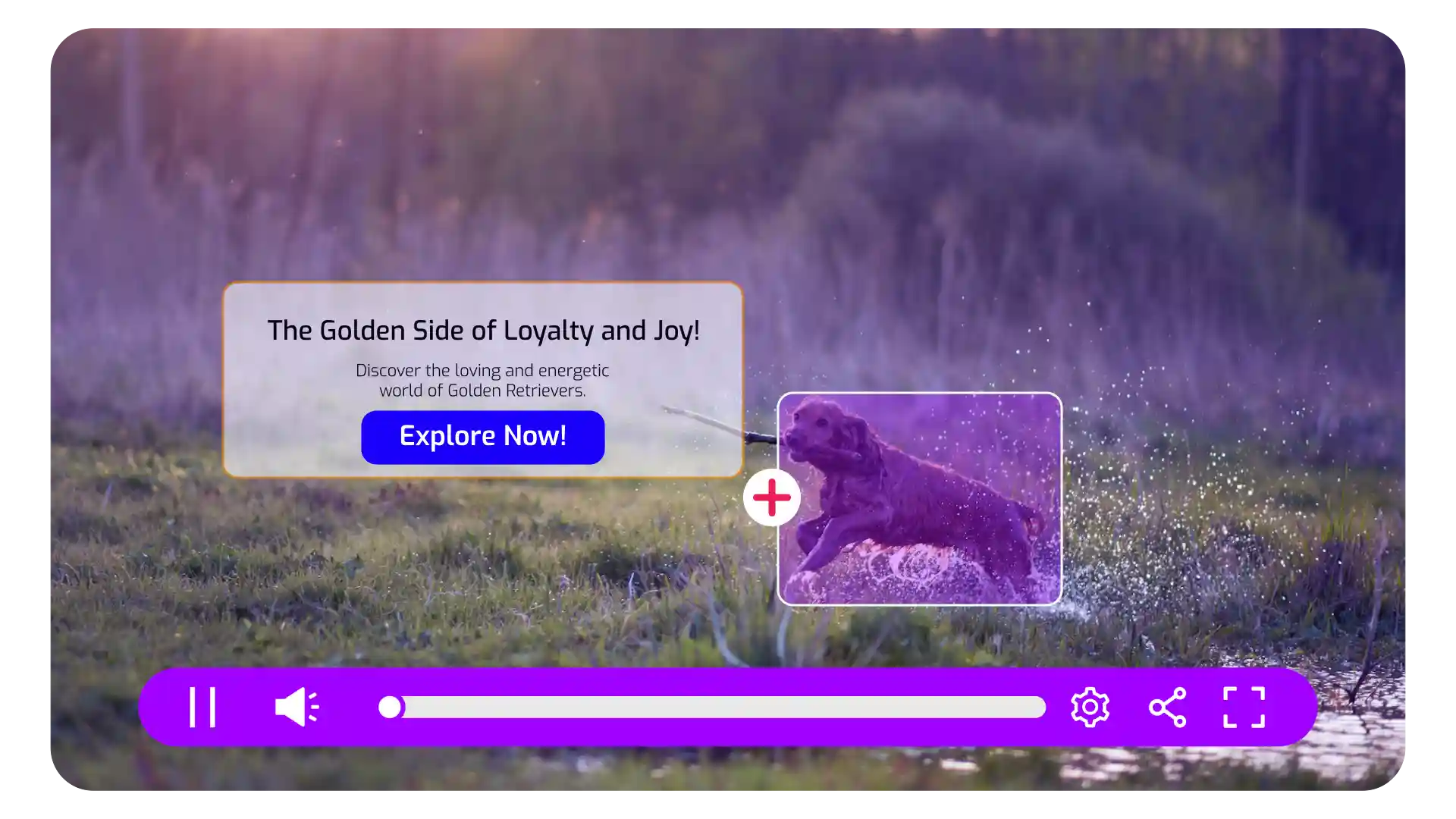
Deliver quarterly business reviews and clients that conclude with clear next steps using meeting widgets. Clients can book follow-up strategy sessions, account reviews or planning meetings without leaving the video, helping account managers move seamlessly from reporting to action.

Present project progress, deliverables and strategic recommendations through interactive video, with embedded documents giving clients immediate access to proposals, implementation plans, technical specifications or supporting reports directly from the video experience.
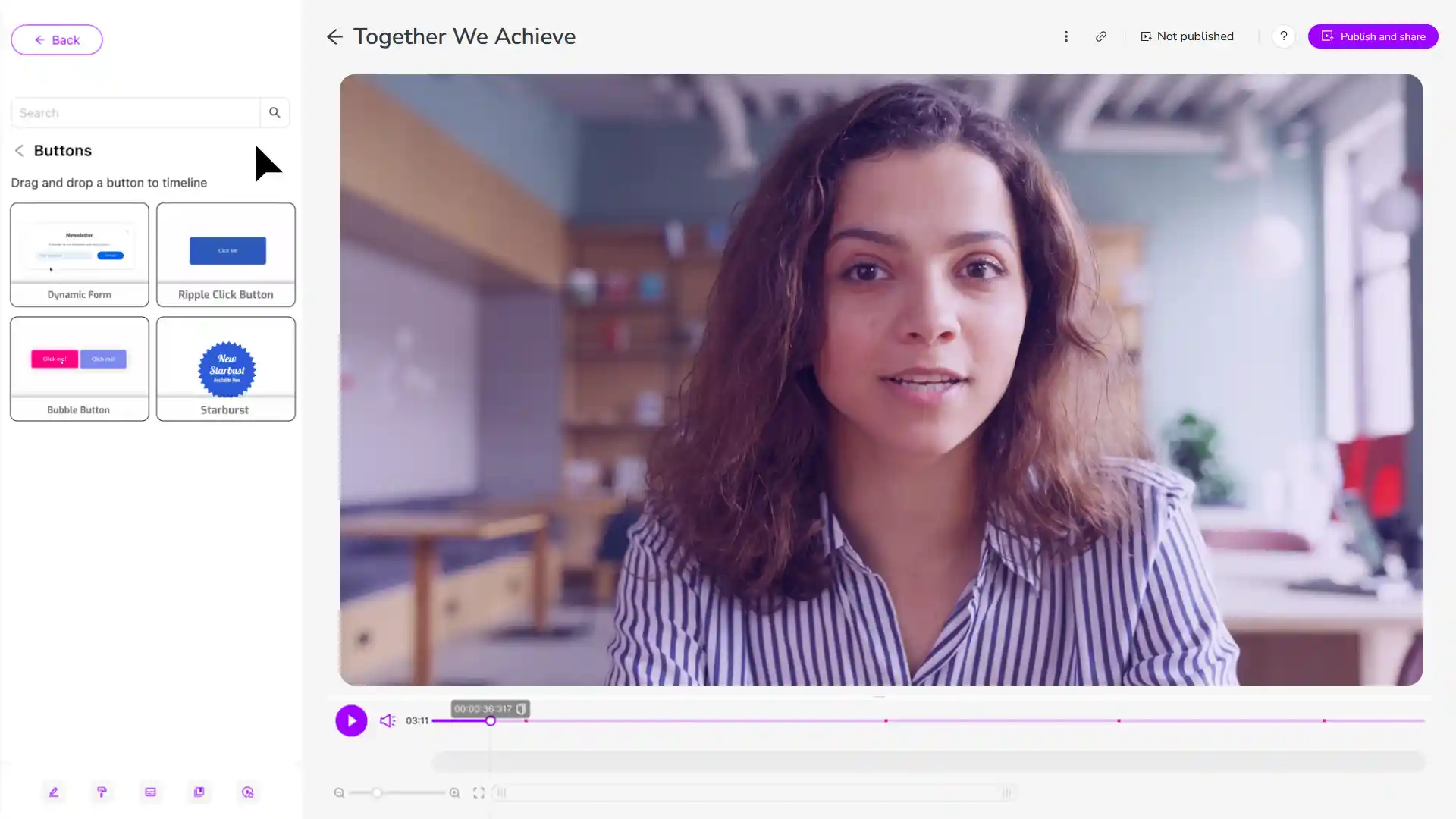
Discover why agencies, consultants and service providers use Cinema8 to deliver interactive client reports.
During travel restrictions, Cinema8 proved valuable as a tool. Its platform offered straightforward yet complete tools, allowing us to give virtual demonstrations of our solutions in a secure and efficient way.
Jay Yalung
Art Director, Marketing and E-Commerce / Leica Geosystems
Cinema8 software engaged and motivated students with 360-degree videos at the Tate Gallery, featuring past student projects. Staff support was responsive and helpful with training. A valuable tool for educational institutions.
Chi-Ming Tan
Unit Lead Lecturer LCCA / London College of Contemporary Arts
Cinema8 has been instrumental in compiling all of the videos for a research project on employment for the blind or visually impaired, by offering an easy-to-use web-based platform for building Interactive Videos.
Sarah Moody
Communications Coordinator / Mississippi State University
Cinema8 was chosen for its ease of use and ability to create interactive videos through an intuitive interface. The team received great support and reasonable pricing. leading to a renewal of their partnership. Cinema8's support helped them meet project deadlines.
Michel Sohel
Media Consultant / Eastern Michigan University
Starter
$12
per month billed annually
Everything in Free, plus:
- Lead gen forms with CRM/email integration
- 360 degree interactive video support
- Unlimited screen recording
- Customisable video player
- 1TB bandwidth
Recommended
Pro
$24
per month billed annually
Everything in Starter, plus:
- Sticky hotspots for moving objects
- AI chaptering + SEO metadata
- AI-powered speech search
- Video heatmaps + advanced reports
- 2TB bandwidth
Pro Plus
$84
per month billed annually
Everything in Pro, plus:
- FTP upload for video libraries
- Webhook-based event notifications
- Domain restriction
- Priority + dedicated support
- Unlimited seats