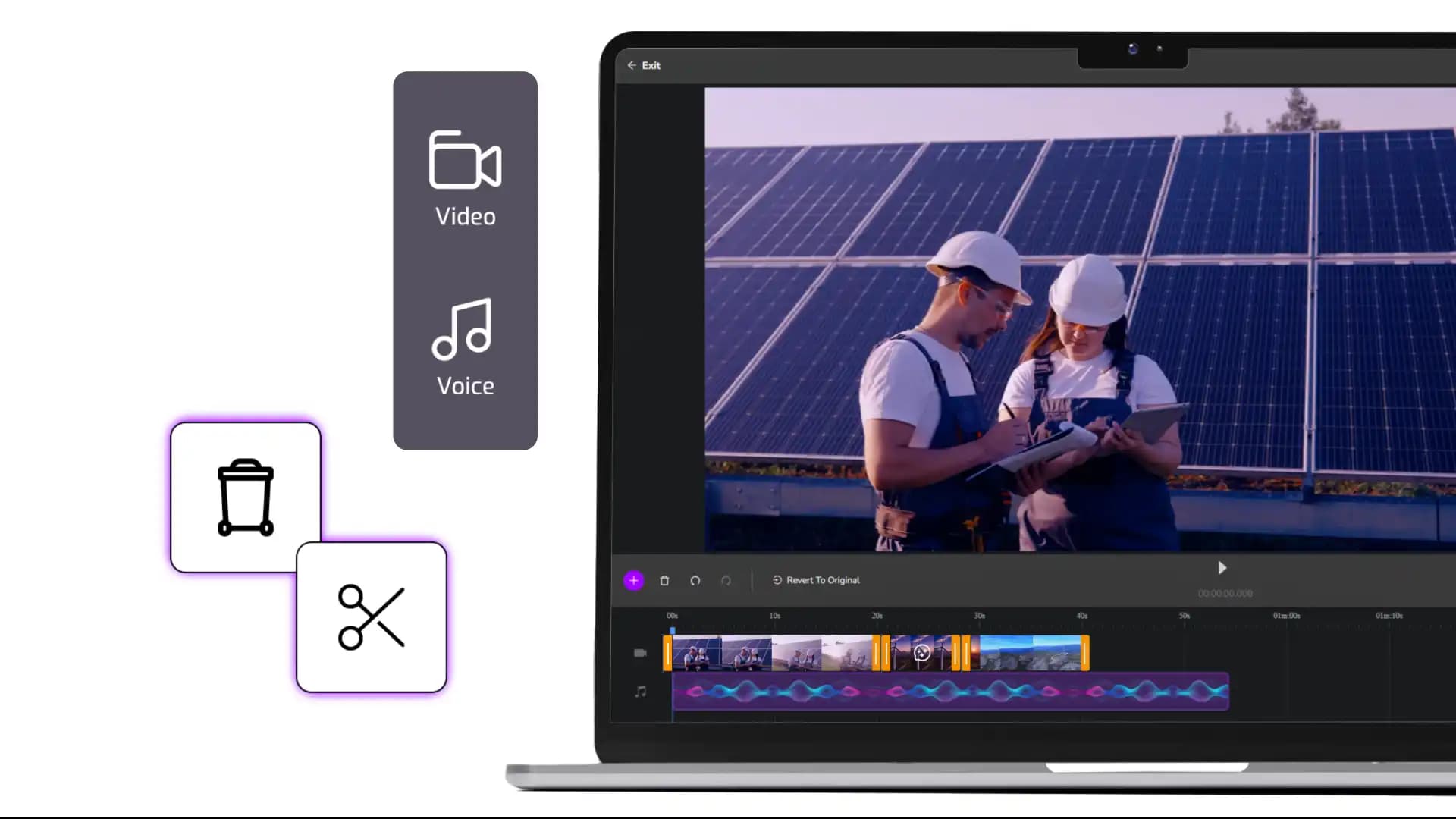
Video editor for compliance content
Cinema8's video editor helps organisations create, edit, and maintain compliance video content in one place. Compliance videos can be updated directly in your web browser as policies change, ensuring information stays accurate and consistent over time. With tools for structuring content, adding captions or on-screen text, and managing videos centrally, teams can keep compliance materials clear, current, and ready for distribution across the organisation.
Trusted by leading brands around the world

















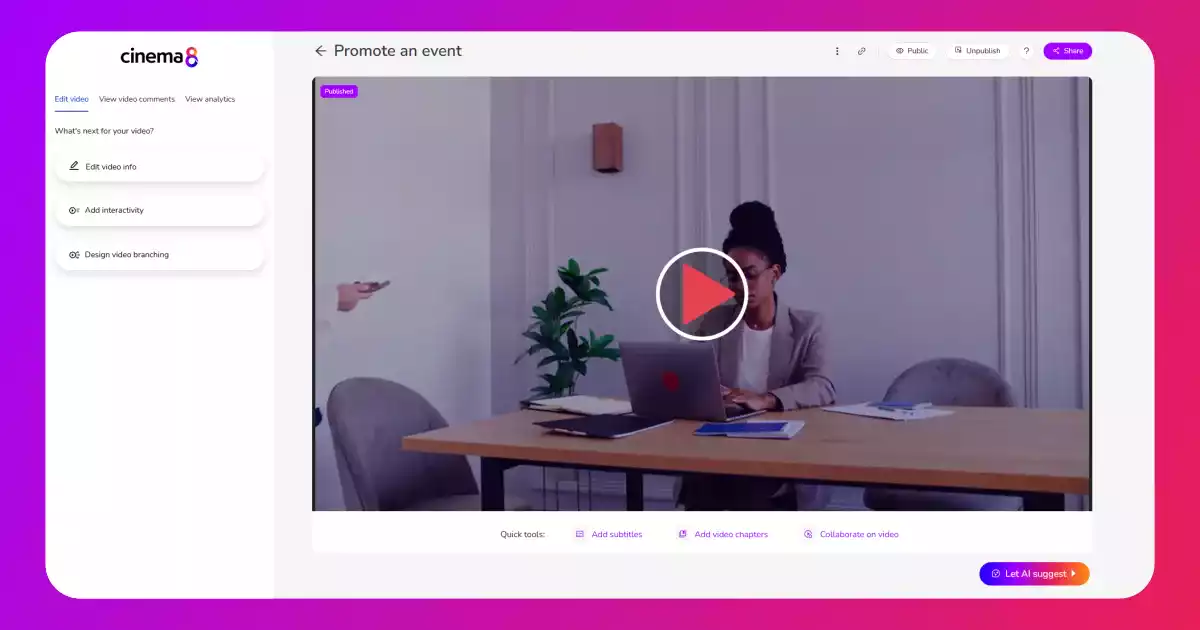
Cinema8’s video editor allows you to create and maintain compliance video content without relying on fragmented tools or re-recording workflows. Teams can edit compliance videos, structure content clearly, and update modules as policies or regulations change. Captions, on-screen text, and visual cues help ensure clarity, while centralised video management keeps all compliance content organised in one place. This editing-first approach helps organisations maintain accurate, consistent compliance materials that can be reused and adapted over time.
How to edit and manage compliance video content
Create, update, and organise compliance videos in one place, keeping content accurate and aligned with changing policies.
Upload existing compliance videos or record new content directly into Cinema8. All videos are stored centrally, making it easy to locate and manage compliance materials by topic or policy area.
Edit compliance videos in the browser to update wording, visuals, captions, or on-screen text as requirements change. This allows teams to keep content current without rebuilding modules from scratch.
Organise edited compliance videos into a structured library ready for distribution or further enhancement. Centralised management ensures teams always use the latest approved version of each compliance asset.
Why use Cinema8 to edit compliance video content?
Cinema8 gives organisations direct control over their compliance video content without relying on external editing tools or repeated re-recordings. Teams can update policies, wording, or visual guidance quickly as requirements change, ensuring content remains accurate and consistent. By managing compliance videos in a single platform, organisations reduce version confusion, maintain clearer ownership, and ensure employees always access the most up-to-date information.
How Cinema8 improves compliance video editing workflows

Edit and update compliance videos without re-recording content
Maintain accurate, consistent messaging across all compliance materials
Manage approved compliance content centrally in one platform
Edit existing compliance videos quickly when regulations, policies, or procedures are updated. Teams can revise wording, visuals, or guidance without re-recording entire modules, ensuring content stays accurate and approved.
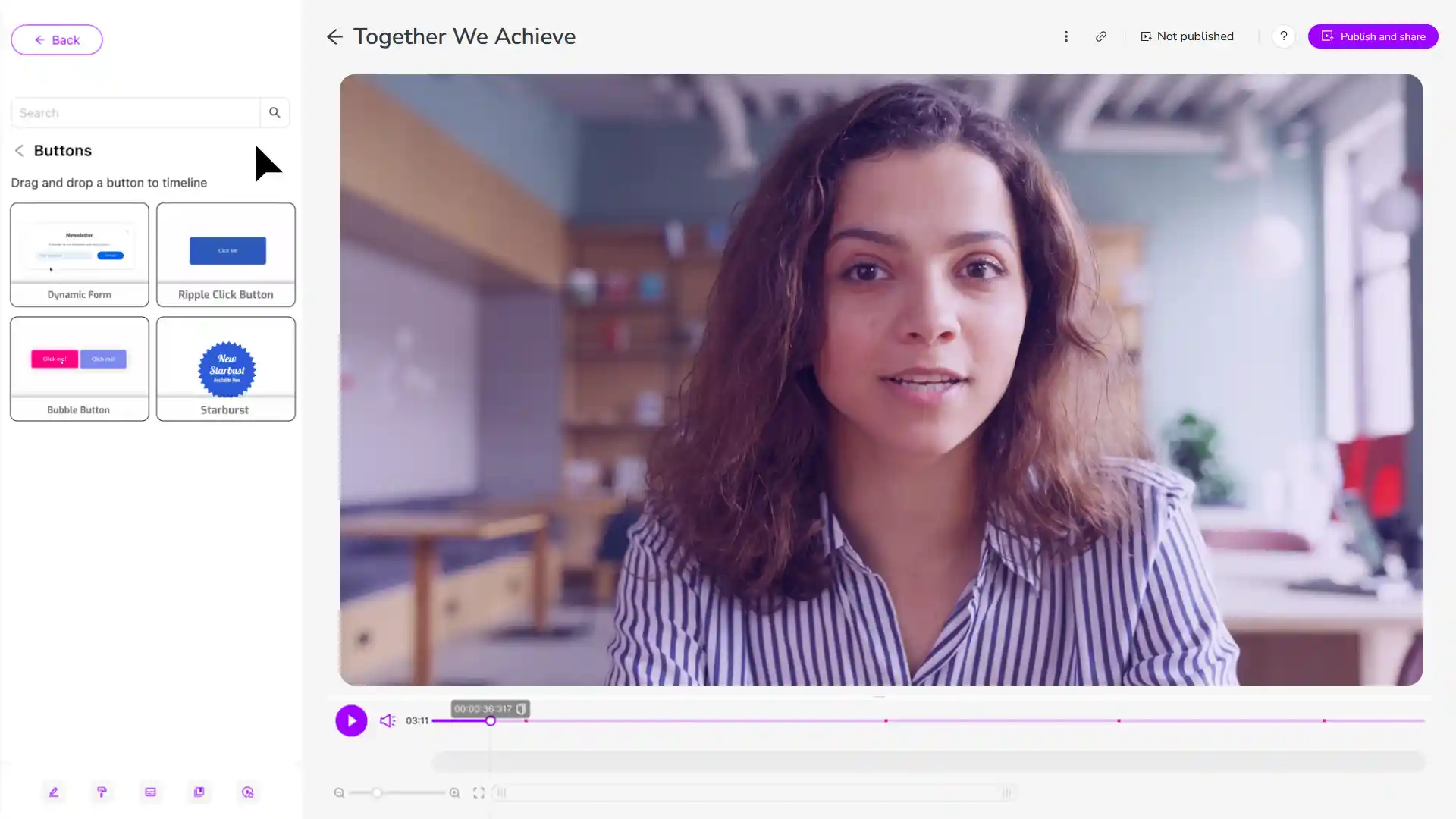
Use a central video editor to maintain consistent messaging across all compliance content. Editing tools help standardise terminology, instructions, and visual cues so employees receive the same guidance across departments.

Edit and structure compliance videos before adding acknowledgements or knowledge checks. This ensures content is correct and clearly structured before any interactive elements are introduced to the compliance videos for confirmation or accountability.
See why organisations use Cinema8 to keep compliance video content accurate and up to date.
During travel restrictions, Cinema8 proved valuable as a tool. Its platform offered straightforward yet complete tools, allowing us to give virtual demonstrations of our solutions in a secure and efficient way.
Jay Yalung
Art Director, Marketing and E-Commerce / Leica Geosystems
Cinema8 software engaged and motivated students with 360-degree videos at the Tate Gallery, featuring past student projects. Staff support was responsive and helpful with training. A valuable tool for educational institutions.
Chi-Ming Tan
Unit Lead Lecturer LCCA / London College of Contemporary Arts
Cinema8 has been instrumental in compiling all of the videos for a research project on employment for the blind or visually impaired, by offering an easy-to-use web-based platform for building Interactive Videos.
Sarah Moody
Communications Coordinator / Mississippi State University
Cinema8 was chosen for its ease of use and ability to create interactive videos through an intuitive interface. The team received great support and reasonable pricing. leading to a renewal of their partnership. Cinema8's support helped them meet project deadlines.
Michel Sohel
Media Consultant / Eastern Michigan University
Starter
$12
per month billed annually
Everything in Free, plus:
- Lead gen forms with CRM/email integration
- 360 degree interactive video support
- Unlimited screen recording
- Customisable video player
- 1TB bandwidth
Recommended
Pro
$24
per month billed annually
Everything in Starter, plus:
- Sticky hotspots for moving objects
- AI chaptering + SEO metadata
- AI-powered speech search
- Video heatmaps + advanced reports
- 2TB bandwidth
Pro Plus
$84
per month billed annually
Everything in Pro, plus:
- FTP upload for video libraries
- Webhook-based event notifications
- Domain restriction
- Priority + dedicated support
- Unlimited seats