
Scenario-based learning video for corporate training
Cinema8 helps corporate training teams build scenario-based learning videos that mirror real workplace situations. Add decision points, branching paths, and on-screen choices that route employees to different outcomes based on their responses. Built-in analytics show which decisions employees make, where they hesitate, and which scenarios need reinforcement.
Trusted by leading brands around the world


















Most corporate training videos play in one direction. Scenario-based learning videos in Cinema8 ask employees to make decisions, show consequences, and adapt the path based on what they choose. Training teams get clearer engagement data and employees retain more of what they learn.
How to build a scenario-based training video in Cinema8
Three steps to turn a standard training video into an interactive scenario.
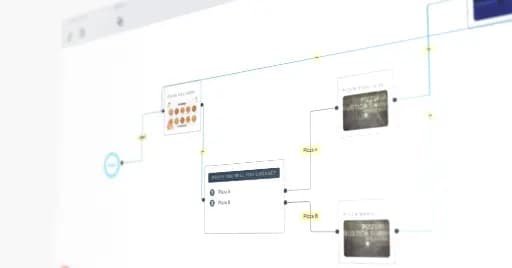
Bring your existing training videos into Cinema8 or record fresh footage. Each scene becomes a node in your scenario path.
Use the no-code editor to insert on-screen choices. Route viewers to different outcomes based on their decisions, with no developer required.
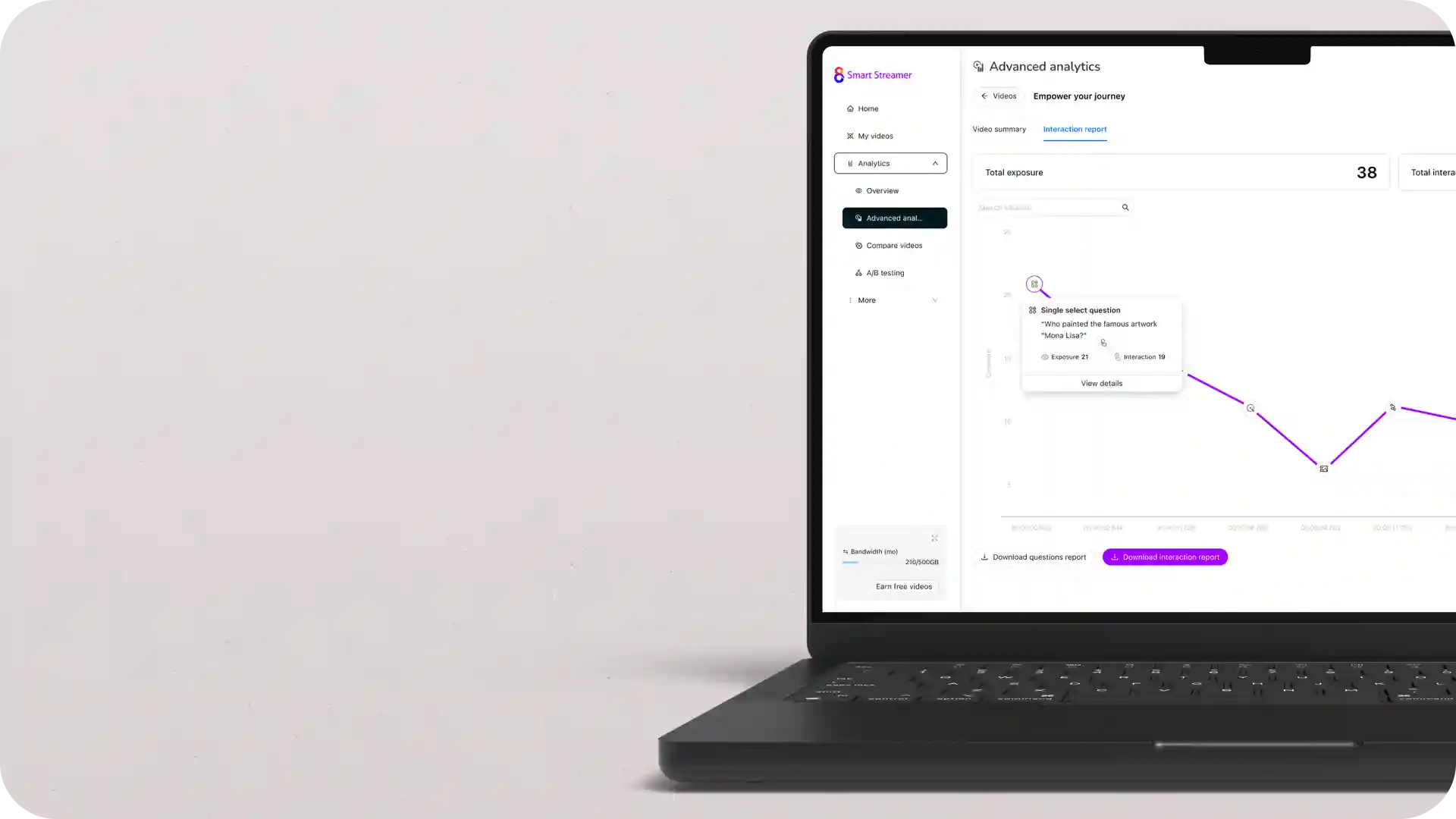
Viewer-level analytics show which choices employees made and where they struggled. Use the data to update scenarios that miss the mark.
Why scenario-based learning works better than linear video
Linear training videos test recall. Scenario-based videos test judgement. Employees have to choose how to respond to a difficult customer, a safety risk, or a compliance grey area. They engage with the content as a problem to solve rather than information to absorb. The branching structure means two employees watching the same scenario can take entirely different paths. They reach different outcomes, which mirrors how decisions actually work in their day job.
What you can build with scenario-based video in Cinema8

Compliance decision scenarios
Customer service role-plays
Safety and incident response drills
Manager and leadership simulations
Sales objection-handling practice
Onboarding role-specific paths
Build compliance training where employees face realistic ethical or regulatory situations. Each choice routes them to a different outcome, including remedial content when a wrong decision is made. Cinema8 records every path taken so compliance teams can prove which employees encountered which scenarios.
Drop employees into a difficult customer interaction and let them choose how to respond. Show the consequence of each response in real time. Training teams can see exactly which de-escalation choices employees default to and where coaching is needed.
Use scenario-based video to gain deeper insights and give new hires a path that reflects their actual job. A first-day decision in the video routes engineers, marketers, and sales staff to different scenarios. The built-in analytics then show completion rates per role and flag scenarios that consistently confuse new joiners.
Why training teams choose Cinema8 for scenario-based video
During travel restrictions, Cinema8 proved valuable as a tool. Its platform offered straightforward yet complete tools, allowing us to give virtual demonstrations of our solutions in a secure and efficient way.
Jay Yalung
Art Director, Marketing and E-Commerce / Leica Geosystems
Cinema8 software engaged and motivated students with 360-degree videos at the Tate Gallery, featuring past student projects. Staff support was responsive and helpful with training. A valuable tool for educational institutions.
Chi-Ming Tan
Unit Lead Lecturer LCCA / London College of Contemporary Arts
Cinema8 has been instrumental in compiling all of the videos for a research project on employment for the blind or visually impaired, by offering an easy-to-use web-based platform for building Interactive Videos.
Sarah Moody
Communications Coordinator / Mississippi State University
Cinema8 was chosen for its ease of use and ability to create interactive videos through an intuitive interface. The team received great support and reasonable pricing. leading to a renewal of their partnership. Cinema8's support helped them meet project deadlines.
Michel Sohel
Media Consultant / Eastern Michigan University
Starter
$12
per month billed annually
Everything in Free, plus:
- Lead gen forms with CRM/email integration
- 360 degree interactive video support
- Unlimited screen recording
- Customisable video player
- 1TB bandwidth
Recommended
Pro
$24
per month billed annually
Everything in Starter, plus:
- Sticky hotspots for moving objects
- AI chaptering + SEO metadata
- AI-powered speech search
- Video heatmaps + advanced reports
- 2TB bandwidth
Pro Plus
$84
per month billed annually
Everything in Pro, plus:
- FTP upload for video libraries
- Webhook-based event notifications
- Domain restriction
- Priority + dedicated support
- Unlimited seats