What is widget development for video?
Widget development for video refers to creating small, functional elements that can be added to video players to enhance user interaction, data collection, or navigation. These widgets make video content more engaging and practical by allowing viewers to take actions such as clicking, exploring, submitting information, or accessing related resources without leaving the video.
Definition of widget development for video
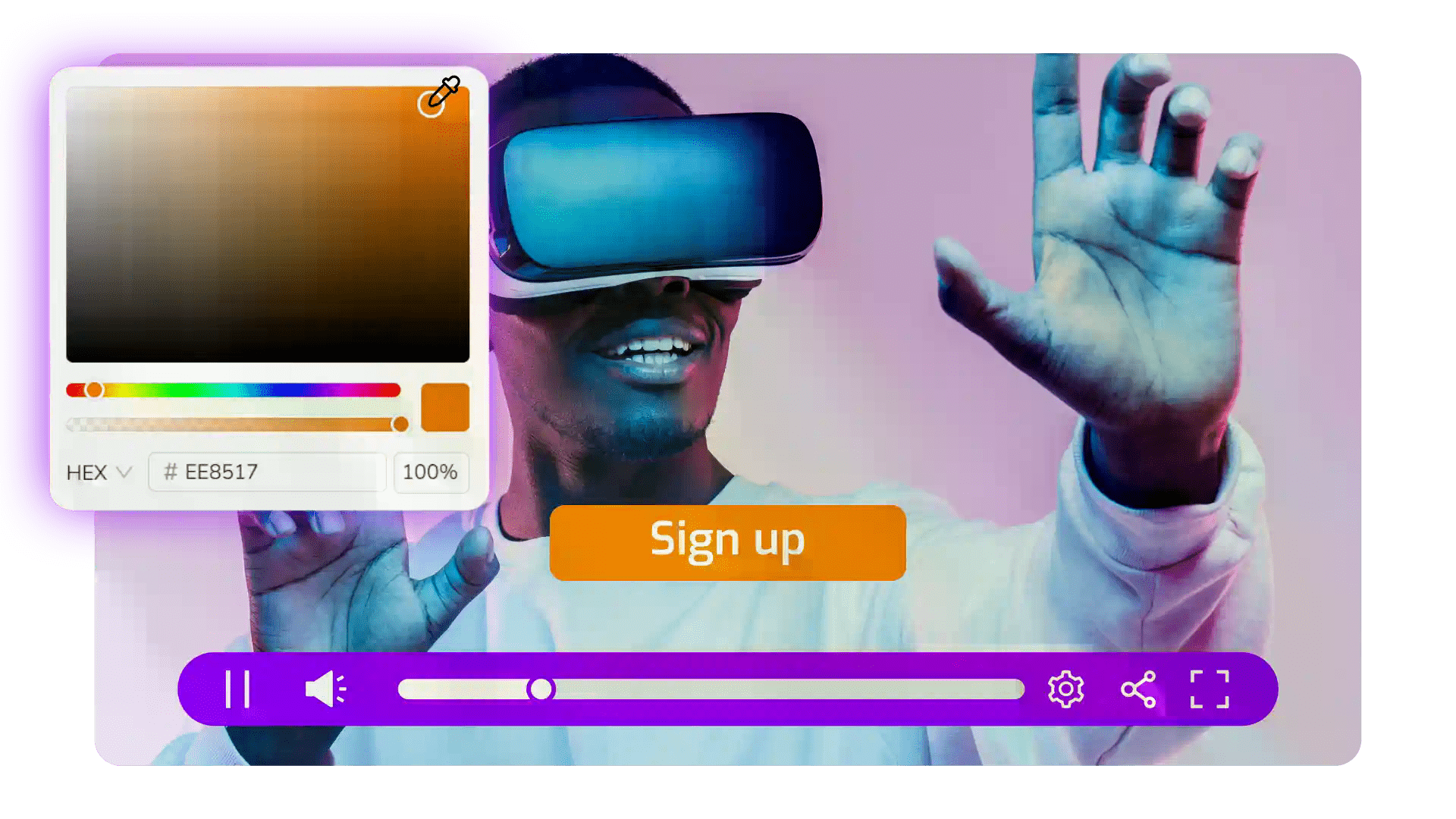
Widget development for video involves designing and embedding custom tools inside a video player to support interaction or extend functionality. These widgets may include buttons, forms, polls, information panels, or navigation elements that enrich the viewing experience. Some advanced video hosting platforms offer widget development capabilities, ensuring widgets remain responsive, reliable, and consistent across devices. Common types of widgets include:
- Clickable buttons: Lead viewers to resources, next steps, or related content.
- In-video forms: Capture user details, feedback, or quiz responses.
- Information pop-ups: Display additional context, descriptions, or instructions.
- Navigation controls: Allow movement between chapters or interactive pathways.
- Interactive overlays: Add dynamic elements that guide or prompt user actions.
Why does widget development for video matter?
Widget development is highly valuable for video content because it turns videos into engaging tools for growth. By embedding interactive components, creators can influence user behaviour, track meaningful engagement, and support specific goals such as learning, lead generation, onboarding, or product exploration.
These enhancements give viewers more control, provide useful context, and create smoother pathways through content without forcing them to leave the video environment.
What are the benefits of widget development for video?
The main benefits of widget development for video include improved engagement, higher completion rates, and stronger data insights. Widgets help viewers stay focused while enabling organisations to test, refine, or personalise content more effectively.
Tools such as interactive overlays allow creators to add interactive layers that guide user behaviour. For businesses aiming to collect insights or act on viewer responses, interactive polls are also useful and
allow businesses to gather valuable feedback directly inside the video.
Applications of widget development for video
Widget development supports a wide range of use cases. Marketing teams use interactive buttons to guide viewers toward product pages or promotional offers. Learning providers add quiz widgets to reinforce understanding. Corporate teams embed feedback forms or navigation elements to support structured onboarding or compliance training. Software companies use information panels to explain features during tutorials.
Cinema8 enables these applications with a flexible interactive editor that allows teams to add, customise, and position widgets within any video. For example, organisations building structured tutorials can enhance learning paths by adding guided paths and buttons in key moments, while content-heavy teams benefit from scalable management support.
How Cinema8 uses widget development for video
Cinema8 provides a comprehensive widget library that includes buttons, overlays, forms, quizzes, and navigation tools. Users can place widgets anywhere in the timeline, customise their design, and connect them to specific actions or external systems.
With secure hosting, analytics, and responsive playback, Cinema8 ensures that widgets behave consistently across devices. This creates a seamless, interactive experience that supports learning, marketing, and communication goals without compromising playback quality or user experience.
Book a demo to see how Cinema8 helps you build interactive video widgets that improve engagement, data collection, and viewer experience.